
Edge HMI vs Traditional HMI: Which Architecture Fits Remote Operations?
The Robustel EG5200 edge computing gateway can support edge-HMI architectures where a validated visualization application runs close to industrial equipment and can serve local or networked users. A traditional HMI and an edge HMI solve different operating problems, however, and the best fit depends on which operator must retain visibility when the WAN, local network or edge application becomes unavailable.
A machine operator standing beside a production line has a very different requirement from a service engineer connecting from another country. The useful comparison is therefore not “old HMI versus new HMI.” It is which visualization path remains available to each operator under real failure conditions.
Start with the Operator, Not the Display Hardware
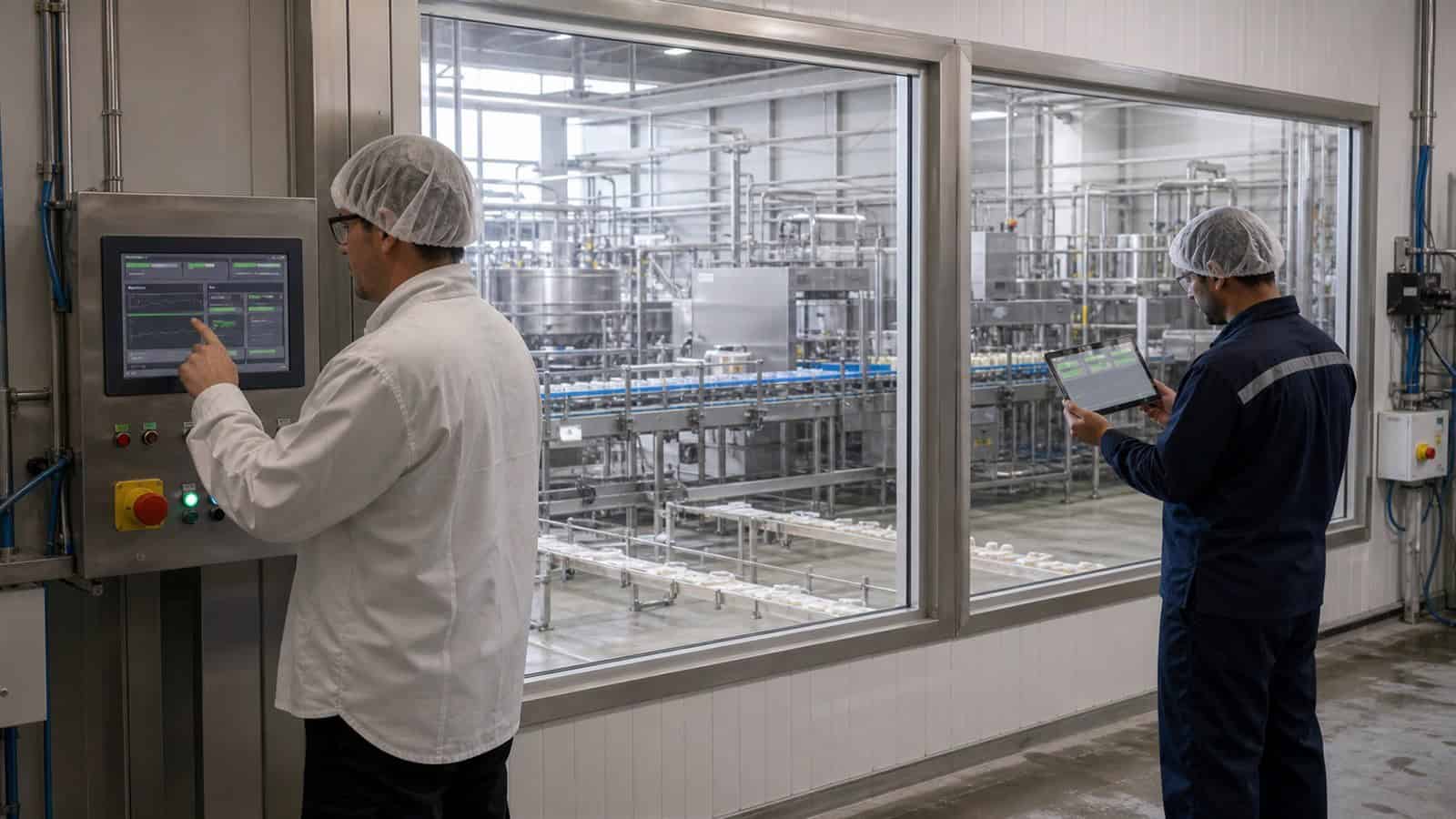
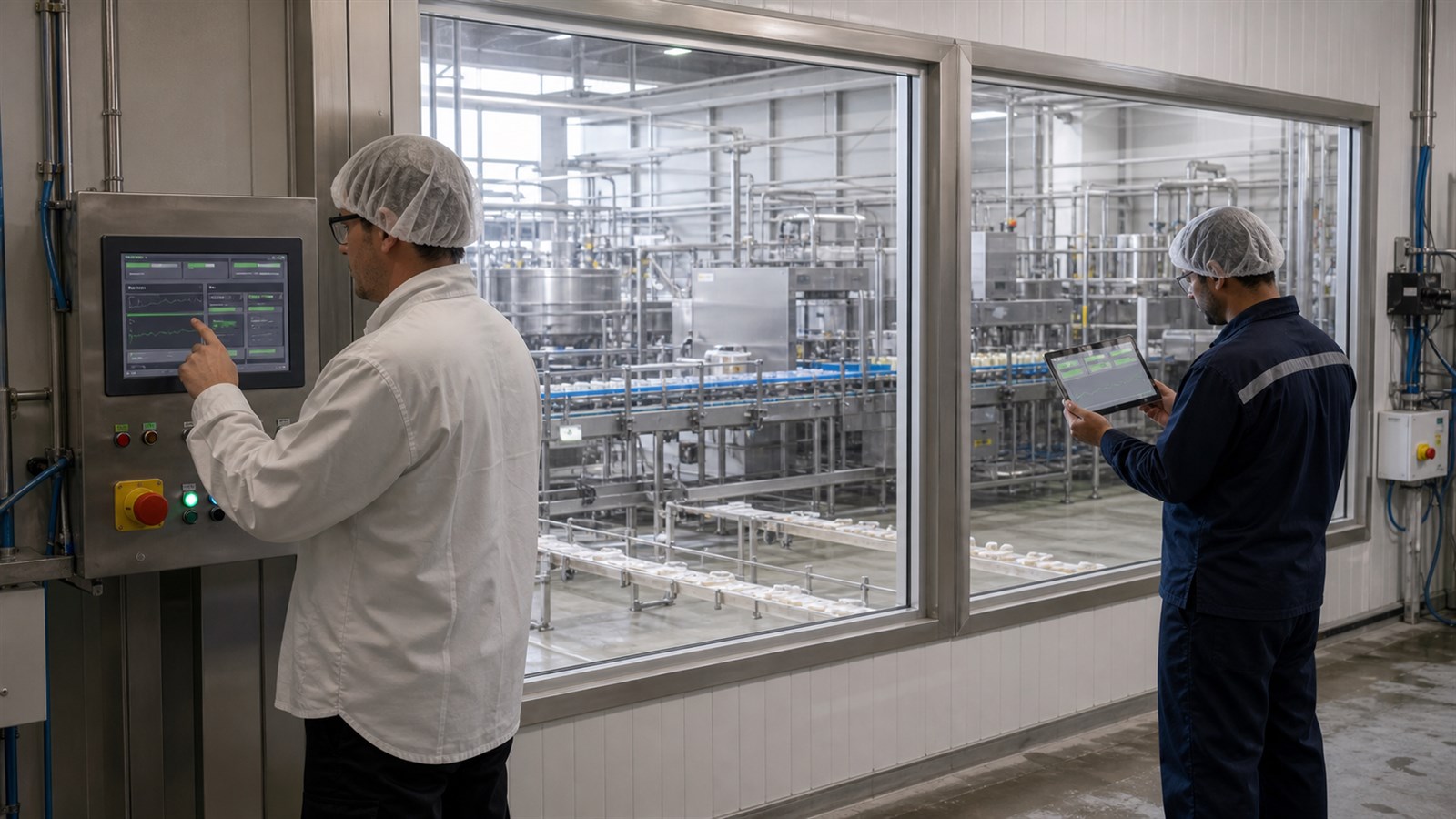
Industrial visualization can serve at least three audiences: a machine operator beside the equipment, a supervisor elsewhere in the plant and a remote service engineer outside the site.
The Robustel Edge Computing Gateway portfolio provides local application capability on industrial gateways, but moving visualization onto an edge device changes where software, networking and maintenance responsibilities sit.
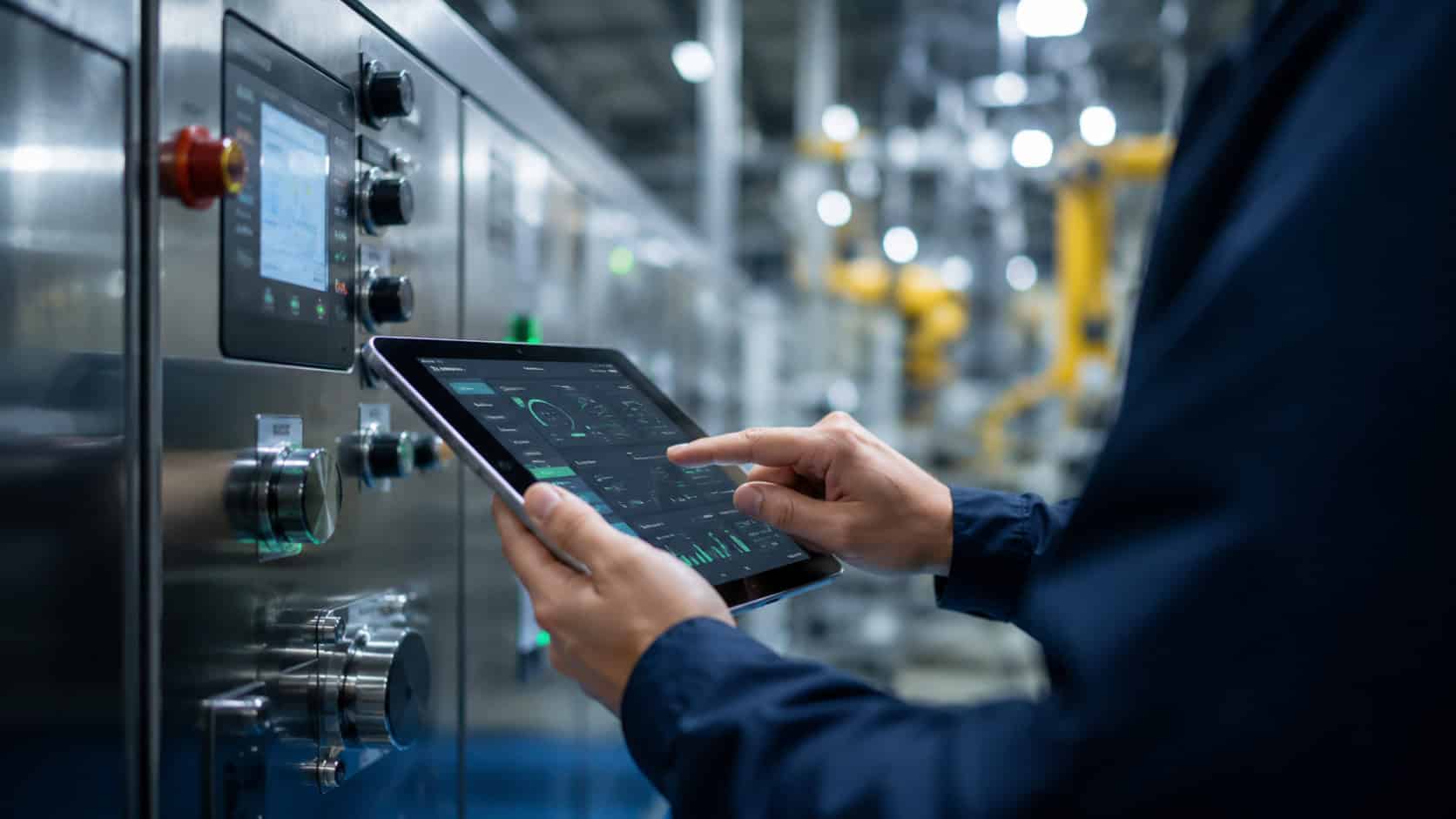
A traditional HMI normally places the visualization runtime in a dedicated panel close to the machine. An edge HMI may instead place the runtime on an industrial gateway and present the interface through a connected display or browser. Neither architecture is automatically more resilient. The answer depends on which components each user path relies on.
Traditional HMIs Keep the Local Operator Path Simple
The attraction of a dedicated HMI is often easiest to understand during a fault rather than during normal operation. If the WAN is unavailable, a central service is under maintenance or an edge application has just restarted, the operator standing beside the machine may still need to see state, alarms and process values immediately. A dedicated local HMI keeps that path relatively short and easy to reason about because the display is not dependent on a general-purpose application runtime or a remote session.
That simplicity is not automatically the best architecture for an entire fleet. The difficulty appears when a service team has dozens or hundreds of separate HMI projects, software versions and remote-support arrangements to maintain. The engineering trade-off is therefore not between “old” and “modern” visualization. It is between a tightly bounded local operating path and a more flexible visualization architecture with additional software and network dependencies.
Robustel’s Connected CNC Machines Application Example illustrates the remote-support pressure behind this architectural decision. The CNC system remains under its existing local control architecture, while a Robustel EG-series gateway can provide a managed remote path for selected operational data that is already exposed through supported industrial interfaces or through the machine’s PLC/control layer. This should not be interpreted as native support for proprietary CNC controller protocols. The example is not an edge-HMI deployment; its relevance here is the separation between local machine operation and remote service visibility.
A traditional HMI can therefore remain the primary local operator interface while an edge layer is added for remote access, data forwarding or other supported operational functions.
Edge HMI Changes Where the Visualization Runtime Lives
An edge-HMI architecture moves the visualization application from a dedicated panel into a general-purpose edge software environment.
That change can make one runtime available to multiple display clients, and it may allow visualization to sit beside local data processing or protocol integration.
The RobustOS Pro edge computing operating system provides a Debian environment for containers and native applications on supported Robustel gateways. This allows compatible HMI or visualization software to run on the same industrial platform that connects field and upstream networks.
The software still has to be selected and validated. RobustOS Pro is an application environment; it does not mean that every Robustel gateway automatically contains a complete HMI package. The project remains responsible for the visualization runtime, protocol drivers, user interface and application lifecycle.
This distinction is essential when comparing an edge gateway with a dedicated HMI product.
Remote Browser Access Adds Reach—and New Dependencies
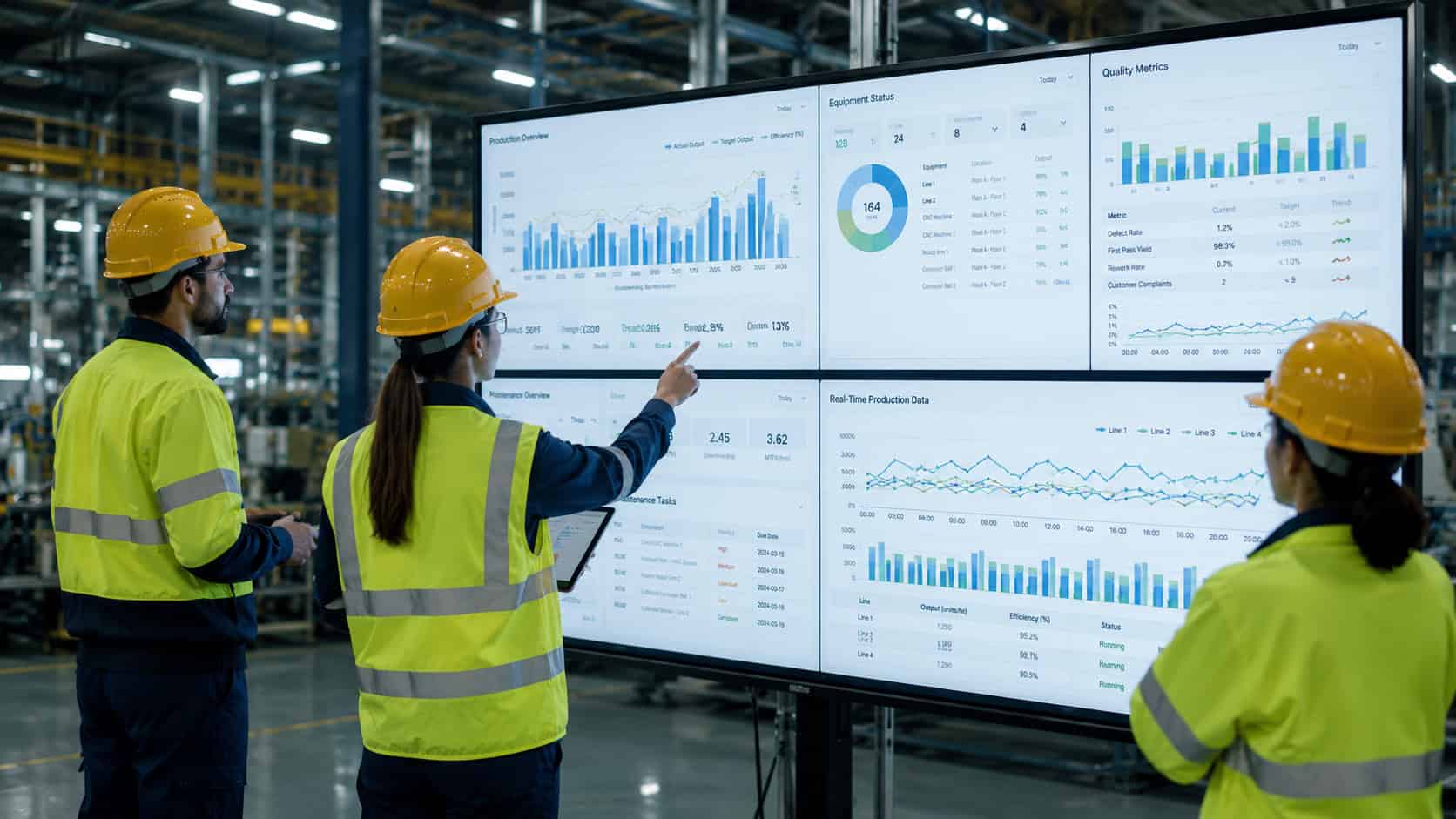
A browser-based edge HMI can give supervisors or maintenance staff access without installing a dedicated operator panel at every viewing location. That flexibility also adds dependencies. The browser needs a network path to the edge application. Authentication must be defined. The runtime must remain healthy, and remote users may depend on WAN or VPN availability that the machine operator does not.
Robustel’s Secure Remote Access to Industrial Robots Application Example makes this distinction clear. Local production equipment remains inside the protected robot environment, while the EG5120 provides a separate controlled path for remote support. The remote path is useful precisely because it does not redefine the local operator’s responsibility.
The same principle should apply to an edge HMI. Remote reach should extend the operating architecture without turning a WAN connection into a prerequisite for local machine visibility.
Browser access often looks almost trivial during a lab demonstration: enter the gateway address, authenticate and the visualization appears. Production operation adds the details that matter. What happens when the browser session expires during a shift? Does the local client recover cleanly after the edge application restarts? Can a remote engineer reconnect without gaining broader access to the machine network? If DNS, VPN or the local Ethernet path changes, does the operator still have an independent route to the information required for safe operation?
None of these issues means browser-based HMI is fragile by definition. They simply show that moving visualization from a dedicated panel into an edge runtime transfers part of the resilience problem from HMI hardware into software, networking and identity management.
How the Robustel EG5200 Edge Computing Gateway Fits an Edge HMI Architecture
The Robustel EG5200 edge computing gateway is especially relevant to edge-HMI discussions because it combines RobustOS Pro with five Gigabit Ethernet ports, USB connectivity and HDMI for local display. Robustel currently positions HDMI as useful for local display and review in supported edge workloads.
A compatible architecture could place a validated visualization application on the gateway, connect field or IP equipment through the local network and present the interface either through a local display or an approved network client.
Robustel’s “What Is an Edge Gateway” video is useful here because an edge HMI only makes architectural sense once the gateway is understood as an application host as well as a connectivity boundary. The visualization workload is one possible application at that edge layer; it is not the definition of the gateway itself.
The EG5200 should therefore be described as an edge platform that can support an HMI architecture, not as a complete HMI solution by itself. For that reason, an EG5200-based HMI architecture makes the most sense when the project deliberately wants the gateway to become an application host and is prepared to operate the visualization software accordingly. If the machine requires a dedicated operator panel that must remain independent of gateway software maintenance, keeping the traditional HMI and using the Robustel edge gateway for data, diagnostics or remote access can be the cleaner design. Both arrangements are valid; the important point is that the local operator path should be chosen deliberately rather than becoming a side effect of where the visualization software happens to run.
Test Operator Continuity During WAN and Application Failures
The most useful comparison appears when failure conditions are introduced.
| Failure or user path | Traditional HMI | Edge-hosted local display | Remote browser HMI |
|---|---|---|---|
| Local operator | Direct local path | Available if edge runtime is healthy | Depends on local browser/network |
| WAN failure | Usually unaffected | Can remain local | Remote user loses access |
| Edge application failure | Traditional panel may remain | Visualization affected | Visualization affected |
| Gateway failure | Separate HMI may remain | Visualization affected | Visualization affected |
| Remote engineer | Needs additional path | Possible with remote architecture | Natural use case |
| Software ownership | HMI project | Gateway + edge application | Gateway + app + browser/security |
For a Robustel EG5200 deployment, acceptance testing should therefore include local operation with WAN disconnected, application restart, browser-session recovery and the behavior of the underlying control system if visualization is unavailable.
An HMI architecture is resilient only if the project knows which user path is supposed to survive each failure.
Preguntas frecuentes
Q1. Is an edge HMI better than a traditional HMI?
Not universally. An edge HMI can provide flexible application hosting and browser-based access, while a traditional HMI can offer a simple, dedicated local operator path. The better architecture depends on local resilience, remote access and maintenance requirements.
Q2. Can the Robustel EG5200 edge computing gateway act as an HMI?
The Robustel EG5200 edge computing gateway provides HDMI, industrial networking and a Debian application environment that can support compatible visualization software. The actual HMI application still needs to be selected, installed and validated separately.
Q3. Does an edge HMI require cloud connectivity?
No. An edge-hosted visualization can run locally if the application has been designed that way. Remote browser users may still require WAN or VPN connectivity, so local and remote operating paths should be distinguished.
Q4. What happens if the edge gateway fails?
Any visualization hosted on that gateway can become unavailable. Projects requiring an independent local operator interface should consider whether a dedicated HMI or another resilient path is still needed.
Q5. Why use a browser-based HMI?
Browser access can simplify access from several authorized devices and locations, but it also creates network, authentication and application-lifecycle dependencies that must be managed.
Conclusión
The edge HMI vs traditional HMI decision is really a question of operator continuity. The Robustel EG5200 edge computing gateway can provide a strong platform for compatible edge-hosted visualization because it combines local display connectivity, industrial networking and RobustOS Pro.
A traditional panel may still be the better choice where a dedicated local operator path must remain independent of the edge runtime. Map each operator to the systems they depend on, then test the architecture when those dependencies fail. That gives a much more useful answer than deciding from display technology alone.
Related Reading on Edge Computing in Industrial IoT:
Acerca del autor
Robert Liao | Technical Support Engineer
Robert is an IoT Technical Support Engineer at Robustel, specializing in industrial networking and edge connectivity. A certified Networking Engineer, Robert focuses on the deployment and troubleshooting of large-scale IIoT infrastructures. His work centers on architecting reliable, scalable system performance for complex industrial applications, bridging the gap between field hardware and cloud-side data management.