
Edge Gateway Remote Management Guide: Zero-Touch Provisioning and Fleet Updates
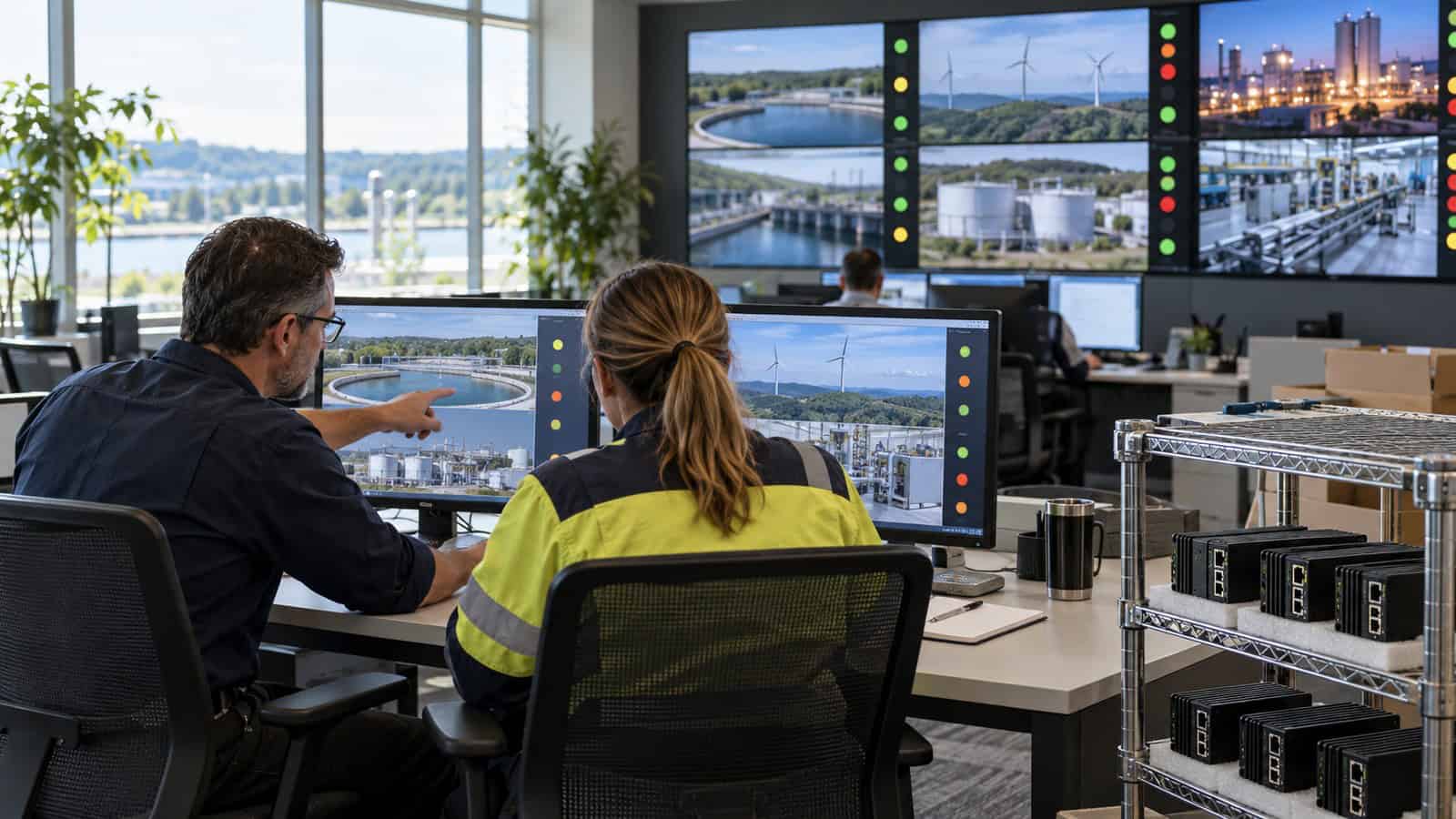
The Robustel EG5100 Edge Computing Gateway can be enrolled into RCMS for central visibility, configuration and supported update workflows, but zero-touch provisioning is reliable only when identity, bootstrap connectivity, configuration ownership and replacement procedures are defined before a unit leaves staging. Fleet management is an operating model, not an enrolment checkbox.
Define the Golden State and the Exceptions
Create a baseline for firmware, network settings, VPN, users, certificates, time, logging and required applications. Separate values shared by the fleet from site-specific parameters such as APN, address, asset identity and upstream endpoint. A template that overwrites local commissioning data is not reusable.
Maintain an exception register with an owner and expiry. Unrecorded site changes are the main reason a fleet cannot be updated consistently: the central view shows one version, while an engineer depends on a local workaround nobody wants to disturb.
The Robustel EG5000 Series Quick Pitch video can give service and procurement teams common family context before they define the golden state. The controlled baseline still has to name the EG5100 variant, software release, site parameters and hosted application expected at each rollout stage.
Secure the Bootstrap Path
Decide how the gateway proves its identity, obtains its first network path and associates with the correct tenant or group. Protect enrolment credentials in transit and at rest, restrict who can claim or reassign a device and record the serial number-to-site mapping.
Test a factory-fresh replacement at a site with no specialist present. The device should reach management using the approved cellular or Ethernet path, receive only the intended configuration and expose enough status for the remote team to finish validation.
The Robustel’s public-safety CCTV application example uses the EG5100 and illustrates the operational value of managing distributed, difficult-to-reach sites. It is an Application Example rather than customer deployment evidence, so the rollout team must prove its own onboarding time and support process.
Robustel’s secure remote-access application example for industrial robots uses the EG5120 and adds a useful support principle: enrolment is only complete when a controlled remote path reaches the intended asset and the access event is attributable. For an EG5100 fleet, retain that support discipline while validating the EG5100 configuration and hosted workload at each update ring.
Use Update Rings That Reflect Operational Risk
Start with a lab device, then an internal or low-consequence site, a representative canary group and controlled production rings. Define success in terms of gateway reachability and the local application. Stop expansion on repeated registration failures, application errors, abnormal data use or loss of remote access.
| Ring | Purpose | Minimum evidence |
|---|---|---|
| Lab | Package and rollback | Reproducible baseline |
| Canary | Real carrier/site conditions | Gateway plus application health |
| Limited production | Detect estate variation | Exceptions and failure rate |
| Broad production | Controlled scale | Change record and monitoring |
Bandwidth and power interruptions should be included. A device that downloads an image successfully on office Ethernet may fail halfway through an expensive or unstable cellular session.
How the Robustel EG5100 Edge Computing Gateway Supports Fleet Operations
The Robustel EG5100 edge computing gateway combines dual-SIM 4G, Ethernet WAN/LAN, configurable serial ports, digital I/O and a Debian 11-based RobustOS Pro environment with Docker. Robustel RCMS platform provides supported central monitoring, configuration and maintenance functions for the gateway fleet.
Keep gateway operations separate from the hosted application’s release process. RCMS visibility that the device is online does not prove that a container is collecting data, that a serial device is responding or that the upstream platform accepts messages. Feed those application checks into the update gate.
Make Replacement a First-Class Workflow
An unavailable gateway cannot receive a remote fix. Hold a compatible spare, document SIM and antenna handling, and define how configuration and site identity are restored without copying secrets insecurely. Revoke or quarantine the failed unit before the replacement assumes its identity.
Measure replacement time from ticket approval to restored application service, not merely to an online management icon. That metric exposes delays in site access, credentials, application data and handover.
Exercise the replacement workflow before the first real failure. Give a technician the spare, site record and approved credentials, then observe where the process stops: an unlabelled SIM, a certificate tied to the old identity, missing application state or an upstream allow-list can each add more downtime than the physical swap. Record those dependencies in the fleet runbook and assign an owner to each one.
Govern Access and Evidence
Use named roles, least privilege and auditable change windows. Contractors may need temporary access to one site; platform administrators may manage groups; application teams should not automatically receive router administration. Review dormant accounts and API credentials.
For every bulk change, keep the approved scope, versions, start/stop criteria, results and exceptions. That evidence is what lets a future engineer distinguish a platform defect from one site that missed the update.
Preguntas frecuentes
Q1. What is remote device management?
It is the controlled monitoring, configuration, update and support of deployed devices over a network. Useful platforms also preserve identity, roles and change evidence.
Q2. What is zero-touch provisioning?
It is a process in which a new device securely identifies itself and receives an approved configuration with minimal local action. It still requires pre-staging, connectivity and ownership rules.
Q3. How do you update IoT devices at scale?
Use inventories, representative canaries, staged rings, bandwidth planning, stop criteria and rollback. Verify the application service as well as the device’s management status.
Q4. What happens if a remote update fails?
The runbook should attempt a supported rollback or recovery path and then escalate to a prepared replacement workflow. A device that is unreachable needs an on-site or out-of-band option.
Q5. What can RCMS manage on the Robustel EG5100 Edge Computing Gateway?
RCMS supports central gateway visibility, configuration and maintenance workflows. Hosted application health and process-data quality still need their own monitoring and acceptance checks.
Conclusión
The Robustel EG5100 Edge Computing Gateway becomes easier to operate across a fleet when RCMS is paired with a disciplined golden state, secure bootstrap and ring-based change process. Zero-touch should reduce local keyboard work without removing accountability for identity and application acceptance.
Design replacement and rollback before the first large update. A fleet that can recover a failed site predictably is more mature than one that can push a configuration to every online device at once.
Explore More Articles About Robustel Edge Computing Gateways



Acerca del autor
Robustel Editorial Team
The Robustel Editorial Team publishes practical articles on industrial connectivity, edge computing, LoRaWAN and device management, focusing on deployment considerations, technical limitations and long-term operation.