
Industrial eSIM Router Deployment: 5 Common Mistakes and How to Avoid Them
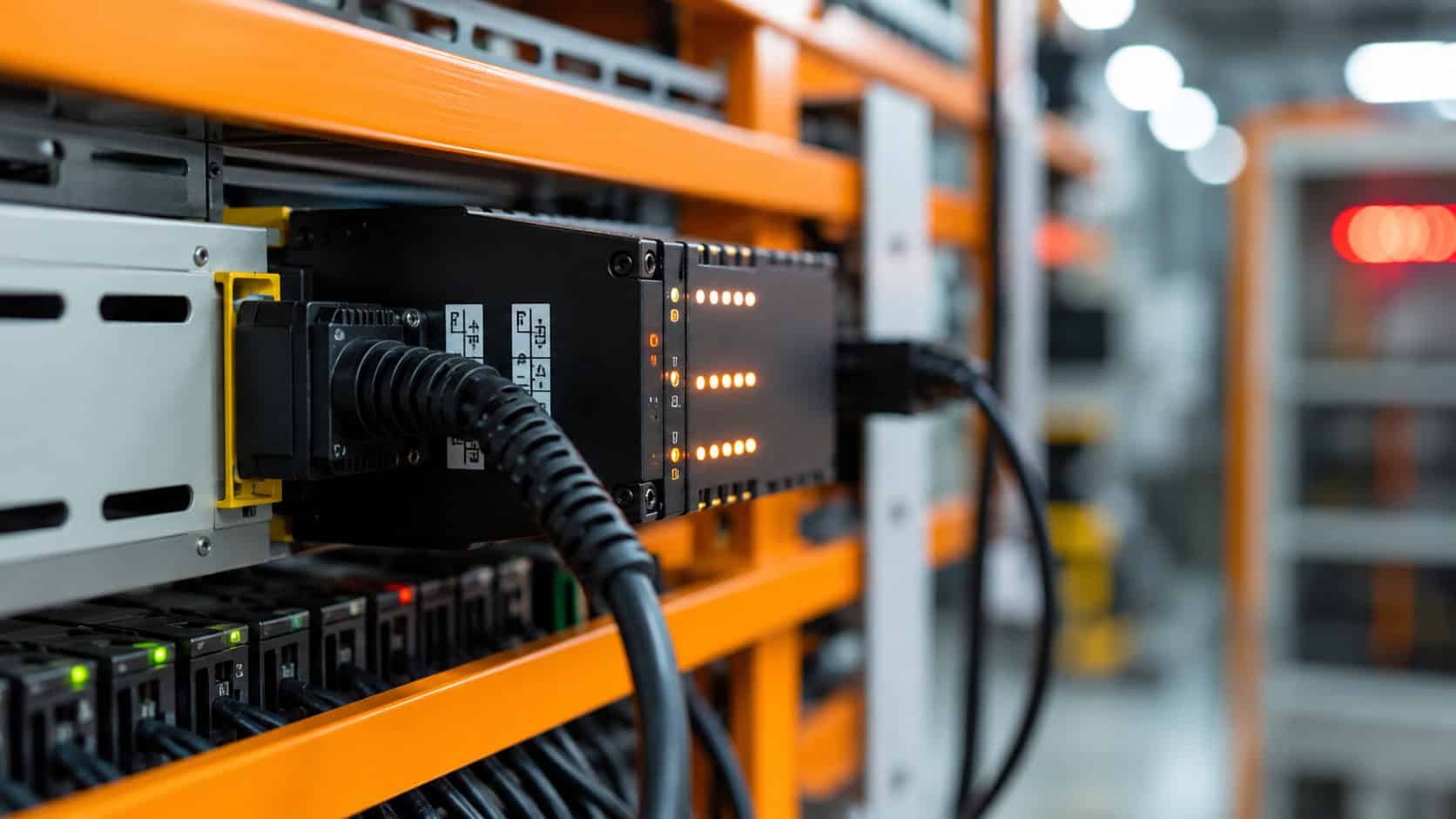
Robustel R1510e eSIM Router can simplify industrial IoT deployment by removing the physical SIM tray and supporting remotely managed eSIM profiles. However, a router can still fail to connect when teams overlook bootstrap access, profile status, APN settings, system time, antennas, or recovery planning.
Most eSIM deployment failures are not caused by a defective eUICC. They occur because several separate stages—profile download, profile activation, WWAN configuration, mobile-network registration, IP connectivity, and application access—are treated as one step. A reliable rollout verifies each stage independently before the equipment leaves the staging environment.
Diagnose the Deployment Stage, Not Just the “Offline” Symptom
An offline industrial router can represent several different conditions. The device may have no internet path for downloading a profile, or the profile may be present but disabled. It may register with the operator but fail to obtain an IP address, or it may have internet access while the required VPN or cloud endpoint remains unreachable.
A useful deployment model separates the connection into six stages:
| Deployment Stage | Evidence to Confirm |
| Bootstrap access | The router can reach the profile provisioning service |
| Profile download | The correct profile is stored on the eUICC |
| Profile enablement | The intended profile is enabled and selected |
| Cellular registration | The modem registers with the expected operator |
| IP connectivity | The router receives an IP address and reaches external networks |
| Application access | VPNs, private APNs, APIs, brokers, or platforms are reachable |
This sequence prevents teams from changing profiles repeatedly when the real problem is an incorrect APN, expired credential, unavailable application, or unsuitable antenna installation.
Robustel’s industrial eSIM router and RCMS capabilities support profile and device management, but the project team must still define what successful connectivity looks like at every stage.
Mistakes at the Bootstrap and Profile Stages
Mistake 1: Shipping the Router Without a Bootstrap Plan
An eSIM profile is downloaded from a remote provisioning server. The router therefore needs an existing internet path before its first operational cellular profile can be installed.
This requirement is easy to miss with an eSIM-only device. A physical-SIM router can arrive at site with a working card already inserted. An embedded-eSIM router cannot download its initial profile if the team has not provided another approved connection.
A bootstrap plan should answer:
- Will the profile be installed during factory staging?
- Will the installer use Ethernet or Wi-Fi internet access?
- Who supplies the activation code?
- Which team owns the temporary connection?
- How will the router be recovered if the download fails?
- Will the site remain accessible after commissioning?
Robustel’s R1510e configuration workflow uses Wi-Fi client connectivity as the initial internet path. Once the router can reach the provisioning server, the profile can be downloaded and enabled before WWAN becomes the preferred connection.
The same deployment model should not be copied blindly to every project. Teams should choose a bootstrap method that matches their security policy, installer skills, staging process, and site conditions.
Mistake 2: Assuming a Downloaded Profile Is Ready to Use
Profile download, enablement, selection, network registration, and IP connectivity are separate states. A profile may appear on the router but remain disabled. It may be enabled but not selected by the WWAN configuration. The modem may attempt registration but fail because the APN, operator access, coverage, or antenna system is unsuitable.
Project teams should record the intended status at each step:
| Profile Check | Question to Answer |
| Downloaded | Is the correct profile stored on the eUICC? |
| Enabled | Is the profile permitted to become active? |
| Selected | Is WWAN configured to use the eSIM path? |
| Registered | Has the modem joined the expected network? |
| IP assigned | Has the operator provided a usable data connection? |
| Application reachable | Can the router reach the actual project endpoint? |
The final test should use the real destination whenever possible. A successful public internet ping does not prove that a private APN, VPN, MQTT broker, or customer platform is available.
Mistakes in Network and Router Configuration
Mistake 3: Treating Signal Strength as Proof of Connectivity
Signal indicators show that the modem can detect radio service. They do not confirm that the active profile is authorised, the APN is correct, an IP address has been assigned, or the application path is working.
A router can display a strong signal and still remain offline because:
- The profile is not active
- The operator rejects registration
- The APN is incorrect
- A private APN requires additional configuration
- DNS is unavailable
- A VPN tunnel has not recovered
- Firewall rules block the destination
- The remote application is unavailable
Deployment testing should move from the radio layer upward:
- Confirm antenna connections.
- Check the expected operator.
- Verify registration status.
- Confirm the assigned IP address.
- Test IP reachability.
- Test DNS where required.
- Verify VPN or private-network access.
- Confirm the real application endpoint.
This order makes troubleshooting faster because each result narrows the likely fault domain.
Mistake 4: Ignoring Time, APN, Antennas, and Firmware
Several apparently minor settings can prevent an otherwise valid profile from operating.
Incorrect system time
Secure profile downloads depend on certificate validation. If the router’s date and time are incorrect, the connection to the provisioning service may fail even when internet access is available. The deployment process should confirm NTP synchronisation before retrying repeated downloads.
Incorrect APN
The APN must match the operator or connectivity provider’s instructions. Private APNs, enterprise plans, and regional subscriptions may not use the default value selected by the modem. Capitalisation, authentication details, and addressing requirements should be checked against the actual service agreement.
Poor antenna preparation
A profile change cannot compensate for loose connectors, missing diversity antennas, unsuitable cable runs, or a metal enclosure that reduces signal quality.
Antennas should be connected before registration tests, and representative signal conditions should be validated inside the final cabinet arrangement.
Unsupported or outdated firmware
The router should run a current firmware release that supports the required eSIM workflow. Firmware should be checked during staging rather than after the device has been installed at a remote site.
The team should also avoid powering off or restarting the router during profile download. Interrupting the secure exchange with the provisioning server can leave the operation incomplete and create unnecessary uncertainty about the profile state.
Mistake 5: Changing Profiles Without a Recovery Path
Remote profile switching is useful only when the router can recover from an unsuccessful change. A team may activate a new profile because of coverage, tariff, operator, or regional requirements. If that profile cannot connect and no alternative path remains, the router may become unreachable.
Before a production profile change, define:
- The currently working profile
- The target profile
- The bootstrap or alternative connection
- The expected operator and APN
- The validation endpoint
- The rollback condition
- The maximum allowed outage
- The person authorised to stop the rollout
Changes should begin with a small group of representative routers. A successful activation on one office device does not prove that the same profile will work at every industrial site.
Robustel’s eSIM portfolio includes profile failsafe and RCMS-based provisioning capabilities for supported workflows. These functions reduce risk, but the exact behaviour should still be tested with the selected model, firmware, profile provider, operator, and deployment configuration.
Robustel’s white paper on eSIM and eUICC for industrial IoT explains bootstrap profiles, Remote SIM Provisioning, profile lifecycle ownership, and recovery considerations for industrial fleets.
Operational ownership matters as much as the technical rollback. Teams should know who approves the change, who monitors the router, who verifies application recovery, and who contacts the operator or profile provider when the workflow fails.
How Robustel R1510e eSIM Router Supports a Verifiable Deployment Workflow
Robustel R1510e eSIM Router is a compact industrial 4G/LTE router with one embedded MFF2 eSIM/eUICC and no physical SIM slot. Its SGP.22-based implementation supports profile download and removal operations and typically accommodates up to eight eSIM profiles.
| Product Area | Robustel R1510e eSIM Router |
| SIM architecture | 1 × embedded MFF2 eSIM/eUICC |
| Physical SIM slot | None |
| eSIM implementation | GSMA SGP.22-based profile operations |
| Profile capacity | Typically up to 8 profiles |
| Ethernet | 2 × 10/100 Mbps, configured as 2 LAN or 1 WAN + 1 LAN |
| Local I/O | 1 × DI and 1 × DO |
| Wi-Fi | 2.4 GHz AP and client modes |
| Operating system | RobustOS |
| Remote management | RCMS, web, CLI, and SMS |
The absence of a physical SIM slot makes the bootstrap process especially important. The device is best suited to projects that can prepare connectivity during staging or provide an approved initial internet path at commissioning.
RobustOS provides the router-side profile, WWAN, network, VPN, firewall, and management environment. RCMS supports central visibility, configuration, firmware maintenance, troubleshooting, and supported eSIM operations across Robustel fleets.
Robustel’s how-to article on configuring eSIM profiles and cellular connectivity on the R1510e provides the practical sequence for bootstrap internet access, profile download, enablement, WWAN configuration, and connectivity verification.
The how-to article is useful because it shows that deployment is a sequence of observable states rather than a single “activate eSIM” action. It also provides troubleshooting guidance for system time, APN settings, antenna connections, coverage, and WWAN registration.
The Robustel R1510e eSIM Router product page provides the current profile support, interfaces, RobustOS functions, RCMS capabilities, regional models, and environmental specifications for final project validation.
Robustel R1510e eSIM Router should not be selected where a removable SIM fallback, serial interface, additional Ethernet ports, or 5G throughput is required. Another Robustel eSIM router may fit those deployment conditions better.
Troubleshooting Sequence Before Dispatching a Technician
When a deployed router does not connect, operations teams should follow one consistent diagnostic order.
1. Confirm power and physical installation
Check whether the router is powered, the expected LEDs are active, and the cellular antennas are connected correctly.
2. Verify system time
Confirm that NTP has synchronised before investigating certificate-related profile download errors.
3. Review the profile state
Check whether the intended profile is downloaded, enabled, and selected.
4. Confirm operator registration
Review the operator name, registration state, and signal information.
5. Validate the APN
Compare the configured APN and authentication values with the provider’s current instructions.
6. Check the assigned IP and link state
Confirm that WWAN has obtained an IP address and appears connected in Link Manager.
7. Test the network path in layers
Test IP connectivity, DNS, VPN, private networks, and the real application destination separately.
8. Review RCMS and change history
Check whether the router remains visible, whether a recent profile or configuration change occurred, and whether the fault affects one device or a wider group.
A technician should be dispatched when evidence points to power, antennas, cabling, enclosure damage, or another physical fault. Remote troubleshooting should prevent unnecessary travel, not delay intervention when the site genuinely requires repair.
Preguntas frecuentes
Q1. Why does an eSIM-only industrial router need bootstrap connectivity?
An eSIM profile must be downloaded from a remote provisioning environment, so the router needs an approved internet path before its first operational cellular profile becomes available. Bootstrap access may be prepared during staging or provided through Ethernet or Wi-Fi at commissioning. The project should also define who supplies the activation information, who owns the temporary connection, and how the router will be recovered if the download fails.
Q2. Why can a downloaded eSIM profile still fail to provide connectivity?
Downloading a profile is only one stage of the deployment process. The profile must also be enabled, selected by the WWAN configuration, accepted by the operator, assigned a usable IP address, and able to reach the required application. An incorrect APN, unsupported operator, private-network restriction, expired credential, or unavailable endpoint can prevent service even when the profile appears correctly stored on the eUICC.
Q3. Does strong cellular signal mean that an eSIM router is connected correctly?
No. Signal strength only shows that the modem can detect a radio network. It does not prove that the profile is active, operator registration has succeeded, the APN is correct, an IP address has been assigned, or the VPN and application path are available. Troubleshooting should proceed from antenna and registration checks to IP connectivity, DNS, private networks, VPNs, and the real project endpoint.
Q4. What should be planned before changing an eSIM profile remotely?
Teams should record the currently working profile, target profile, expected operator, APN, validation endpoint, alternative connectivity path, rollback condition, and maximum acceptable outage. Profile changes should begin with a small representative group rather than the full fleet. The operating process must also identify who approves the change, who monitors the router, and who stops the rollout when connectivity or application recovery cannot be confirmed.
Q5. When is the Robustel R1510e eSIM Router suitable for industrial deployment?
Robustel R1510e eSIM Router is a practical fit for compact 4G/LTE deployments that can prepare bootstrap connectivity during staging or commissioning. It provides an embedded eSIM, two Fast Ethernet ports, DI/DO, Wi-Fi client capability, RobustOS, and RCMS management. Projects requiring a removable SIM fallback, serial communication, additional Ethernet ports, or 5G throughput should select another Robustel eSIM router with the necessary interfaces.
Conclusion: Industrial eSIM Deployment Takeaway
Robustel R1510e eSIM Router demonstrates why successful eSIM deployment depends on preparation and verification rather than the presence of an embedded eUICC alone. A bootstrap path, correct profile state, synchronised system time, valid APN, suitable antennas, current firmware, and tested recovery procedure must all work together.
The most common mistake is collapsing the entire workflow into one question: “Is the eSIM working?” A better process asks which deployment stage has succeeded, which stage has failed, and what evidence confirms the result.
When project teams stage the router correctly, validate every connection layer, and maintain a rollback path, eSIM can reduce physical SIM handling without making field deployment harder to diagnose.
Explore more articles about eSIMe/UICC routers in industrial IoT:




Acerca del autor
Robert Liao | Technical Support Engineer
Robert is an IoT Technical Support Engineer at Robustel, specializing in industrial networking and edge connectivity. A certified Networking Engineer, Robert focuses on the deployment and troubleshooting of large-scale IIoT infrastructures. His work centers on architecting reliable, scalable system performance for complex industrial applications, bridging the gap between field hardware and cloud-side data management.