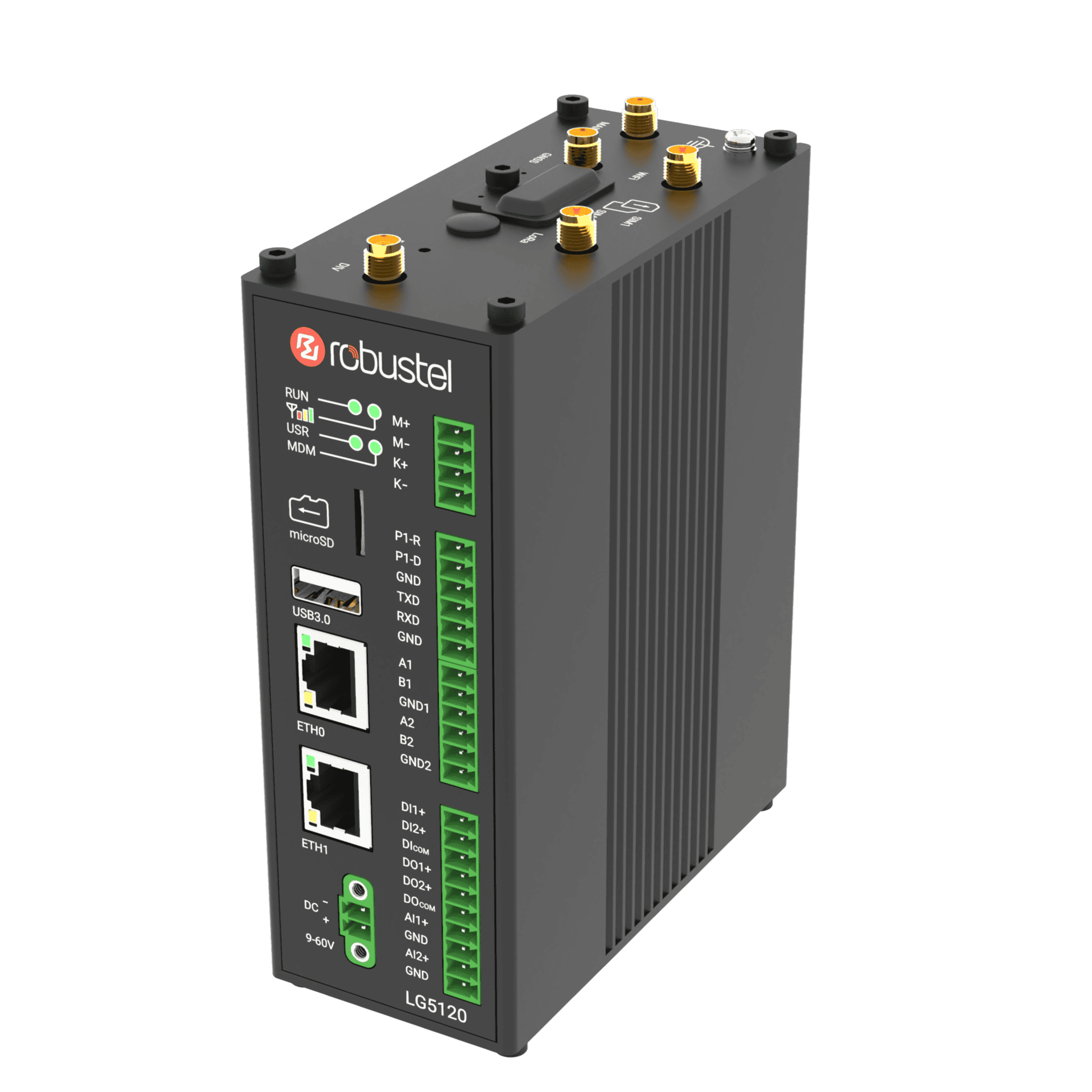
Robustel LG5120
Intelligent Building Edge Controller for KNX, BACnet, M-Bus, LoRaWAN and Edge Automation
The Robustel LG5120 is an industrial-grade edge computing gateway engineered specifically for building automation and facility management. Where most IoT gateways aggregate data and forward it upstream, the LG5120 is designed to act on it locally — running automation logic, triggering controls, and generating dashboards at the edge while syncing with cloud platforms for centralised reporting and fleet management.
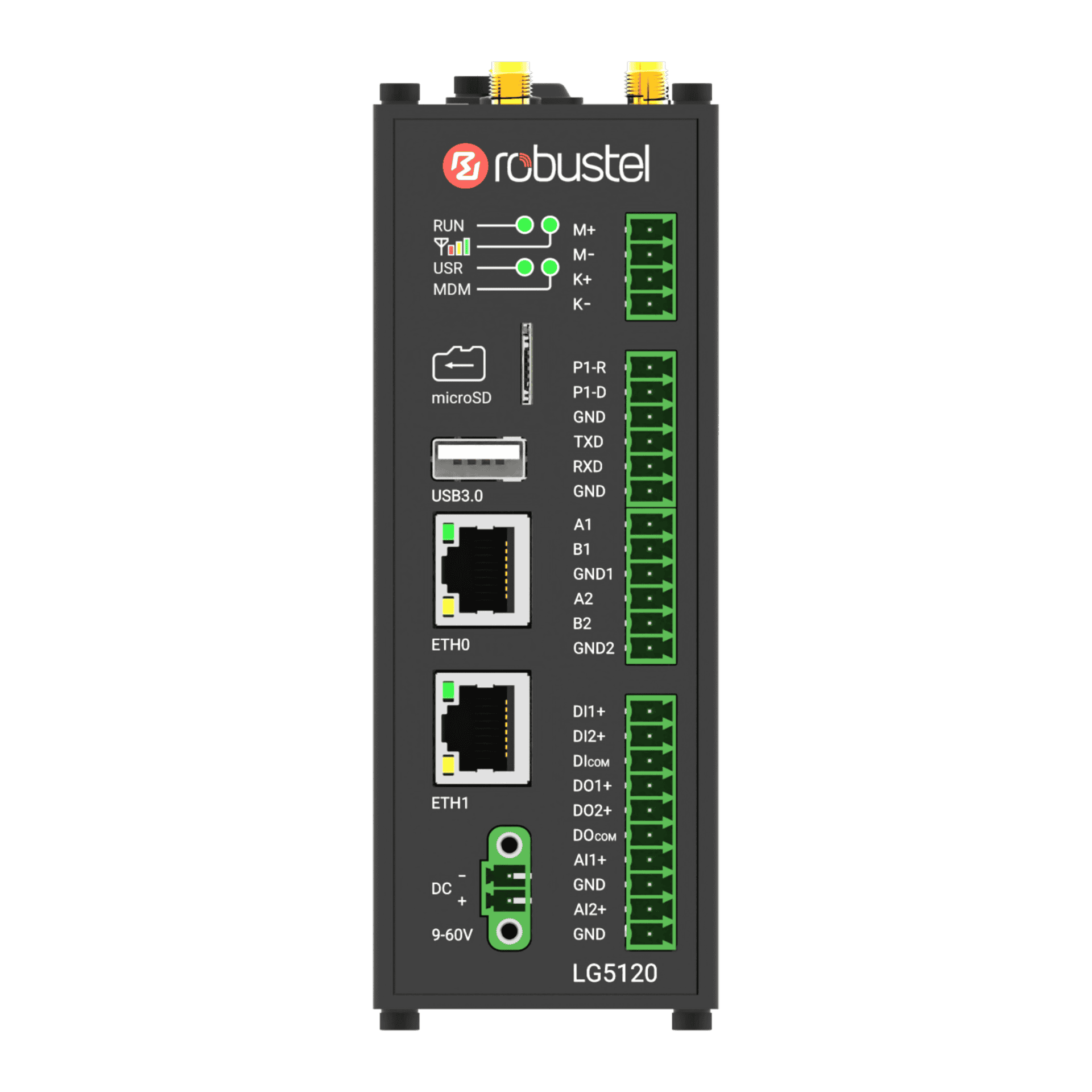
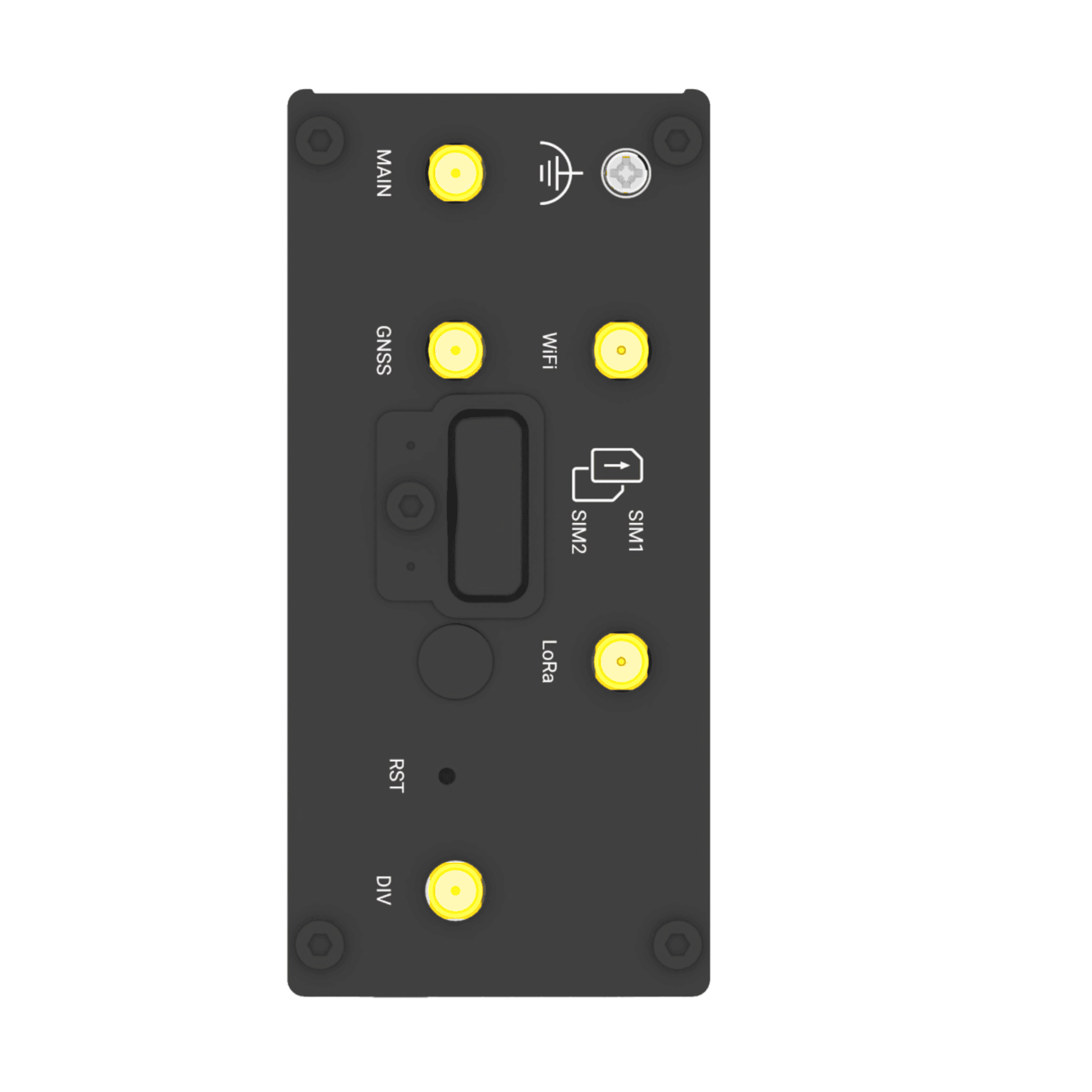
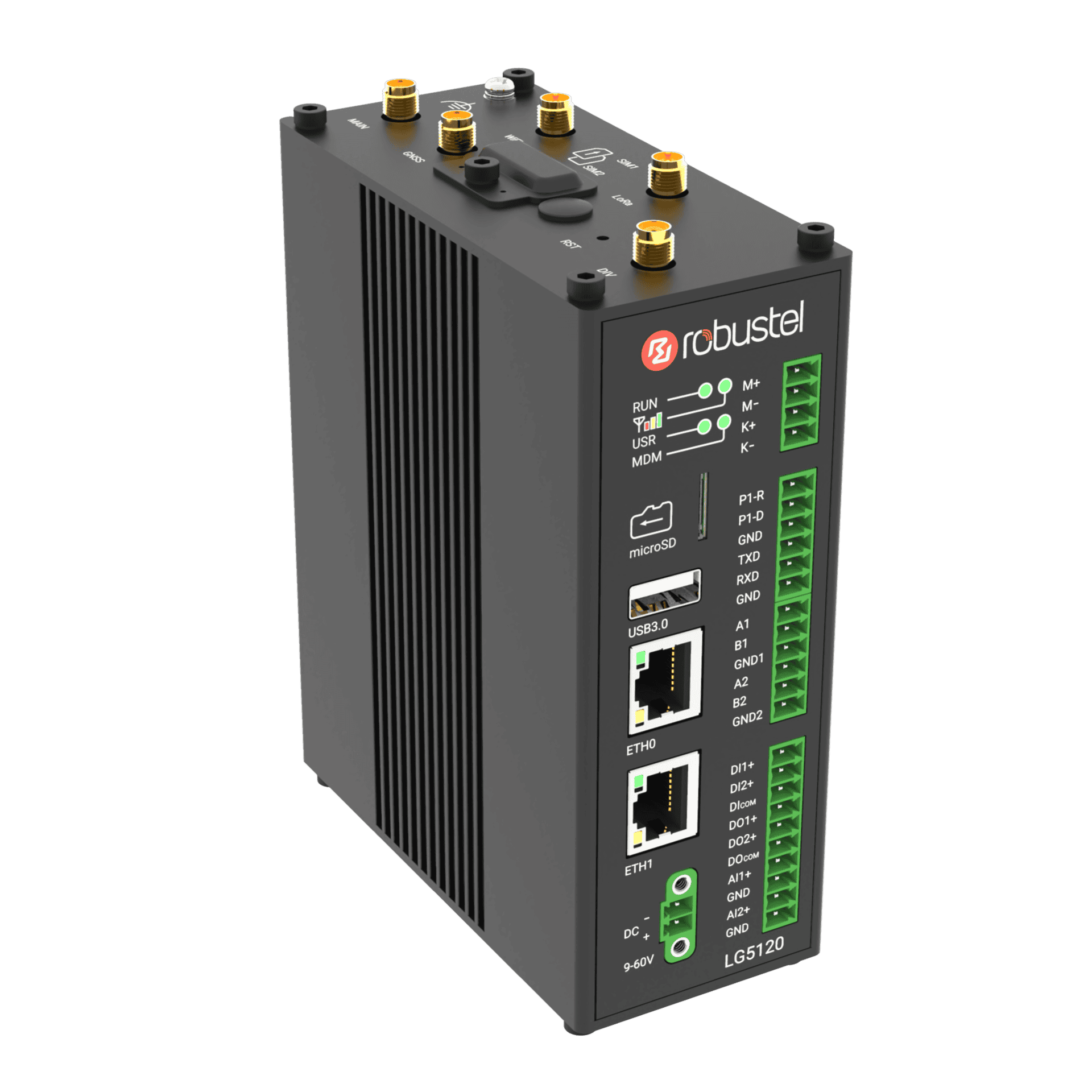
The hardware is built around the protocols buildings actually use. A dedicated KNX TP port and KNXnetIP over Ethernet connect directly to lighting systems, HVAC controllers, and room management units without a protocol converter. Two isolated RS-485 ports handle Modbus RTU and BACnet MS/TP field devices. M-Bus manages heat, water, and energy meter networks. A dedicated P1/DSMR port (up to 115,200 bps) connects directly to high-speed Dutch smart meters for real-time consumption data — particularly relevant for EU868 deployments in the Netherlands and Belgium. Two software-configurable analog inputs (0–24V or 4–20mA) accommodate sensors that don’t use a digital bus. An onboard Semtech SX1302 LoRaWAN chipset covers wireless sensors — temperature, humidity, occupancy, CO₂ — across 8 simultaneous channels on EU868, AU915, AS923, and US915 frequency plans.
Processing runs on a Quad-core ARM Cortex-A53 at 1.6 GHz with an integrated NPU rated at 2.3 TOPS, 8 GB DDR4, and 64 GB eMMC — with 6 GB of RAM and 50 GB of flash available to the SDK. The E2C Facility Suite provides the software framework: unified data acquisition across KNX, BACnet, Modbus, and OPC-UA; Node-RED orchestration with automated scene management for trigger-based control; BACnet IP and OPC-UA data forwarding to external BMS or SCADA systems; and a drag-and-drop HMI/SCADA dashboard builder with real-time multi-channel alarms.
LNS INTEGRATION
Support for UDP, LoRa Basics™ Station, LORIOT and an Internal Chirpstack LNS.
LoRaWAN BACKHAUL
Add Dual-SIM redundant cellular and Wi-Fi back-haul to your LoRaWAN Network.
BUILDING PROTOCOL
KNX TP + KNXnetIP, BACnet MS/TP, Modbus RTU, M-Bus, and OPC-UA onboard.
OPERATING SYSTEM
RobustOS Pro – Full Linux Debian Operating System for hosting IoT applications.
RCMS ON-BOARD
RCMS Cloud device management enabled for enhanced scalability.
Example LG5120 Use Cases
Commercial Buildings & Offices
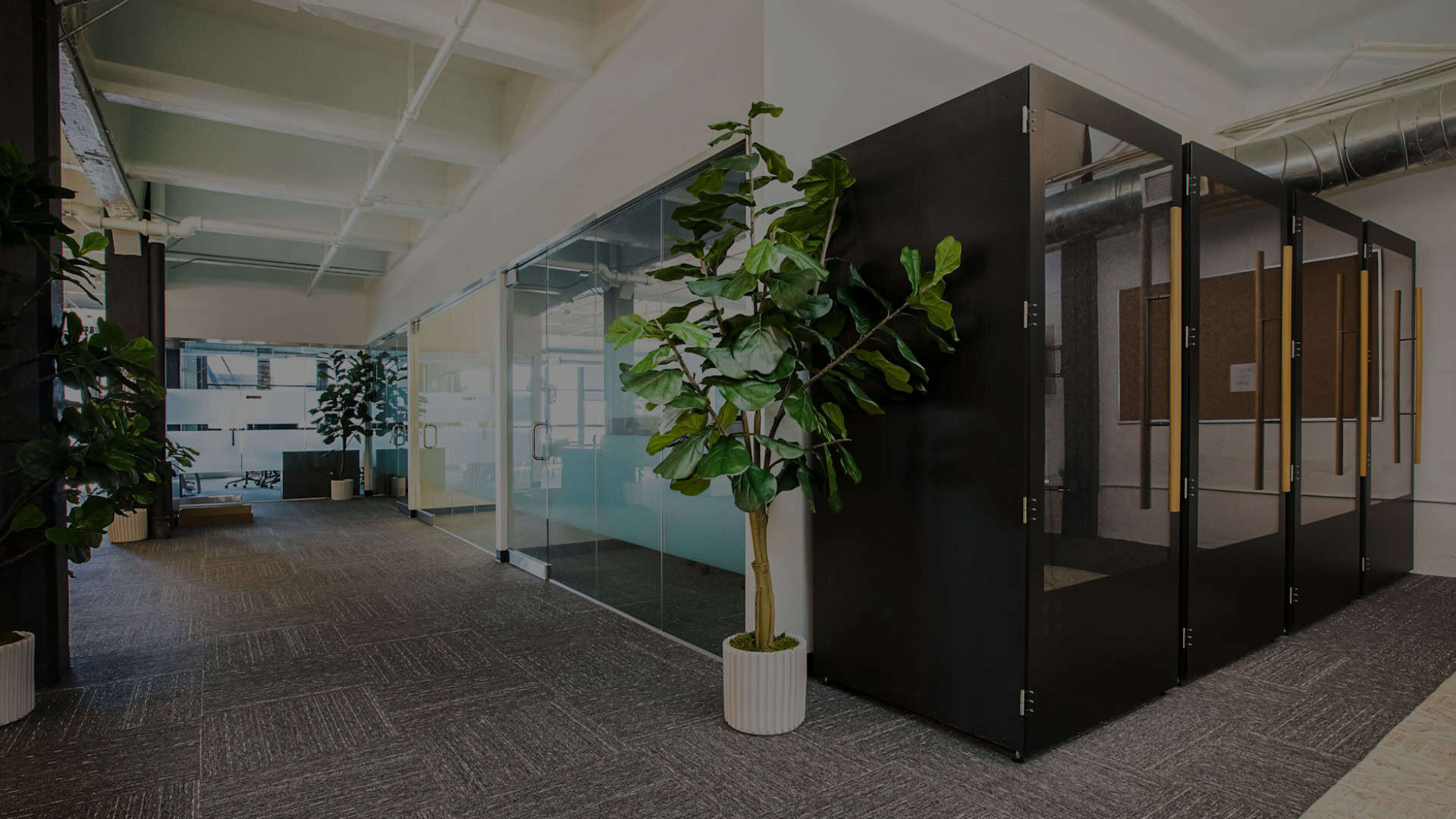
Modern commercial buildings run HVAC, lighting, access control, and sub-metering on separate subsystems that rarely share data. The LG5120 consolidates them — KNX TP handles lighting and room controllers, Modbus or BACnet MS/TP connects HVAC and VFDs, LoRaWAN picks up occupancy and IAQ sensors, and the E2C Facility Suite aggregates the combined data stream locally. Automated scene logic adjusts climate and lighting based on occupancy patterns without waiting for cloud instructions, while the built-in dashboard makes consumption and comfort metrics visible to facilities teams in real time.
Energy Management & Carbon

The M-Bus port aggregates heat, water, and gas meter readings from distributed sub-metering networks. The P1/DSMR port pulls high-resolution electricity consumption data directly from smart meters in the Netherlands, Belgium, and other compatible markets. Combined with LoRaWAN-connected energy monitoring sensors and the E2C Facility Suite’s local processing, the LG5120 can generate granular consumption records and forward structured energy data to RCMS or third-party carbon reporting platforms — supporting energy audit requirements and carbon-neutrality targets without manual data collection.
Healthcare, Campus & Facilities
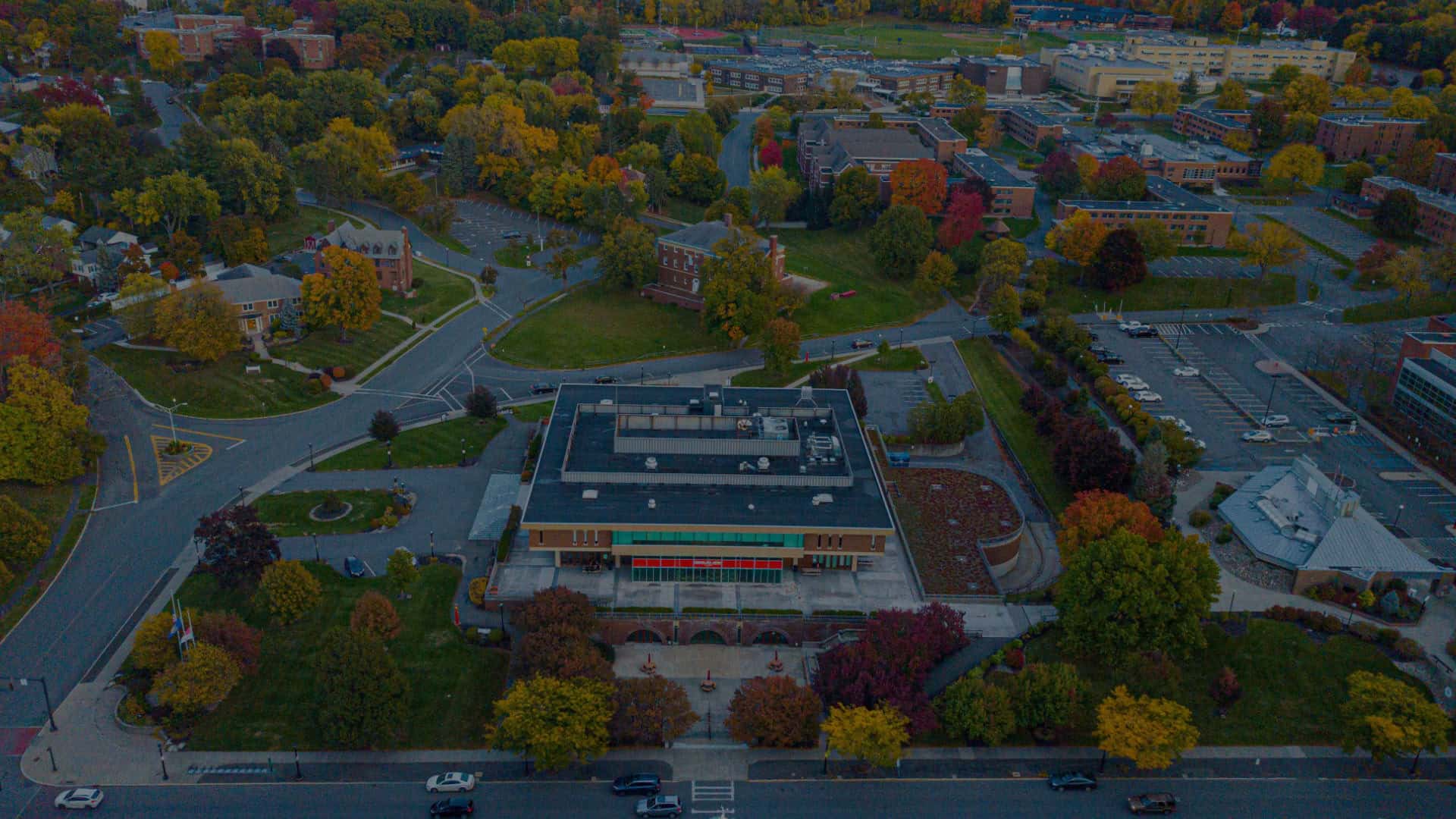
Hospitals and schools share a demanding operational profile: continuous environmental monitoring, strict energy compliance requirements, and facilities staff who need clear visibility without deep technical expertise. The LG5120’s local processing ensures that alarm conditions — temperature deviation in a pharmacy cold store, CO₂ levels in a classroom — trigger responses at the edge with minimal latency. BACnet IP and OPC-UA data forwarding integrates with existing BMS and SCADA platforms already deployed in larger facilities, without requiring a full system replacement.
Looking for more use cases?
With millions of Robustel devices deployed across more than 100 countries, it’s impossible to capture every use case above. Explore the links below to discover some of the exciting and innovative ways our technology is making an impact worldwide.
This Device is RCMS Ready
RCMS is a cloud-based IoT device management platform that gives you real-time visibility across your entire Robustel fleet. So you can troubleshoot, update, and optimize performance from anywhere at anytime, without sending engineers to site.
Product Mounting Options
Desktop Mount
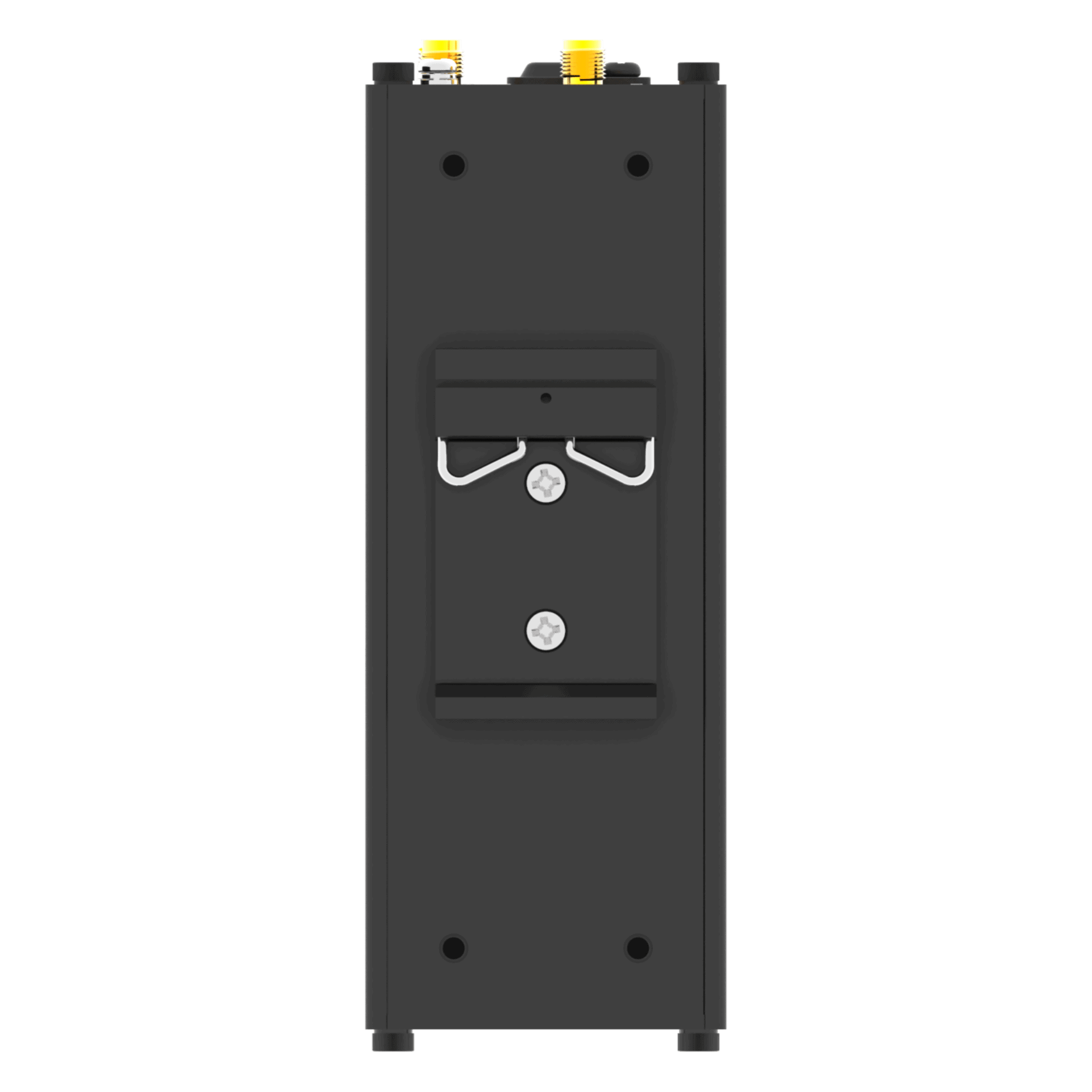
DIN Rail Mount
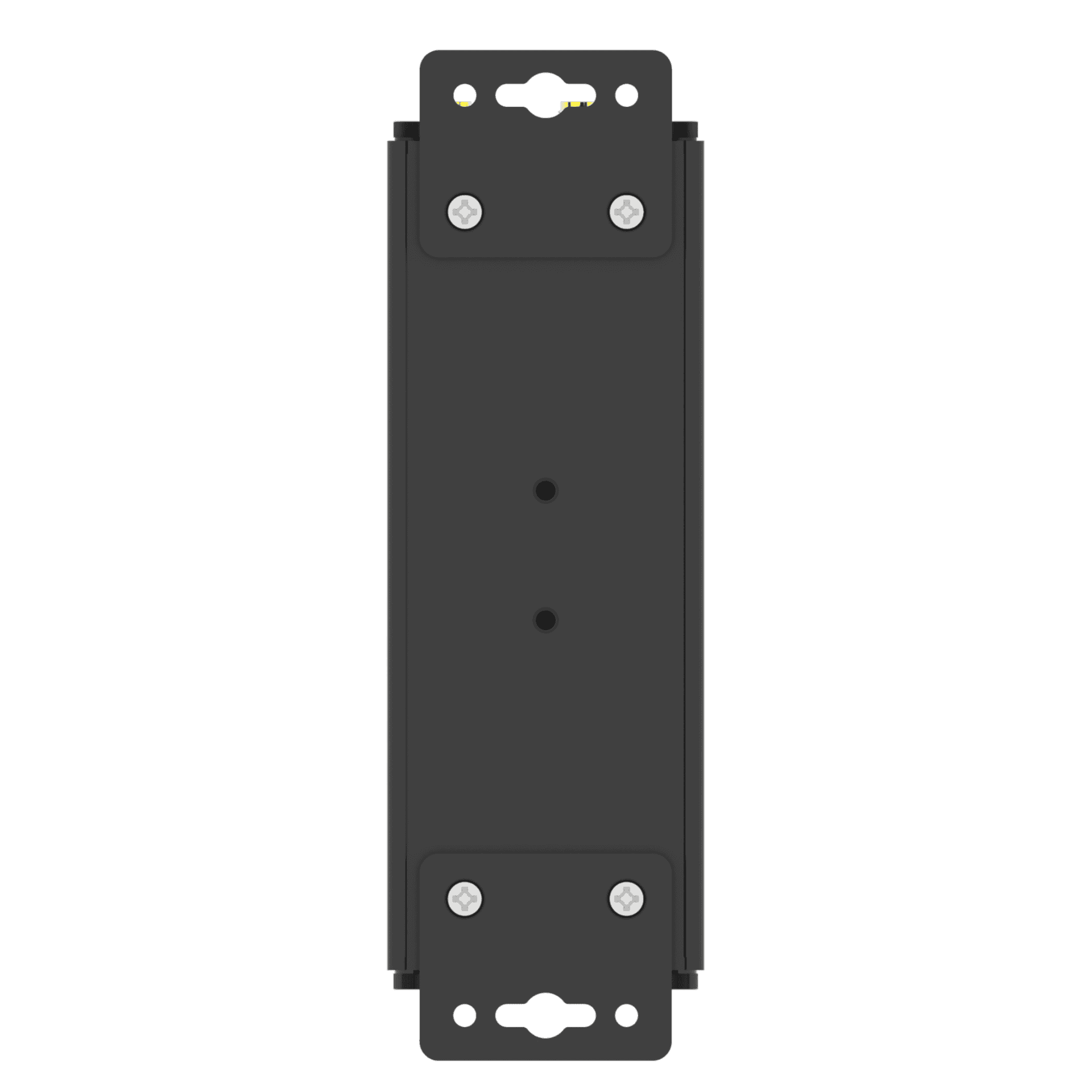
Wall Mount
System Architecture
|
Operating System |
RobustOS Pro |
|
CPU |
Quad-core Cortex-A53, 1.6 GHz |
|
NPU |
2.3 TOPS |
|
RAM |
8 GB DDR4 |
|
Flash |
64 GB eMMC |
Cellular
|
Supported Technologies |
4G/LTE, 3G, 2G |
|
Antennas |
2 (MAIN + DIV) |
|
Connector |
SMA-K |
|
SIM |
2 x Mini SIM (2FF) |
Ethernet
|
Ethernet Ports |
2 x RJ45, 10/100/1000 Mbps, compliant with 1000BASE-T; configurable as 1 x WAN + 1 x LAN or 2 x LAN |
|
Magnet Isolation Protection |
1.5 kV |
LoRa
|
Antennas |
1 |
|
Connector |
RP-SMA-K |
|
Frequencies |
EU868 |
|
Sensitivity |
-140 dBm Sensitivity @ 292 bps |
|
Tx power |
27 dBm Max (Conducted, adjustable per regional regulations) |
|
Protocol |
LoRaWAN V1.0.4, supporting Class A and Class C |
|
Channel capacity |
Up to 8 channels for simultaneous data reception |
|
Device capacity |
Up to 2,000 LoRaWAN end devices |
Serial Port
|
Serial Ports |
1 x M-Bus, 1 x KNX, 1 x P1, 2 x isolated RS-485, 1 x RS-232 |
|
Connector |
3.5 mm terminal block |
|
Signal Definition |
M-bus: M+, M- |
Digital Input/Output
|
DI/DO Ports |
2 x DI + 2 x DO, wet contact |
|
Connector |
3.5 mm terminal block |
|
Isolation |
Bidirectional optocoupler for DI; unidirectional optocoupler for DO |
|
Absolute Maximum Voltage |
+30 VDC |
|
Absolute Maximum Current |
100 mA |
|
Signal Definition |
DI1+, DI2+, DIcom, DO1+, DO2+, DOcom |
Analog Input Port
|
Number of interfaces |
2 x AI |
|
Data reading type |
Voltage / Current type, software configurable |
|
Voltage input range |
0–24 V |
|
Current input range |
4–20 mA |
|
Signal definition |
AI1+, GND, AI2+, GND |
Wi-Fi Interface
|
Number of antennas |
1 x RP-SMA-K, supporting only 1T1R |
|
Standards |
802.11 a/b/g/n/ac/ax, supports AP and client modes |
|
Frequency bands |
2.412–2.472 GHz (2.4 GHz ISM band) |
Other Interfaces
|
GNSS |
GNSS integrated into the cellular module |
|
SD |
1 x microSD |
|
Reset button |
1 x RST |
|
USB port |
1 x USB 3.0 (host), Type-A, 5 V, 900 mA |
|
LED indicators |
1 x RUN, 1 x Signal, 1 x USR, and 1 x MDM |
|
Watchdog |
External |
|
RTC |
Remains functional up to 7 days after power loss |
Power Supply & Consumption
|
PSU Connector |
2-pin 3.5 mm terminal block with lock |
|
Input Voltage |
12/24/48 V DC, 9–60 V DC, |
|
Power Consumption |
Idle: 5 W@12 V |
|
Recommended Power Supply |
12 V DC/1.5 A power adapter |
Physical Characteristics
|
Ingress Protection |
IP30 |
|
Housing & Weight |
Metal, 560 g |
|
Dimensions |
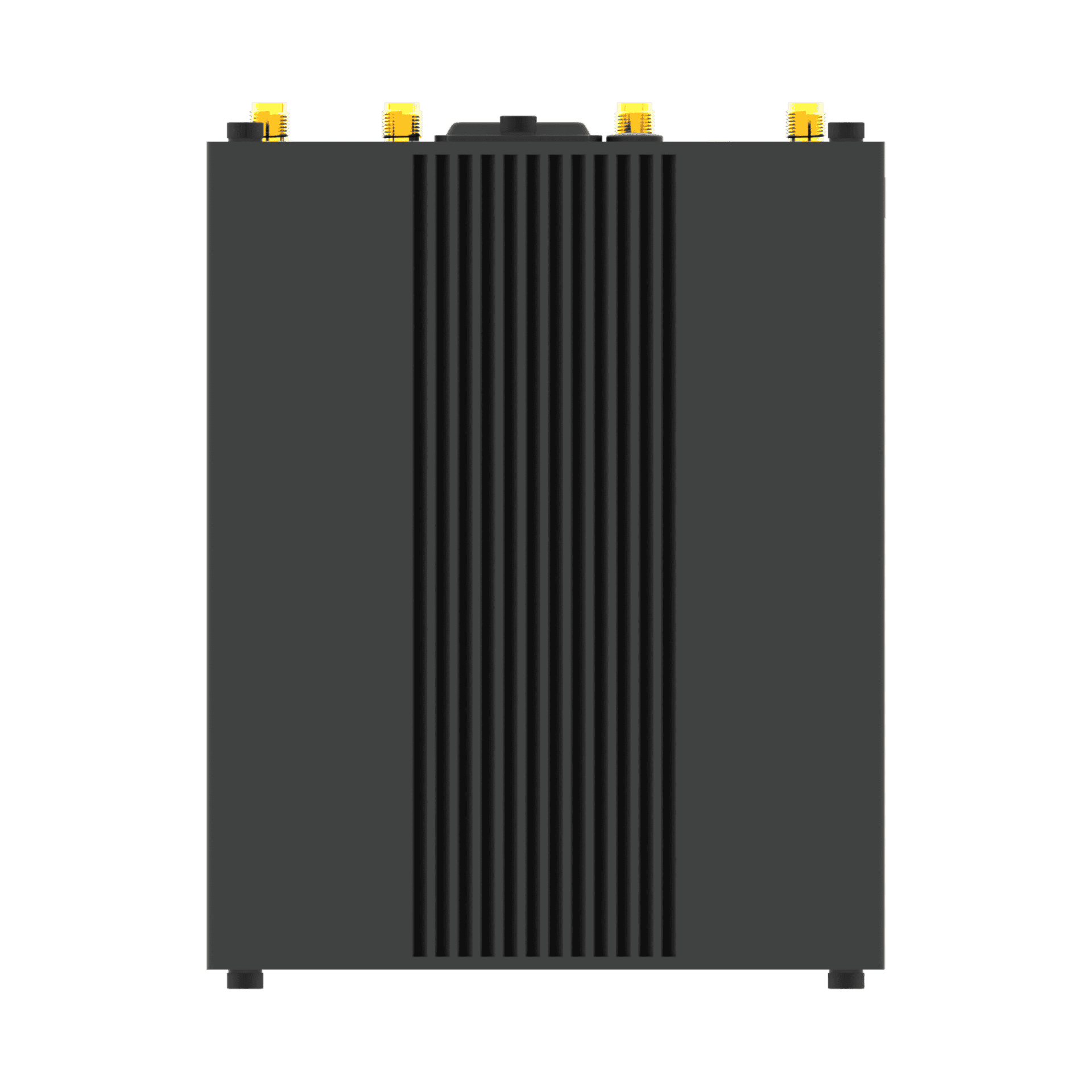
49 x 105 x 128 mm |
|
Installation Options |
Desktop, Wall Mount and 35mm DIN Rail |
|
Operating Temperature |
-40 – +70°C |
|
Storage Temperature |
-40 – +85°C |
|
Relative Humidity |
5 – 95% RH (non-condensing) |
Software Features
|
Network Protocols |
PPP, PPPoE, ARP, VLAN, ICMP, NAT, TCP, UDP, DHCP, DNS, DDNS, NTP, HTTP, HTTPS, Telnet, SSH2, SMTP, Static Routing, etc. |
|
VPN Tunnels |
IPsec, OpenVPN, GRE, L2TP, PPTP, DMVPN, WireGuard |
|
Firewalls |
DMZ, anti-DoS, Filtering (IP/Domain name/MAC address), Port Mapping, Access Control |
|
Remote Management |
Web, CLI, SMS, RCMS |
|
Serial Port Protocols |
Transparent, TCP Client/Server, UDP, Modbus RTU Gateway |
|
SIM Management |
Smart Roaming V3, Language, etc. |
|
Optional Apps |
Request on demand |
E2C Facility Suite
|
LNS configuration |
Built-in LoRaWAN Network Server with zero-code sensor integration |
|
Data collection |
Unified polling for KNX, BACnet, Modbus, and OPC UA protocols |
|
Logic Orchestration & Scenario Management |
Node-RED orchestration and automated scene management for trigger-based control |
|
Data forwarding |
Converts edge data into BACnet/IP and OPC UA data streams for external systems |
|
Alarms & Visualization |
Real-time multi-channel alerts and a drag-and-drop HMI/SCADA dashboard builder |
|
Niagara Station |
Supports lightweight BMS deployment with advanced edge logic, intelligent alarm management, and graphical visualization |
Software Development Kit (SDK)
|
Supported Programming Languages |
C, C++, Python, Java, Node.js, etc. (for users to develop own applications) |
|
RAM available for SDK |
6 GB |
|
Flash available for SDK |
50 GB |
Regulatory and Type Approvals
|
Environmental |
RoHS 2.0 |
|
EMI |
EN 55032 Conducted Emission Class B |
|
EMS |
EN 61000-4-2 (ESD) Level 3 |
Available Models
|
Model |
Supported Frequency Bands |
Supported LoRa Frequency |
Certifications |
Order Code |
Package Contents |
|
LG5120-GBKGC-4L-A35GL |
4G: |
EU868 |
CE, UKCA |
A016000001 |
1 x LG5120 |
|
LG5120-GCKGC-4L-A35GL |
4G: |
AU915 |
RCM |
A016000002 |
1 x LG5120 |
|
LG5120-GEKGC-4L-A35GL |
4G: |
AS923 |
– |
A016000003 |
1 x LG5120 |
|
LG5120-GDKGC-4L-A35GL |
4G: |
US915 |
– |
A016000004 |
1 x LG5120 |
NOTE:
1. For more information about regional & carrier specific variants please contact us
2. * Denotes Certification in Progress
LG5120 Downloads
Please note that all product downloads are now located on the Robustel Knowledge Base (https://support.robustel.com) the buttons below will take you to the relevant sections for each product.
Product Documentation
Firmware, Software & Applications
Find More From Robustel