
Industrial Robot Data Acquisition: Connecting Robot Data to PLCs, Edge Gateways, and Cloud Systems
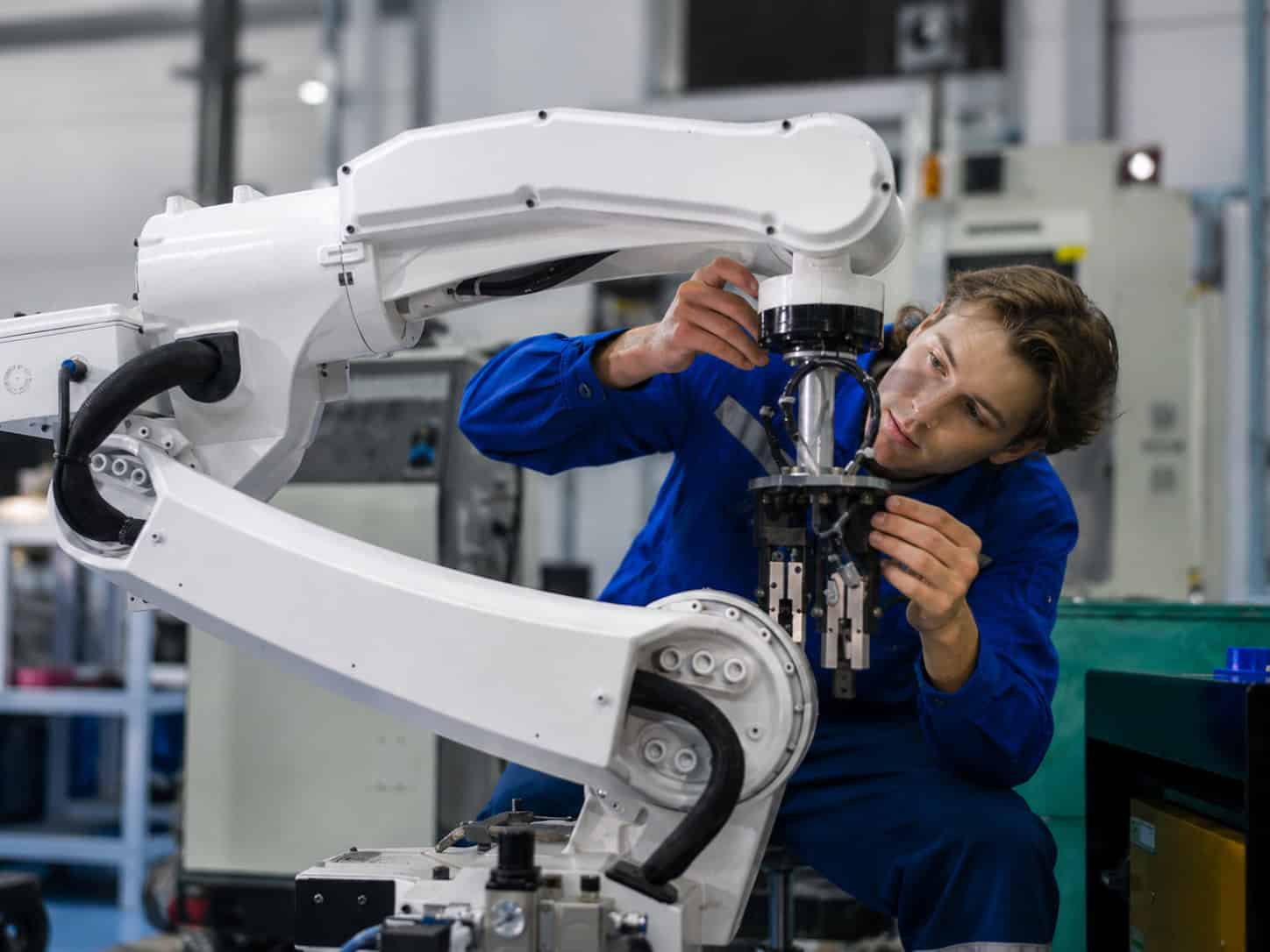
Industrial robots are no longer isolated machines performing repetitive motion in the background. In many factories, they are part of production cells that include PLCs, fixtures, conveyors, vision systems, end-of-arm tooling, sensors, safety systems, and upper-layer monitoring platforms.
This makes industrial robot data acquisition more complex than simply asking whether a robot can be connected to the cloud.
Robot data may include running status, fault conditions, program state, cycle information, tool signals, alarm history, operating hours, or condition-related values. Some of this information may come directly from the robot controller. Some may already be exchanged with the PLC. Some may come from sensors, meters, grippers, vision systems, or other equipment around the robot cell.
For project teams, the practical question is not only “How can industrial robot data be collected?” A better question is: “Which robot-cell data is available, which system owns that data, and how should selected information move between robot controllers, PLCs, edge gateways, and cloud systems?”
A well-planned robot data acquisition architecture should keep robot control and cell coordination close to the production equipment, while making selected status, alarm, cycle, and maintenance-related data available for monitoring, reporting, and analysis. In this type of layered architecture, a gateway such as Robustel EG5200 can be used as a practical reference for connecting selected robot-cell data to upper-layer systems, especially where factory teams need industrial connectivity, local data preparation, secure forwarding, and gateway management without interfering with robot motion control or PLC coordination.
Industrial Robot Data Is More Than Machine Status
Robot monitoring is often described in simple terms: running, stopped, idle, or fault. These signals are useful, but they only describe part of the picture.
In real robotic production lines, a robot’s operating state is connected to a wider production context. A robot may stop because of a robot controller alarm, but it may also stop because a fixture is not ready, a conveyor is delayed, a safety door is open, a gripper fails to confirm a part, or an upstream station has not completed its sequence.
This is why robot data should not be treated as a single stream from one machine. It usually belongs to a layered robot cell.
The robot controller may provide information about robot mode, program execution, alarms, motion state, or operating hours. The PLC may coordinate the cell sequence, station readiness, interlocks, conveyors, and production counts. Tooling devices may provide gripper, vacuum, or tool-change status. Sensors and meters may provide condition or utility data. SCADA, MES, or cloud systems may add production, maintenance, or reporting context.
A useful industrial robot data acquisition project starts by identifying which data is needed and where it should come from. Collecting more data is not always better. Collecting the right robot-cell data, with the right context, is what makes monitoring and maintenance workflows more useful.
Data Sources Inside a Robot Cell
Industrial robot data often comes from several systems working together. Understanding these sources helps project teams avoid oversimplifying the architecture.
Robot Controller, PLC, and Cell-Level Equipment
The robot controller and PLC usually play different roles.
The robot controller is responsible for robot motion, robot programs, robot-specific alarms, and controller-side status. The PLC is often responsible for coordinating the wider production cell, including fixtures, conveyors, interlocks, station readiness, and sequence logic.
Around them, other systems may also contribute important data: end-of-arm tooling, vision systems, safety devices, I/O modules, meters, sensors, HMIs, SCADA platforms, or MES systems.
| Robot Cell Data Source | Possible Data | Practical Use |
| Robot controller | Robot mode, program state, alarm code, cycle status, operating hours | Robot status monitoring and maintenance review |
| PLC or line controller | Cell sequence, interlock status, station ready signal, production count | Robotic production line visibility |
| End-of-arm tooling | Gripper open/close, vacuum status, tool change state | Process confirmation and fault analysis |
| Safety and interlock signals | Door status, emergency stop state, protective stop condition | Local safety coordination and event review |
| Vision or inspection system | Pass/fail result, inspection event, selected image metadata | Quality monitoring and traceability |
| Sensors and meters | Vibration, temperature, energy, air pressure, runtime | Condition monitoring and maintenance planning |
| HMI, SCADA, or MES | Production status, downtime reason, work order context | Reporting and operational analysis |
The available data depends on the robot controller, PLC integration, field interfaces, installed sensors, communication protocols, and project access permissions. It is risky to assume that every robot exposes the same data in the same way.
Robot Signals That Matter for Monitoring and Maintenance
Different robot-related signals support different operational goals. A dashboard for production visibility does not need the same data as a maintenance review system. A condition monitoring project does not need the same data as a cell coordination workflow.
| Data Category | Examples | Monitoring Value |
| Status data | Running, idle, stopped, fault, automatic/manual mode | Basic robot status monitoring |
| Alarm and fault data | Alarm code, protective stop, abnormal stop | Maintenance response and downtime review |
| Cycle and production data | Cycle count, cycle time, program complete, station status | Production data monitoring |
| Tool or EOAT data | Gripper state, vacuum status, tool change signal | Cell-level fault diagnosis |
| Condition-related data | Temperature, load-related values, runtime, energy, vibration where available | Robot condition monitoring |
| Maintenance data | Operating hours, service counters, fault history | Maintenance planning and predictive maintenance preparation |
Predictive maintenance should be discussed carefully. An edge gateway does not create predictive maintenance by itself. Predictive maintenance depends on whether useful condition indicators are available, whether data is collected consistently, and whether the maintenance process or analytics model can interpret those indicators correctly.
For many projects, a practical starting point is not prediction. It is visibility: knowing when robots stop, why they stop, how often faults occur, whether cycle time changes, and which robot cells require maintenance attention.
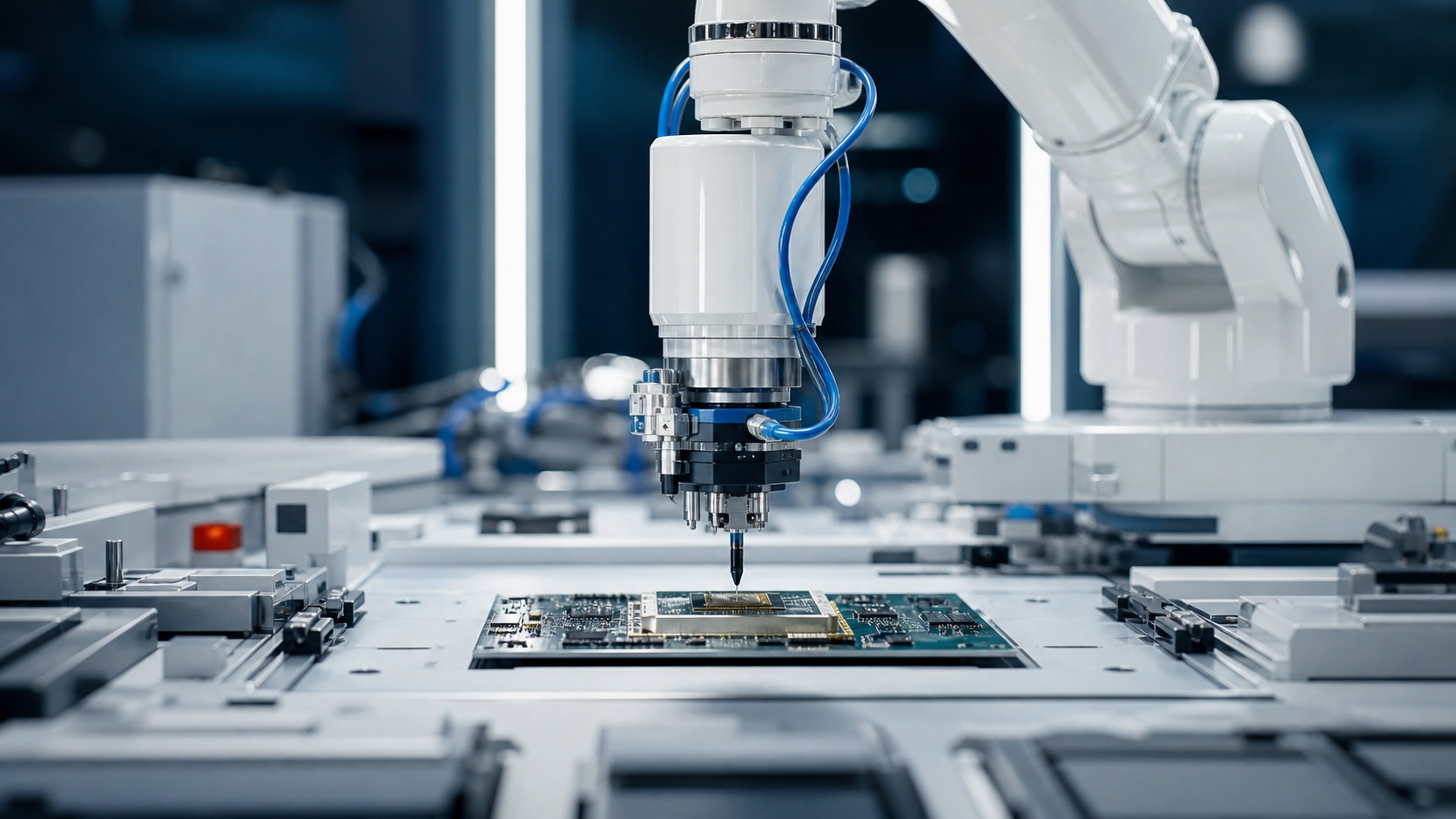
How Robot Data Moves Through Control, Coordination, and Monitoring Layers
Industrial robot data acquisition works best when each layer of the architecture has a clear role. Robot controllers, PLCs, edge gateways, and cloud systems should not be treated as interchangeable.
Robot Controller and PLC Responsibilities
The robot controller normally handles robot-specific motion, program execution, axis movement, tool commands, and robot alarms. It is the core control layer for the robot itself.
The PLC usually coordinates the robot cell or production line. It may manage conveyors, fixtures, part presence signals, station readiness, safety interlocks, upstream/downstream coordination, and sequence logic.
In many factories, selected robot status signals are already shared with the PLC so the wider cell can run correctly. For example, the PLC may need to know whether the robot is ready, busy, in fault, at home position, or finished with a cycle. However, more detailed robot telemetry or maintenance data may not always be available from the PLC alone.
This is why data acquisition planning should begin with ownership: which system has the data, which system needs it, and which path is appropriate for moving it?
Edge and Cloud Roles in Robot Monitoring
An edge gateway can sit between the robot cell and upper-layer systems. It may collect selected data from PLC-side signals, available robot controller interfaces, sensors, meters, or other networked equipment. It may then prepare, normalize, filter, buffer, or forward selected values to monitoring platforms, cloud systems, databases, or maintenance applications.
Cloud and enterprise systems are usually better suited for broader visibility rather than robot motion control. They may be used for dashboards, alarm history, utilization review, cycle trend analysis, robot condition monitoring, maintenance planning, or multi-line and multi-site comparison.
For example, a robot controller and PLC may keep the cell running locally, while selected alarm events, cycle counts, fault history, and condition-related values are forwarded to a monitoring platform for maintenance review.
Keeping Control Local While Sharing Selected Data Upstream
A robot data acquisition architecture should respect the difference between control and monitoring.
High-speed robot motion, safety-critical functions, and deterministic cell coordination should remain local. Robot controllers, PLCs, and safety systems continue to handle the tasks that directly affect motion, interlocks, and production sequence.
Selected data can move upstream when it supports monitoring, reporting, maintenance, or production analysis. This may include robot status, alarm codes, fault events, cycle count, cycle time, runtime, maintenance counters, and condition-related data where available.
The goal is not to make the cloud responsible for robot control. The goal is to make useful robot-cell data available to the systems and teams that need visibility.
Edge Gateway Tasks in Robot Data Acquisition
An edge gateway should not be described as a magic connector that automatically understands every industrial robot. Its role is more practical: it provides an industrial platform for collecting, preparing, and forwarding selected robot-cell data where the interfaces, protocols, and application design support it.
In robot monitoring projects, an edge gateway may help with several tasks:
- Collecting selected PLC-side robot status signals
- Connecting serial or Ethernet-based equipment where supported
- Collecting data from sensors, meters, I/O modules, or auxiliary devices around the robot cell
- Preparing robot-cell data for dashboards, SCADA, cloud systems, or maintenance platforms
- Filtering or buffering selected values before forwarding
- Sending useful data upstream through Ethernet or cellular backhaul
- Supporting VPN, firewall, and access control for remote connections
- Enabling remote gateway management across multiple robot cells or production sites
The exact workflow depends on the robot controller, PLC integration, available protocols, network design, security policy, and software configuration.
Robot Monitoring Use Cases Built from Collected Data
Once selected robot-cell data is collected, it can support several practical monitoring and maintenance use cases.
| Use Case | Data Needed | Practical Value |
| Robot status dashboard | Running, idle, stopped, fault, mode | Quick visibility into robot availability |
| Alarm history review | Alarm codes, fault events, stop reasons | Maintenance analysis and response planning |
| Cycle time monitoring | Cycle count, program complete, station status | Production bottleneck analysis |
| Tooling issue detection | Gripper/vacuum status, tool change events | Cell-level fault isolation |
| Energy or utility monitoring | Energy use, air pressure, runtime | Efficiency and resource monitoring |
| Condition monitoring | Temperature, load-related values, vibration where available | Maintenance planning and early warning support |
| Multi-line or multi-site visibility | Selected status, alarms, utilization | Fleet-level robot monitoring |
These use cases are valuable because robot issues are not always isolated to the robot body. A fault may come from tooling, fixtures, air pressure, safety interlocks, upstream equipment, or a line-level sequence problem. Good data acquisition helps teams understand the robot cell as a system, not only as a single machine.
Deployment Considerations for Robot Monitoring Projects
Robot monitoring projects often involve production networks, safety boundaries, remote access policies, and long-term maintenance responsibilities. These factors should be considered before connecting robot-related data to upper-layer systems.
Network and Remote Access Planning
Robot cells may include multiple networked systems: robot controllers, PLCs, HMIs, vision systems, sensors, industrial PCs, and gateways. Some projects may use wired Ethernet inside the plant. Others may require cellular backhaul for remote sites, temporary lines, distributed facilities, or backup connectivity.
If cellular connectivity is used, teams should not assume that network access works automatically in every deployment. SIM card, carrier plan, APN settings, authentication type, signal quality, antenna installation, and local network policy may all affect connectivity.
For distributed robot monitoring, it is also important to define fallback access. If remote connectivity is interrupted, maintenance teams may still need a controlled local access method for troubleshooting and gateway management.
Security Boundaries Around Robot Cells
Robot cells are sensitive industrial environments. Data acquisition should not weaken the boundary between production equipment and external systems.
Several security practices are usually important:
- Keep robot motion control and safety-critical logic local
- Avoid exposing robot controllers or PLCs directly to public networks
- Use VPN, firewall rules, and access control where remote access is required
- Define which systems can access gateway configuration
- Segment robot-cell networks from broader enterprise networks where appropriate
- Review whether wireless interfaces should be enabled, restricted, or disabled
- Manage credentials, certificates, firmware, and application updates over time
Wireless and remote access settings should be handled carefully. Disabling cellular, Wi-Fi, or Bluetooth interfaces may be appropriate in some security-sensitive environments, but teams should understand how such changes affect remote management, VPN access, and fallback connectivity.
Long-Term Maintenance
Robot data acquisition systems are not only installed once. They need to be maintained.
Teams should define who owns gateway configuration, credentials, application logic, data mappings, remote access policies, and update procedures. This becomes more important when the architecture scales from one robot cell to many cells or sites.
A small pilot can often be handled manually. A multi-line or multi-site robot monitoring system needs clearer practices for configuration backup, remote monitoring, firmware updates, application versioning, and troubleshooting.
Robustel EG5200 as an Edge Platform for Robot Cell Data Acquisition
For robotic production lines or robot cell monitoring projects, an industrial edge gateway such as the Robustel EG5200 can serve as a field-side platform for collecting selected robot-cell data, running edge-side applications, securing communication paths, and forwarding useful information to monitoring or cloud systems.
The EG5200 is not a robot controller, and it should not be described as a universal robot protocol gateway. Its role is better understood as an edge platform that can support robot data acquisition workflows when the robot controller, PLC integration, available protocols, network design, and software configuration allow it.
| Robot Monitoring Requirement | Relevant EG5200 Capability | How It Supports the Scenario |
| Connecting multiple robot-cell systems | 5 x Gigabit Ethernet ports, configurable as LAN or WAN | Useful where robot controllers, PLCs, HMIs, cameras, or line systems are network-connected |
| Connecting legacy or serial-side equipment | 2 x software-configurable RS-232/422/485 serial ports | Supports serial-connected equipment, meters, or PLC-side devices where interfaces and protocols match |
| Capturing basic event or status signals | 2 x DI and 2 x relay outputs | Can support selected status or event workflows, but not safety-critical robot control |
| Running edge-side applications | RobustOS Pro, Debian-based system, Docker support, SDK support | Supports configured applications for data handling, filtering, or protocol bridging |
| Supporting remote or distributed monitoring | 5G/4G/3G/2G cellular support, dual SIM, and Ethernet connectivity | Supports upstream connectivity where network, SIM, APN, and carrier configuration are correct |
| Securing data paths | VPN options, firewall functions, access control, and port mapping | Helps build controlled communication paths between robot-cell systems and upper-layer networks |
| Managing deployed gateways | RCMS, Web, CLI, and SMS remote management | Supports configuration, monitoring, and maintenance of deployed gateways |
| Industrial deployment | Metal housing, 12–60 VDC input, DIN rail or wall mounting, and -30 to +70°C operating temperature | Supports installation in factory cabinets, equipment rooms, or industrial environments |
In this type of architecture, EG5200 can help provide the industrial interfaces, compute environment, networking, and management layer around a robot data acquisition workflow. The actual data collection design still depends on the robot controller, PLC, field devices, software application, security requirements, and the data that is available from the robot cell.
For readers who want a quick product-level overview of Robustel’s EG Series and how this type of industrial edge gateway supports local applications, industrial connectivity, and remote management, this short quick pitch video provides additional context.
Watch: Robustel EG5000 Series Quick Pitch
Closing Perspective
Industrial robot data acquisition works best when project teams understand the robot cell as a layered system.
Robot controllers, PLCs, edge gateways, and cloud systems do not perform the same role. Robot controllers and PLCs remain responsible for motion, coordination, sequence logic, and local control. Edge gateways can help collect and prepare selected robot-cell data. Cloud and monitoring systems can use that data for visibility, maintenance planning, reporting, and longer-term analysis.
The value of a robot data acquisition architecture is not simply that data moves upstream. Its value lies in making the right robot-related data available to the right systems while keeping control responsibilities clear.
For industrial robot monitoring, robotic production lines, and predictive maintenance data preparation, the most practical starting point is usually not “connect everything.” It is to identify which robot-cell data matters, where it is available, and how it can move safely and reliably through the architecture.
In this context, an industrial edge gateway such as Robustel EG5200 can support the site-side data layer between robot cells, PLC-side systems, and cloud or monitoring platforms. Its role is to help collect selected robot-related data, prepare it locally where configured, and forward useful information upstream, while robot controllers, PLCs, safety systems, and production control platforms continue to handle their own responsibilities.
FAQ
Q1. How can industrial robot data be collected?
Industrial robot data can be collected from several sources, including the robot controller, PLC, sensors, meters, end-of-arm tooling, vision systems, or other equipment inside the robot cell. The available data depends on the robot model, controller interface, PLC integration, installed sensors, communication protocols, and project access permissions. In many deployments, an edge gateway can help collect selected robot-cell data and forward useful information to monitoring, maintenance, or cloud systems. A product such as Robustel EG5200 can serve as a practical gateway reference for robot data acquisition projects where selected cell-side data needs to move from production equipment toward upper-layer systems.
Q2. How can robot data connect to PLCs and cloud systems?
Robot data may connect to PLCs for local cell coordination and to cloud systems for monitoring or analysis. The PLC usually handles production sequence, interlocks, station readiness, and line coordination. Selected robot status, alarm, cycle, or maintenance-related data can then be collected through a PLC, robot controller interface, sensors, or an edge gateway. Cloud systems are typically used for dashboards, alarm history, utilization review, maintenance planning, and multi-site visibility, not robot motion control.
Q3. What types of industrial robot data are useful for monitoring?
Useful robot monitoring data may include running status, idle state, fault state, program status, alarm codes, cycle count, cycle time, operating hours, tool status, gripper or vacuum signals, energy use, and condition-related values where available. The most valuable data depends on the monitoring goal. Production teams may focus on status and cycle data, while maintenance teams may focus on alarms, runtime, fault history, and condition indicators.
Q4. What is the difference between robot controller data and PLC-side robot data?
Robot controller data usually relates to the robot itself, such as robot mode, program execution, alarms, motion state, and controller-side status. PLC-side robot data usually reflects how the robot interacts with the wider production cell, including station readiness, interlocks, conveyors, fixtures, part presence, and sequence coordination. For robot monitoring projects, both layers may be useful, but they serve different purposes and should not be treated as the same data source.
Q5. Can industrial robot data be used for predictive maintenance?
Industrial robot data can support predictive maintenance preparation, but predictive maintenance is not created by data collection alone. Useful inputs may include alarm history, operating hours, cycle trends, temperature, vibration, load-related values, energy use, or other condition indicators where available. To become predictive, this data must be collected consistently, interpreted correctly, and connected to a maintenance model, analytics process, or domain knowledge. An edge gateway can help collect and forward selected data, but it does not automatically predict failures by itself.
About the Author
Robert Liao | Technical Support Engineer
Robert is an IoT Technical Support Engineer at Robustel, specializing in industrial networking and edge connectivity. A certified Networking Engineer, Robert focuses on the deployment and troubleshooting of large-scale IIoT infrastructures. His work centers on architecting reliable, scalable system performance for complex industrial applications, bridging the gap between field hardware and cloud-side data management.