
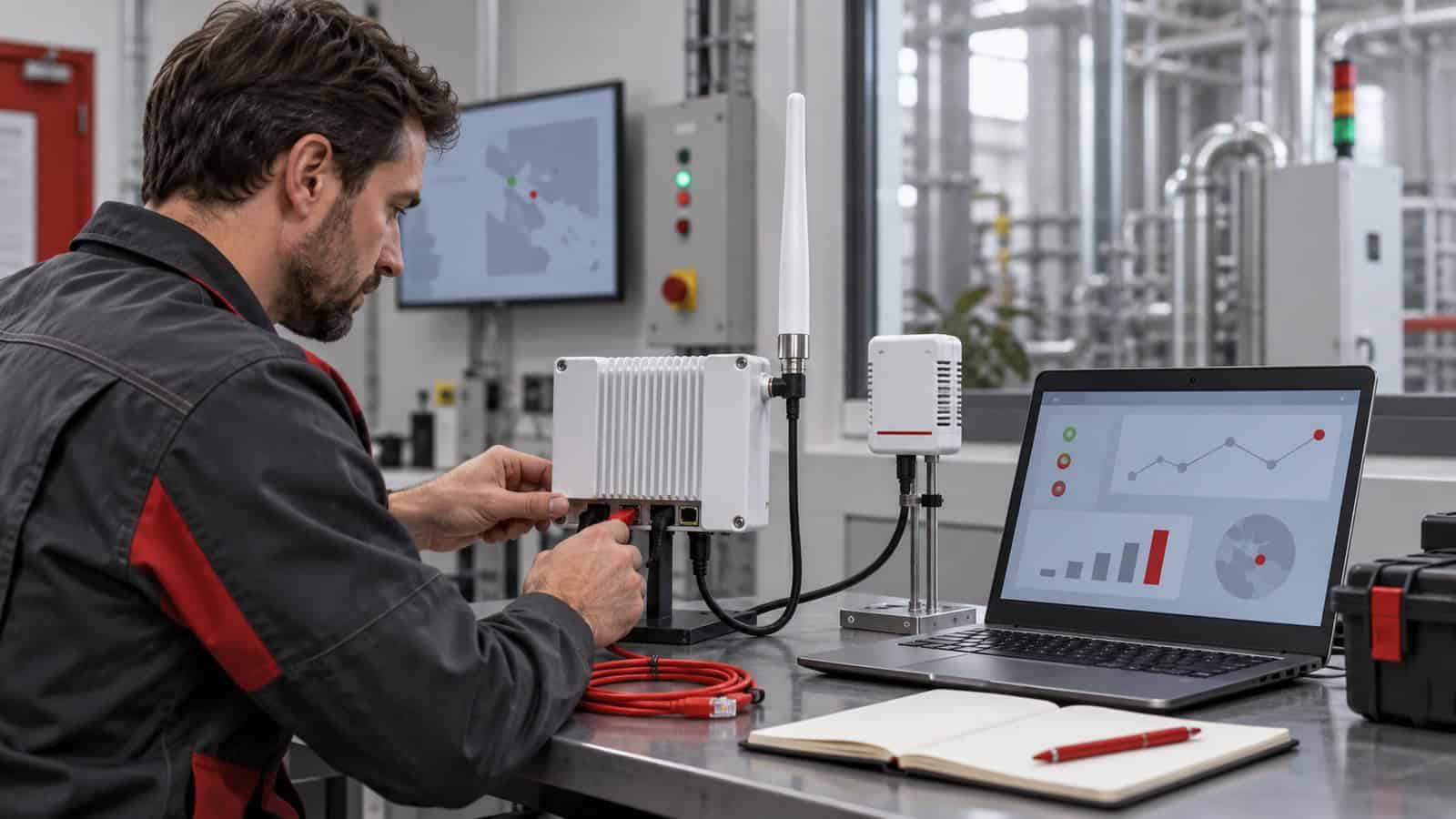
LoRaWAN Gateway Setup Checklist: Frequency Plan, LNS, Backhaul and First Uplink
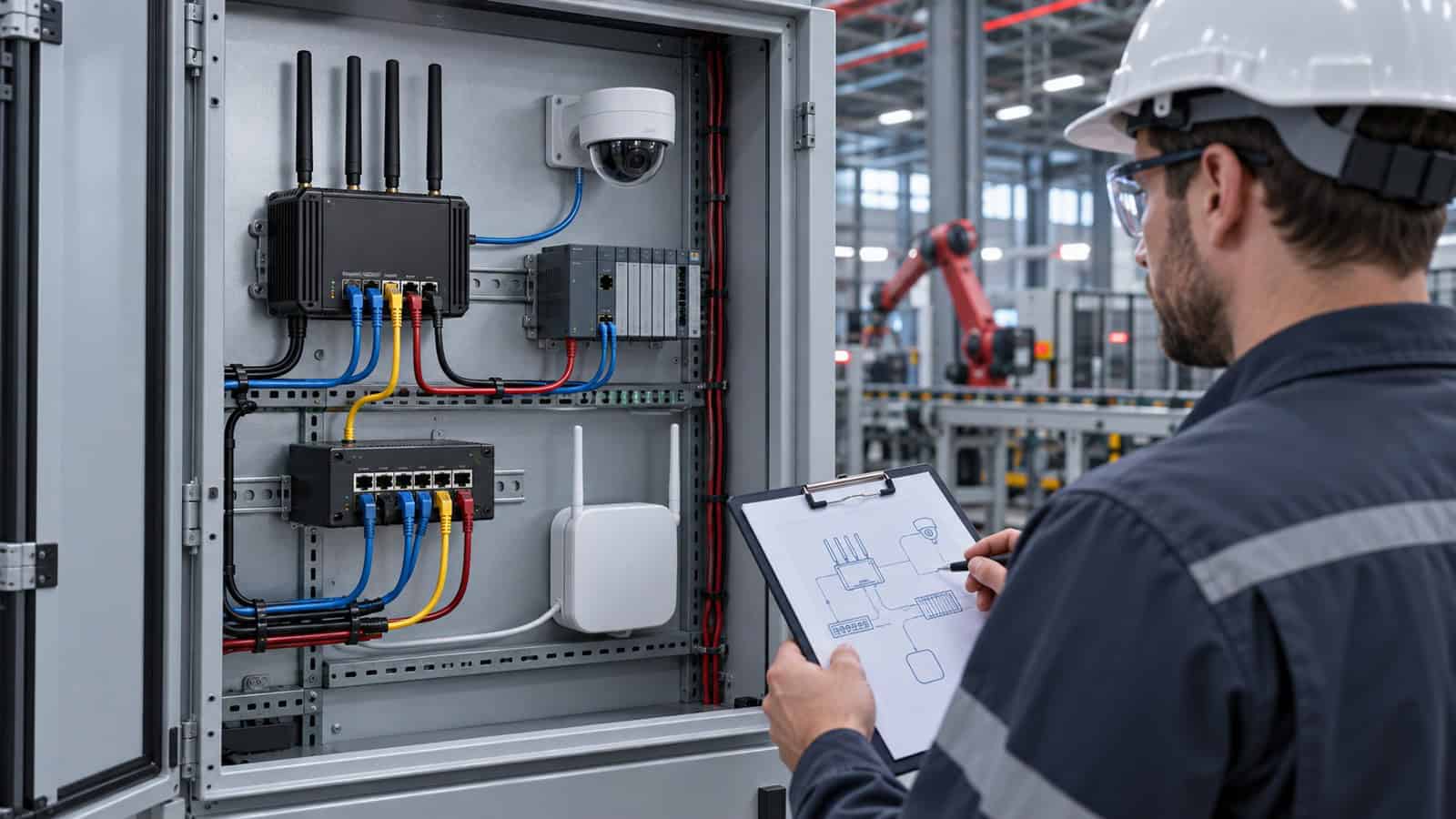
The Robustel R1520LG LoRaWAN Gateway supports external UDP, LoRa Basics Station and LORIOT connections, as well as an embedded ChirpStack option. That flexibility is useful only after the project decides where the LoRaWAN network server (LNS) belongs.
Many setup problems come from configuring in the wrong order. A gateway is connected to the internet, a sensor is switched on, and the team starts changing keys when no uplink appears. A calmer sequence establishes the regional frequency plan, RF installation, LNS identity and backhaul path before the first end device is introduced.
Set the Regional Frequency Plan First
Confirm the legal and operational LoRaWAN region for the deployment, then match the gateway, antenna and end-device configuration to that plan. “868 MHz” or “915 MHz” on a label is not a complete regional configuration; channel plans and permitted operation differ.
Record the selected gateway variant and the device profile used by the LNS. If imported sensors arrive with another default region, correct them before field installation. An apparently healthy gateway cannot receive a device transmitting on the wrong channels.
| Setup stage | Evidence to retain | Pass condition |
|---|---|---|
| Region | Approved country plan and hardware variant | Gateway, LNS and device profile agree |
| Antenna | Type, connector, cable and final position | No damaged path; installation approved |
| LNS | Server address, gateway identity and security material | Gateway appears online in intended LNS |
| Backhaul | Ethernet, cellular or Wi-Fi design | DNS, time and server path remain stable |
| End device | DevEUI and activation credentials | Join and first uplink are visible |
| Recovery | Restart and WAN-loss results | Data path returns through documented steps |
Decide Who Owns the Network Server
An external LNS can centralize many gateways and sites. An embedded server can keep a defined LoRaWAN function local. Neither is automatically more reliable: the external design depends on backhaul and central services, while the embedded design makes gateway power, storage and local software part of the server failure domain.
The Robustel R1520LG setup video is useful when following the local configuration and embedded ChirpStack path. Use it after the architecture decision; do not let a convenient menu option decide where server ownership, backups and user access should sit.
For a larger estate, define gateway naming, tenant boundaries, device-profile control and how a replacement gateway receives the right identity. For a local server, add backup, storage and recovery tests. The first uplink is not the end of commissioning.
| R1520LG architecture choice | What must be configured | What proves the setup |
|---|---|---|
| External UDP forwarder | Gateway identity, endpoint and regional plan | Intended LNS receives repeated uplinks and recovers after backhaul loss |
| LoRa Basics Station | Station credentials, server address and time path | Authenticated connection and repeatable reconnect are recorded |
| LORIOT connection | Approved LORIOT gateway profile and credentials | Gateway status and device traffic appear in the assigned service |
| Embedded ChirpStack | Local users, device profiles, storage and backup ownership | A replacement or restore procedure reproduces the working network |
Select one row as the production architecture and keep the commissioning evidence with the site record. Leaving several partially configured paths in place makes later fault diagnosis harder.
Prove Backhaul Before Troubleshooting RF
Robustel R1520LG LoRaWAN gateway offers cellular, Ethernet and Wi-Fi backhaul choices. Check IP addressing, DNS and system time, then verify the exact server endpoint and security path. If the gateway can be reached locally but the LNS never sees it, isolate backhaul and server configuration before moving antennas or reprovisioning sensors.
Robustel’s Nationwide LoRaWAN Network Backhaul over LTE450 for Cibicom case study provides deployment evidence that LoRaWAN radio reception and IP backhaul are separate operating layers. That separation should shape troubleshooting: first confirm local gateway health, then the IP path and LNS session, and only then return to endpoint RF when uplinks are missing. It prevents an installer from moving antennas to solve a server or carrier fault. The LTE450 coverage and capacity result belongs to that deployment, so another country still needs its own backhaul qualification.
How the Robustel R1520LG LoRaWAN Gateway Supports Predictable First-Uplink Commissioning
The Robustel R1520LG LoRaWAN gateway combines an eight-channel LoRaWAN gateway with dual-SIM cellular, Ethernet and Wi-Fi backhaul, plus RS-232 and RS-485. Its external and embedded LNS options let an integrator keep the same physical gateway while choosing the server boundary that suits the estate.
Using one gateway across those server choices reduces hardware variation while leaving the architecture work intact. The forwarding method must match the LNS, the regional variant must match the deployment, and the protected IP30 installation needs a suitable antenna path and power design. A serial interface belongs only to a documented local integration; it is not a general field-protocol translator.
Robustel R1520LG LoRaWAN gateway is a strong fit where server ownership is still an explicit design choice. If the project instead needs substantial local compute and a matched operational application above LoRaWAN, the Robustel LG3120e LoRaWAN Gateway represents a different architecture; that model should be selected for that substantive role, not added as a cosmetic upgrade.
Validate the First Device, Then Repeat the Process
Use a known-good sensor close enough to remove obvious RF uncertainty without overloading the receiver. Verify identity, activation method, keys, frame counters and the payload arriving at the intended application. Then move to the final location and repeat.
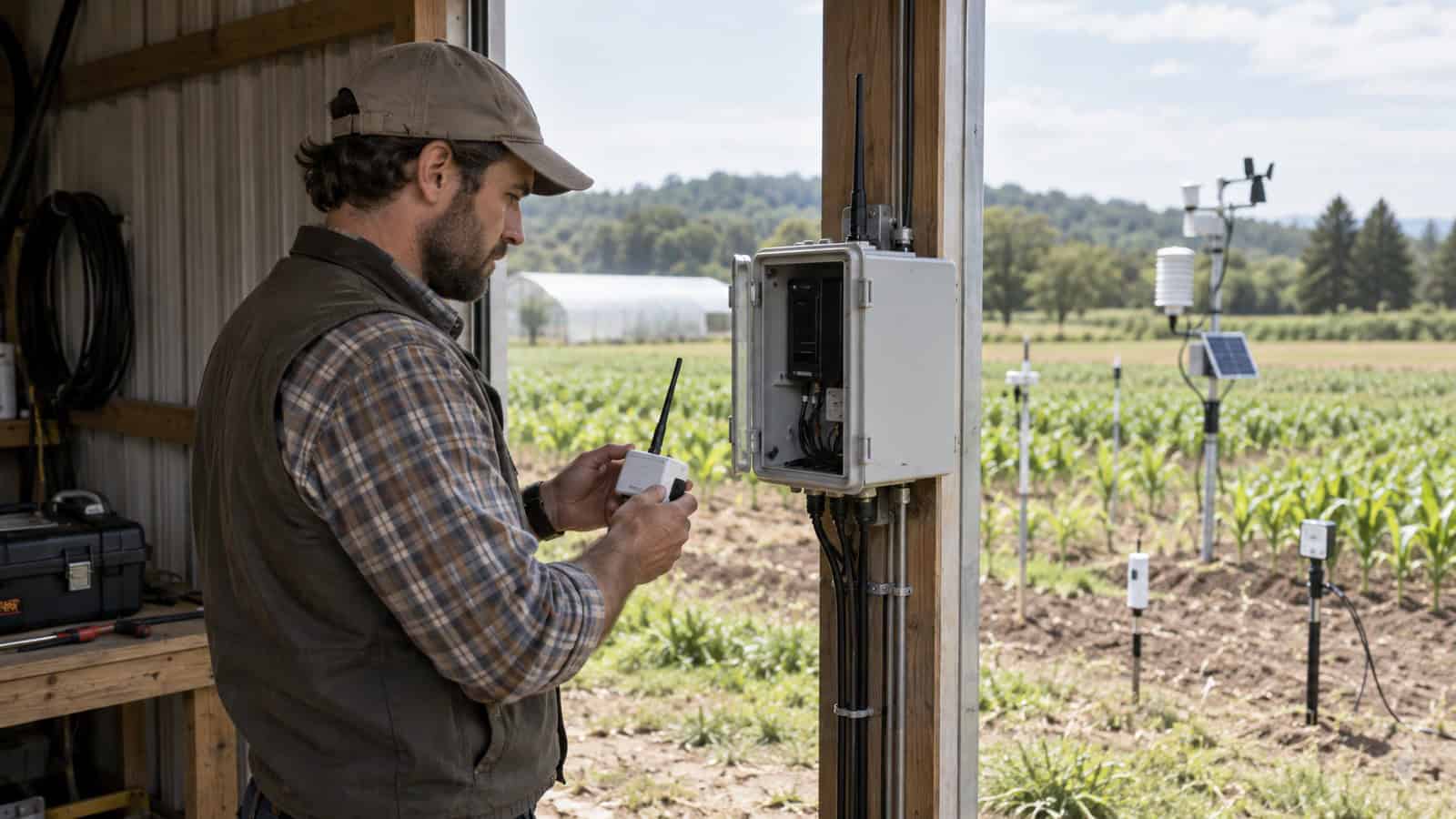
Robustel’s Private LoRaWAN for Smart Farm Sensors with the R1520LG Application Example illustrates how sensors, a gateway, an LNS and the application fit into a private-network path. Use that path to validate the first device end to end: preserve the join record, confirm the decoded payload, check the application timestamp, and repeat after a gateway or backhaul restart. Only then is the process ready to be reproduced. The example does not prove universal range or capacity, which still depend on traffic and the real RF environment.
After the first device passes, onboard a second using the written procedure. If another engineer cannot repeat the result, the setup is not yet ready to scale.
Häufig gestellte Fragen
Q1. How do I set up a LoRaWAN gateway?
Select the correct regional variant and frequency plan, install the antenna, configure backhaul, register the gateway with the intended LNS, then onboard a known-good end device. Record and test recovery before scaling.
Q2. Does a LoRaWAN gateway need internet access?
It needs an IP path when it forwards data to an external LNS or application. A local embedded-server design may support defined local functions without the WAN, but remote services and synchronization still depend on the wider architecture.
Q3. What is a LoRaWAN network server?
The LNS manages the LoRaWAN network layer, including gateway traffic, device sessions and duplicate packet handling. It may run centrally or, on supported gateways, as an embedded option.
Q4. How do I connect a LoRaWAN device to a gateway?
Devices are provisioned into the LoRaWAN network rather than paired directly to one gateway. The device, regional plan, activation credentials and LNS profile must agree before joins and uplinks can succeed.
Q5. Which LNS options does the Robustel R1520LG LoRaWAN Gateway support?
The R1520LG supports external connections using UDP, LoRa Basics Station and LORIOT, and it offers an embedded ChirpStack option. Choose between them according to server ownership, backhaul and operational recovery requirements.
Schlussfolgerung
The Robustel R1520LG LoRaWAN Gateway supports several valid server and backhaul architectures. Commissioning must therefore begin with an explicit choice rather than a convenient default. Write down the region, gateway identity, forwarding or embedded-server path and IP dependency before onboarding the first device.
Preserve that record with one known-good uplink and its application timestamp. When a later device fails, the installer can move through radio, gateway, backhaul and LNS in order instead of changing several layers at once; that repeatable setup is the real deliverable.
Explore More Articles About Robustel LoRaWAN Gateways

Über den Autor
Robert Liao | Technical Support Engineer
Robert is an IoT Technical Support Engineer at Robustel, specializing in industrial networking and edge connectivity. A certified Networking Engineer, Robert focuses on the deployment and troubleshooting of large-scale IIoT infrastructures. His work centers on architecting reliable, scalable system performance for complex industrial applications, bridging the gap between field hardware and cloud-side data management.