
LoRaWAN Gateway Certificate Lifecycle Guide for Basics Station Deployments
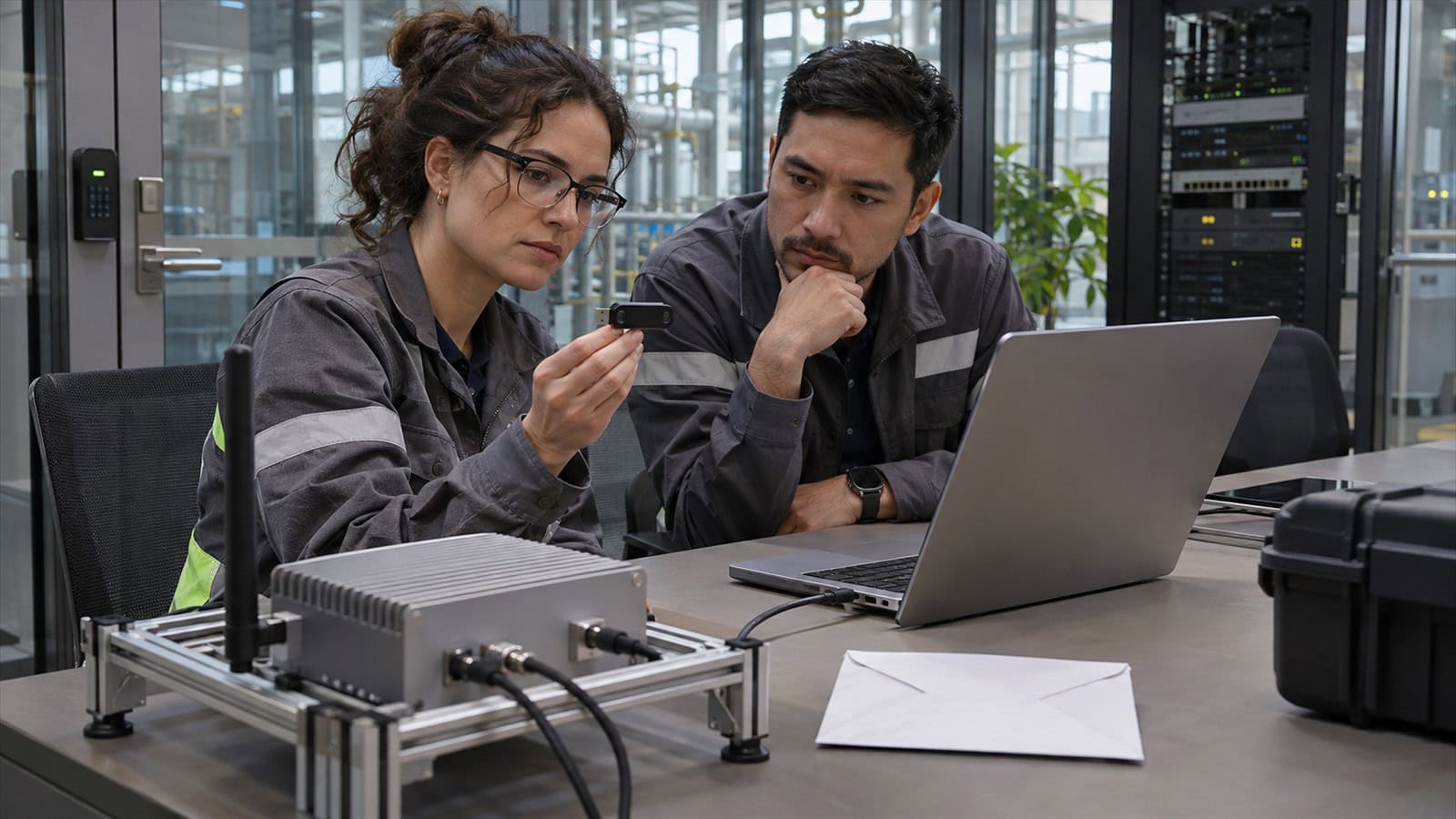
The Robustel R1520LG LoRaWAN Gateway supports LoRa Basics Station, but keeping a gateway connected over its full service life involves more than getting the first TLS session online. Certificates expire, trust stores change, device time can drift, and a deployment that worked correctly at commissioning can still lose its secure connection months or years later.
For LoRaWAN operators, certificate handling should therefore be treated as an ongoing maintenance task rather than a one-time setup step. This guide explains how to register trust objects, verify time before TLS, plan certificate renewal, test changes on a canary gateway, and keep evidence that the Robustel R1520LG can reconnect cleanly after each lifecycle change.
Register Every Trust Object
Record gateway identity, private key, issuing chain, trusted authorities and endpoint name. Name who generates, installs, backs up, renews and revokes each object.
Avoid one private key across many gateways unless the design explicitly accepts shared identity. The register must survive contractor and staff changes.
| Stage | Evidence | Omission risk |
|---|---|---|
| issue | identity and issuer | duplicate identity |
| install | protected key and chain | TLS failure |
| operate | clock and expiry | mass disconnect |
| revoke | deny procedure | lost unit remains trusted |
Check Time Before RF
TLS validity depends on a credible clock. Define time source, boot behaviour and alert threshold, then test after prolonged power loss—not only a quick reboot.
Compare DNS, TCP, TLS and LNS logs in order. A generic offline alarm often sends technicians toward antennas when trust is the cause.
- wrong clock
- expired gateway certificate
- untrusted server chain
- wrong endpoint name
- revoked gateway identity
Renew on a Canary
Stage a replacement certificate while the old one still works. Define overlap, server trust change, rollback trigger and evidence before touching the fleet.
Monitor several expiry thresholds and route alerts to a queue with enough time for change windows. Complete a revocation and replacement drill for a test gateway.
How the Robustel R1520LG LoRaWAN Gateway Supports Basics Station Operations
| Certificate pain | Verified Robustel R1520LG capability | Lifecycle mechanism | Acceptance evidence |
|---|---|---|---|
| secure external LNS trust | LoRa Basics Station TLS-based connection | give each gateway an owned identity and server trust chain | connect with valid trust, then reject wrong chain/name |
| time-dependent validation | managed RobustOS platform with time configuration | keep clock state visible as part of certificate validity | reboot after prolonged outage and verify time before TLS |
| fleet renewal risk | RCMS-ready fleet operations | stage configuration work on canaries while PKI keeps key custody | renew, revoke and replace a test gateway identity |
Robustel R1520LG LoRaWAN Gateway combines Basics Station with cellular, Ethernet and Wi-Fi backhaul on a managed platform. This supports standardized deployment while allowing other documented LNS modes where projects require them.
Robustel RCMS platform can coordinate device visibility and configuration; private-key custody and certificate issuance remain in the approved PKI process. Never place private keys in generic tickets or exports.
Field Evidence and Acceptance
Robustel’s nationwide LoRaWAN backhaul case study shows how one trust or time error can become a fleet event, making staged change essential.
Robustel’s solar-site LoRaWAN application example adds the remote-recovery constraint: renew trust before travel is the only option.
The Robustel video “What Is a LoRaWAN Gateway?” helps security teams place gateway identity relative to the LNS. Keep register, canary and revocation evidence together.
Häufig gestellte Fragen
Q1. Does Basics Station use TLS?
Yes; gateway and server trust, endpoint names and time validity require management.
Q2. Why do certificates expire?
Expiry limits acceptance periods and forces renewal when the lifecycle is operated correctly.
Q3. What happens when a gateway certificate expires?
The TLS session can fail even when RF and IP backhaul are healthy.
Q4. How early should renewal begin?
Early enough for canary deployment, observation and rollback based on fleet size and change windows.
Q5. How should R1520LG Basics Station certificates be managed?
Use per-gateway identity, protected keys, reliable time, staged renewal and tested revocation.
Schlussfolgerung
The Robustel R1520LG LoRaWAN Gateway supports secure Basics Station connectivity, while sustained trust depends on certificate, clock and revocation ownership. Run renewal before expiry and revocation before a real loss; those drills reveal whether the organisation can maintain gateway identity at fleet scale.
Explore More Articles About Robustel LoRaWAN Gateways


Über den Autor
Robustel Editorial Team
The Robustel Editorial Team publishes practical articles on industrial connectivity, edge computing, LoRaWAN and device management, focusing on deployment considerations, technical limitations and long-term operation.