
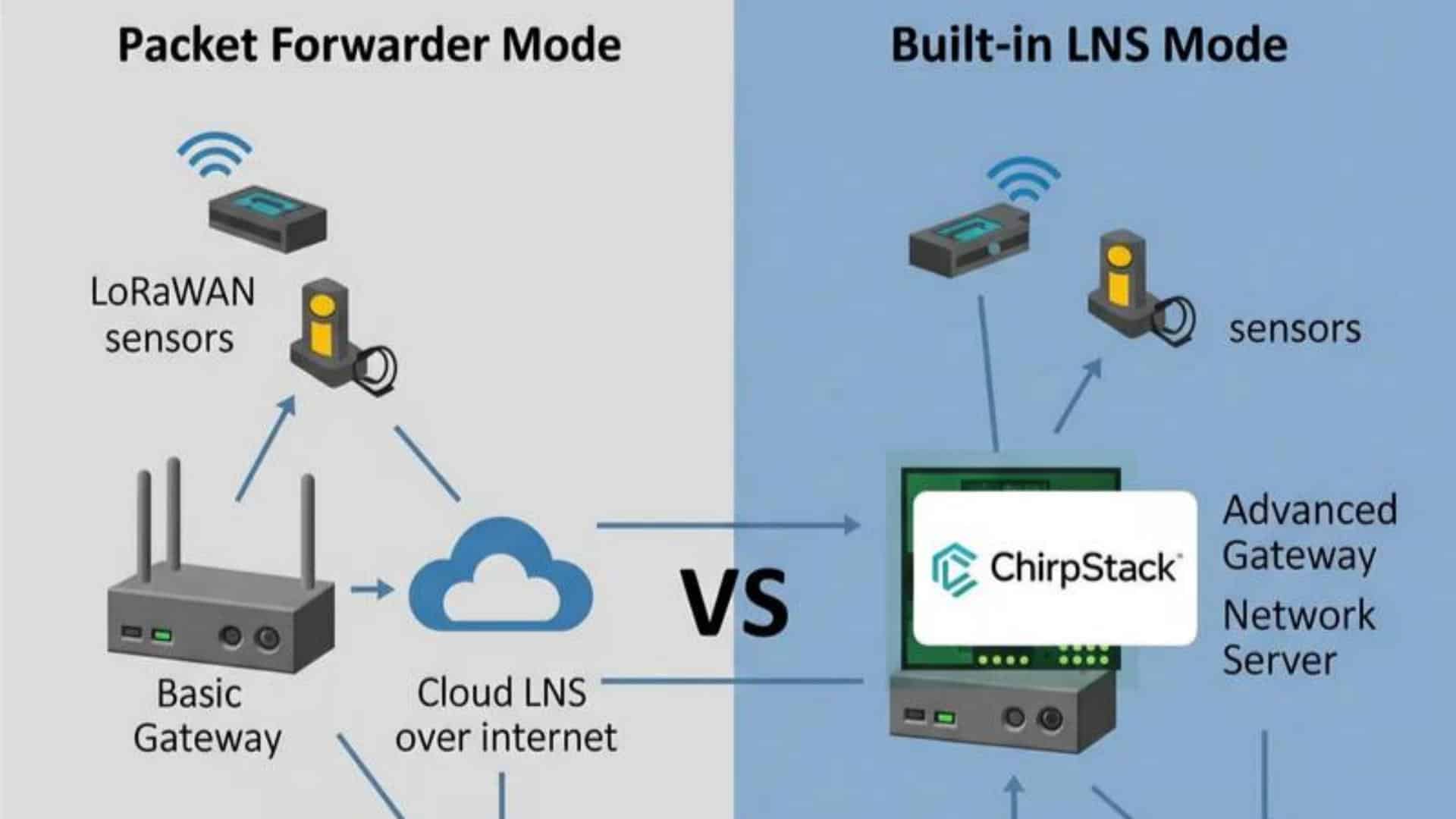
Choosing the Right LoRaWAN Gateway Mode: Packet Forwarder vs. Built-in LNS
You’ve finally selected your LoRaWAN gateway and are ready to get your IoT project off the ground. But as you open the configuration interface, you hit a fork in the road that will define your entire network architecture: should you set it to Packet Forwarder mode, or utilize a Built-in LoRaWAN Network Server (LNS)?
This choice isn’t just a technicality—it dictates where your data is processed, how you manage security, and how much control you have over your fleet.
In this guide, we dive deep into these two primary LoRaWAN Gateway Modes. We’ll break down exactly how each one functions, provide a head-to-head comparison of their strengths and weaknesses, and offer practical advice on which path to take for your specific application—whether you are scaling a public network or building a secure, private IoT solution.
What We Will Cover:
- The Fundamentals: A clear look at how Packet Forwarders and Built-in LNS modes handle data differently.
- Architecture Comparison: The pros and cons of local vs. cloud-based network management.
- Security & Latency: How your gateway mode impacts data privacy and response times.
- Decision Matrix: A simple guide to choosing the right mode based on your project size and complexity.
Introduction: Your Gateway is Ready, What’s Next?
You’ve unboxed your new LoRaWAN gateway, powered it on, and it’s ready to connect. But connect to what, and how? This is a fundamental question that I’ve seen trip up many developers. The way your gateway handles data packets determines your network’s latency, reliability, security, and cost. It’s a strategic decision that goes far beyond a simple configuration toggle.
At its core, every LoRaWAN packet needs to get from your sensor, through the gateway, to a LoRaWAN Network Server (LNS), which is the brain of the network. The choice of LoRaWAN gateway mode dictates where that brain lives. Does it live in the cloud, or can it live directly inside your gateway? This distinction is a core concept for any Industrial IoT Edge Gateway, and understanding the trade-offs is key to building a successful LoRaWAN solution.
What is Packet Forwarder Mode? The “Bridge” Approach
Packet Forwarder mode is the most traditional and common of the LoRaWAN gateway modes .
How it Works: The Data Path
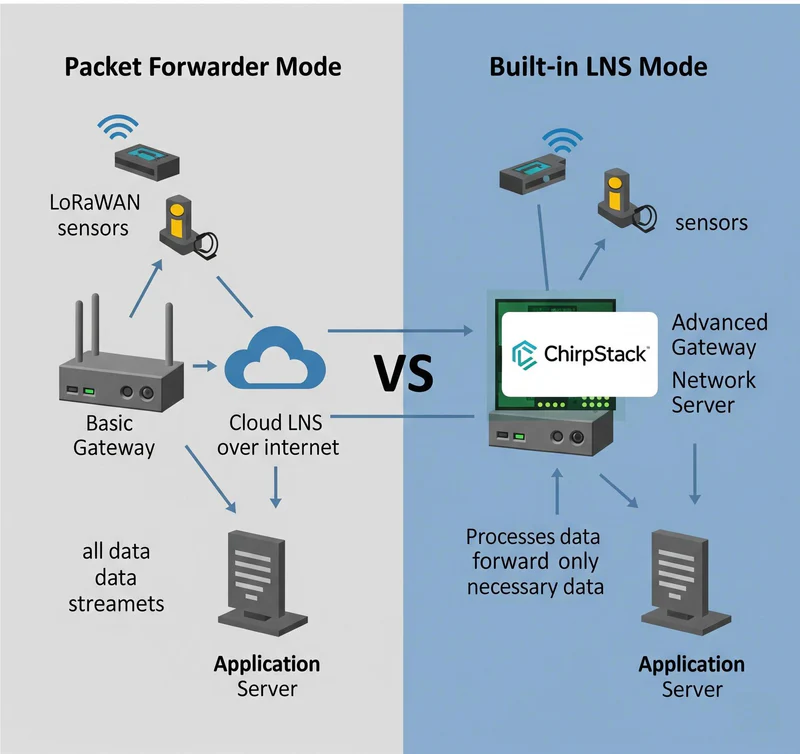
In this mode, the gateway acts as a simple and dumb “bridge”. Its only job is to receive all raw LoRaWAN radio packets from the air and immediately forward them, usually over a standard IP connection (Ethernet, Wi-Fi, or Cellular), to a separate, external Network Server. This LNS can be a public service like The Things Network, a commercial platform like LoRiot, or a self-hosted ChirpStack instance running in the cloud or a data center.
Pros of Packet Forwarder Mode
- Simple Gateway Configuration: Setting up the gateway itself is incredibly easy. You typically only need to point it to the IP address of your Network Server.
- Centralized Management: If you have dozens of gateways spread across a large area, having them all point to a single, centralized LNS in the cloud can simplify management.
- Easy to Connect to Public Networks: This is the required mode for connecting your gateway to public or community-run LoRaWAN networks.
Cons of Packet Forwarder Mode
Higher Data Costs: All LoRaWAN traffic, including metadata and keep-alives, is sent over your internet backhaul, which can increase cellular data costs.
Requires Constant Internet Connection: Let’s be clear: if the gateway’s internet backhaul fails, it becomes a paperweight. It cannot receive or buffer messages, and your entire network segment goes down.
Higher Latency: The round-trip time for a packet to travel from the gateway to the cloud LNS and for a command to travel back can introduce significant latency, making it unsuitable for real-time control applications.
Data Sovereignty & Security Concerns: Your raw data passes through the public internet and (in the case of public networks) third-party servers, which may not be acceptable for sensitive industrial or corporate data.
What is Built-in LNS Mode? The “All-in-One” Approach
With the rise of more powerful hardware, a new, more robust LoRaWAN gateway mode has become popular: running the Network Server directly on the gateway.
How it Works: The Data Path
In this mode, the LoRaWAN gateway is the Network Server. It receives LoRaWAN packets, processes them, de-duplicates them, and handles all the LoRaWAN MAC layer logic right on the device. It then forwards the decrypted application data directly to your application server, often via a lightweight MQTT message. This is a true edge computing architecture.
Pros of Built-in LNS Mode
- Full Data Sovereignty and Security: Your data can be processed entirely on your local network without ever touching the public internet, providing maximum security.
- Ultra-Low Latency: Since the Network Server is on the same device as the radio, downlink commands and acknowledgments are nearly instantaneous.
- Offline Operation: This is the killer feature. If the gateway’s internet backhaul fails, the LoRaWAN network continues to function perfectly. The gateway can keep receiving data, controlling local devices, and buffering data until the internet connection is restored.
- Reduced Data Costs: Only clean, decrypted application data is sent over the internet backhaul, significantly reducing cellular data usage.
Cons of Built-in LNS Mode
- Requires a More Powerful Gateway: You need a gateway with sufficient CPU, RAM, and storage to run the LNS software, such as ChirpStack, in addition to its packet forwarding duties.
- More Initial Setup: The initial configuration of the LNS on the gateway is more involved than simply pointing a packet forwarder at an IP address.
- Decentralized Management: If you have many gateways, each running its own LNS, you need a strategy to manage them (though this can be done via a cloud platform like RCMS).
Head-to-Head: A Comparison of LoRaWAN Gateway Modes
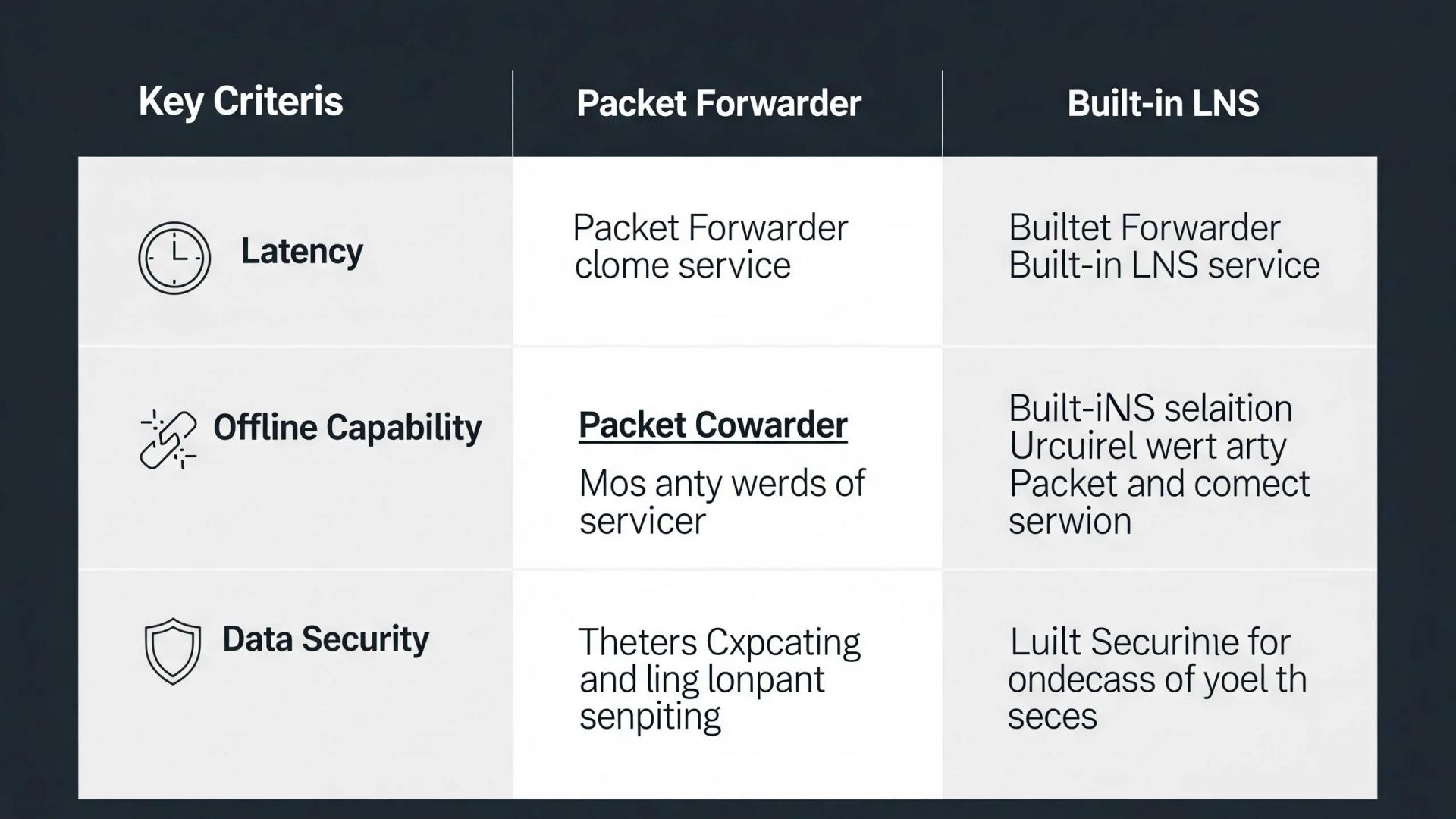
| Feature | Packet Forwarder Mode | Built-in LNS Mode |
| Setup Complexity | Very Simple | More Involved |
| Data Path | Gateway -> Internet -> Cloud LNS | Gateway -> (Optional) Internet |
| Latency | High (100s of ms to seconds) | Very Low (milliseconds) |
| Offline Capability | None | Full Local Operation |
| Data Sovereignty | Lower (data crosses internet/3rd parties) | Complete |
| Best For | Public Networks, Non-Critical Apps | Private Networks, Industrial Control |
Which Mode Should You Choose?
So, how do you decide? It comes down to your application’s requirements.
- Choose Packet Forwarder Mode if:
- You are connecting to a public or existing third-party LoRaWAN network.
- You have many gateways and want to manage a single LNS instance in the cloud.
- Your application is not time-sensitive and can tolerate internet latency.
- Choose Built-in LNS Mode if:
- You are building a Private LoRaWAN Network for a specific site (like a farm, factory, or building).
- You require high reliability and offline operation .
- Your application requires ultra-low latency for control or command responses.
- Data sovereignty and security are your top priorities.
A Gateway Built for Both Modes: The Robustel R1520LG
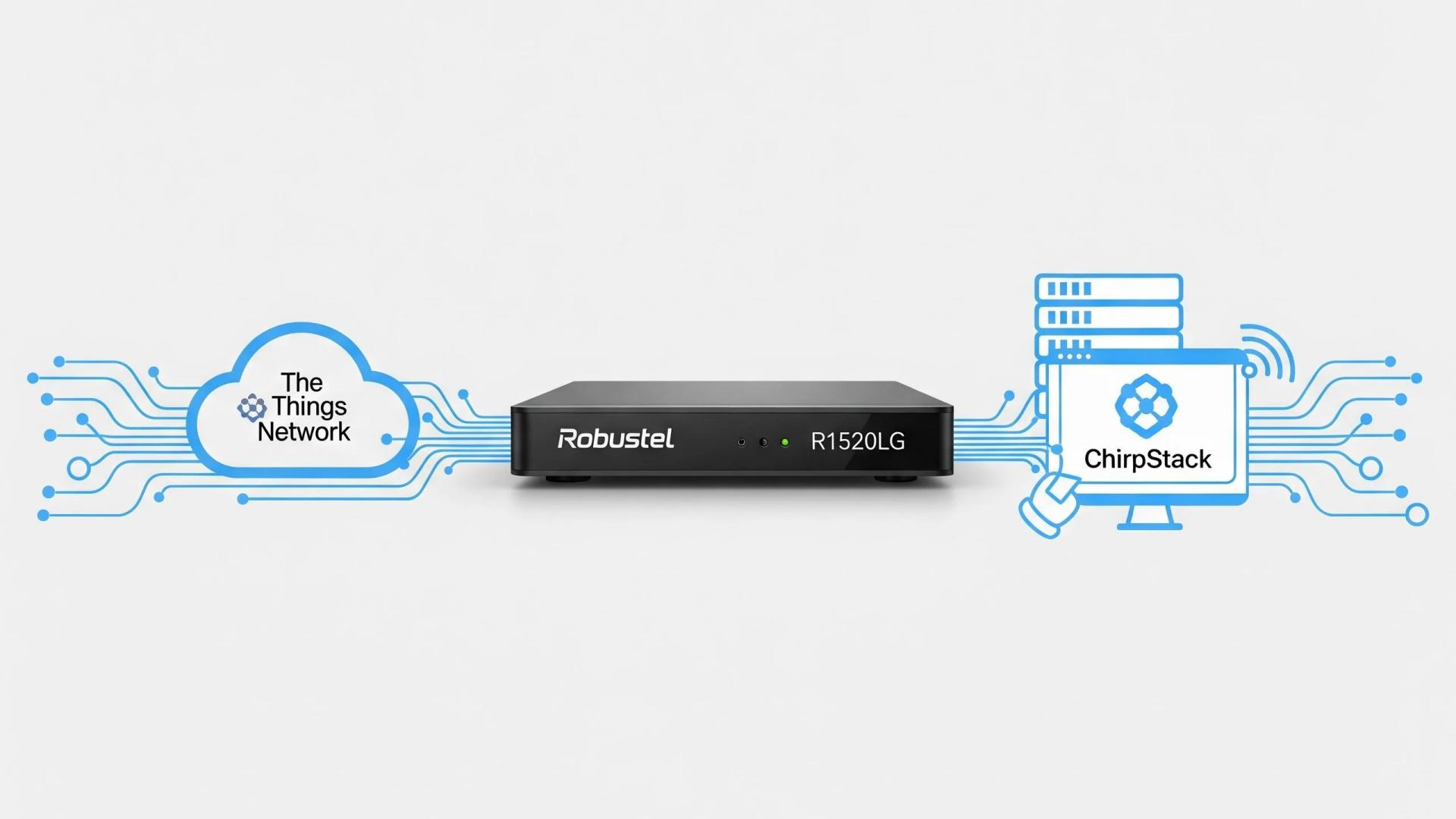
Choosing a versatile gateway is key. An industrial gateway like the Robustel R1520LG is powerful enough to run a full ChirpStack LNS locally, making it a perfect all-in-one solution for a private network. At the same time, it can be easily configured to operate as a simple, reliable packet forwarder for connecting to any external network server. This flexibility allows you to adapt your strategy as your needs evolve.
Conclusion: Selecting Your LoRaWAN Gateway Mode
Choosing between LoRaWAN gateway modes is more than just a setup step; it is a foundational decision that determines how your data flows and who controls it.
If your goal is to quickly tap into an existing public network, the Packet Forwarder mode offers the simplicity and speed you need to get started. However, as your project moves from a pilot to a production environment, the Built-in LNS mode often becomes the better choice. It provides the localized security, reduced latency, and long-term reliability required for serious industrial and commercial applications.
Ultimately, by weighing these trade-offs against your specific needs—whether that’s ease of use or total data sovereignty—you can build a LoRaWAN solution that is perfectly tailored to your project’s goals.
FAQs
Q1: Can I switch from Packet Forwarder to Built-in LNS mode later?
A1: Yes, on a flexible gateway like the R1520LG. You can start by forwarding packets to a cloud server and later decide to install and run the ChirpStack LNS directly on the gateway for a fully private network, or vice versa.
Q2: Does running a built-in LNS use a lot of the gateway’s cellular data?
A2: No, it actually saves data. When the LNS is running locally, only the small, processed application data is sent over the cellular backhaul, not the much larger raw LoRaWAN packets with their metada
Q3: What is ChirpStack and why is it mentioned for built-in LNS?
A3: ChirpStack is the leading open-source LoRaWAN Network Server. Because it’s open-source and efficient, it can be installed directly onto a powerful gateway (using Docker), making it the most popular choice for creating a private, all-in-one LoRaWAN gateway with a built-in LNS.
About the Author
Robert Liao | Technical Support Engineer
Robert Liao is an IoT Technical Support Engineer at Robustel, specializing in industrial networking and edge connectivity. A certified Networking Engineer, Robert focuses on the deployment and troubleshooting of large-scale IIoT infrastructures. His work centers on architecting reliable, scalable system performance for complex industrial applications, bridging the gap between field hardware and cloud-side data management.