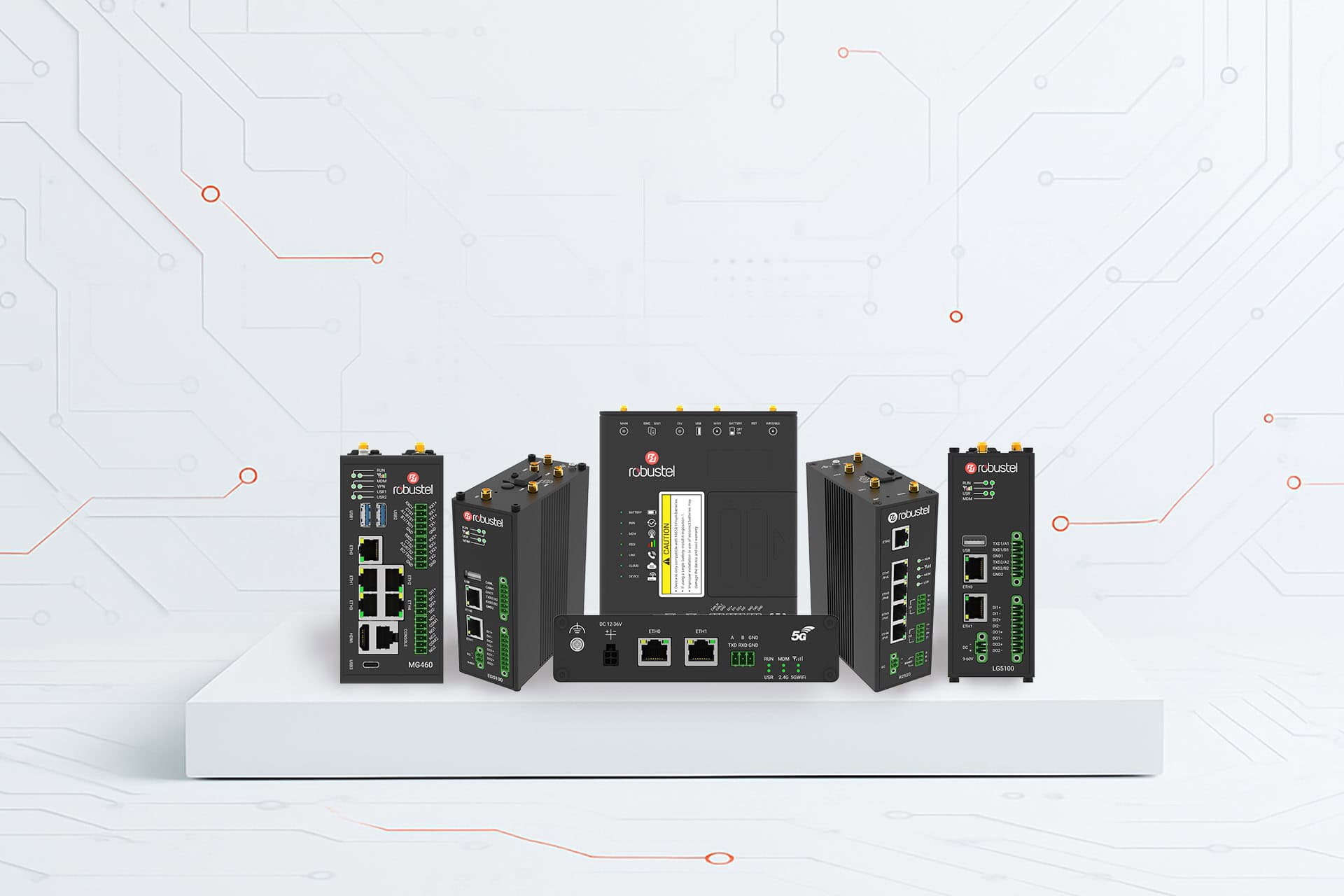
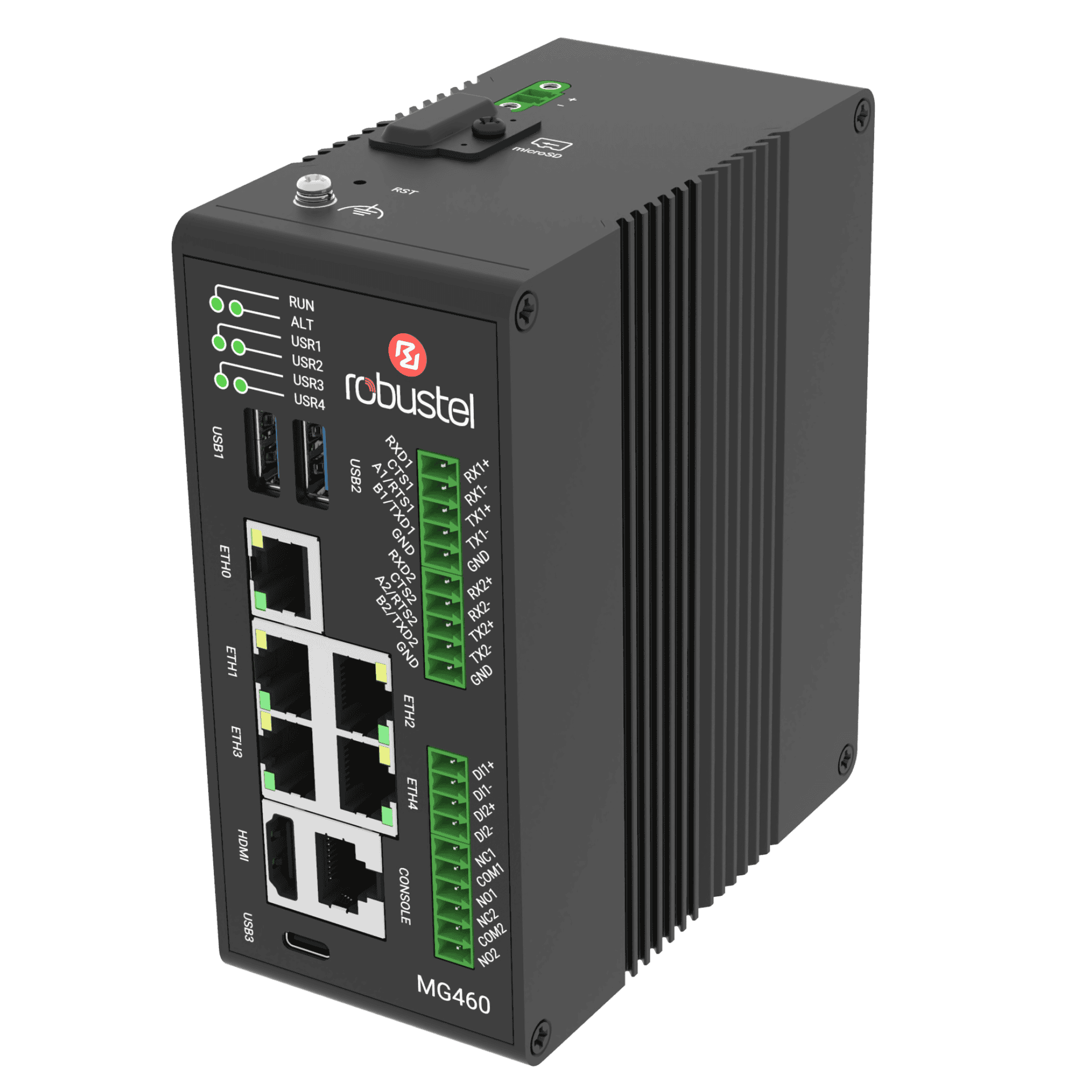
Robustel MG460 Computer
IEC 60945 Certified Maritime Industrial Computer
The Robustel MG460 Computer is an IEC 60945 certified industrial computer purpose-built for maritime environments, giving shipboard system designers a reliable, compliant platform for running onboard applications where standard industrial PCs often fall short. Built on the proven MG460 hardware foundation and engineered for marine electrical and environmental requirements, it’s designed to sit confidently in bridge, engine room, or network spaces as part of a modern vessel architecture.
Running standard Debian 13 Linux, the MG460 Computer gives integrators and developers a familiar, flexible software environment to deploy and maintain custom applications onboard — from chart display and monitoring systems to data logging, edge processing, or an application server in the DMZ. Instead of adapting to proprietary operating systems or constrained firmware environments, teams can build on widely understood Linux tooling and workflows, accelerating development and simplifying long-term support.
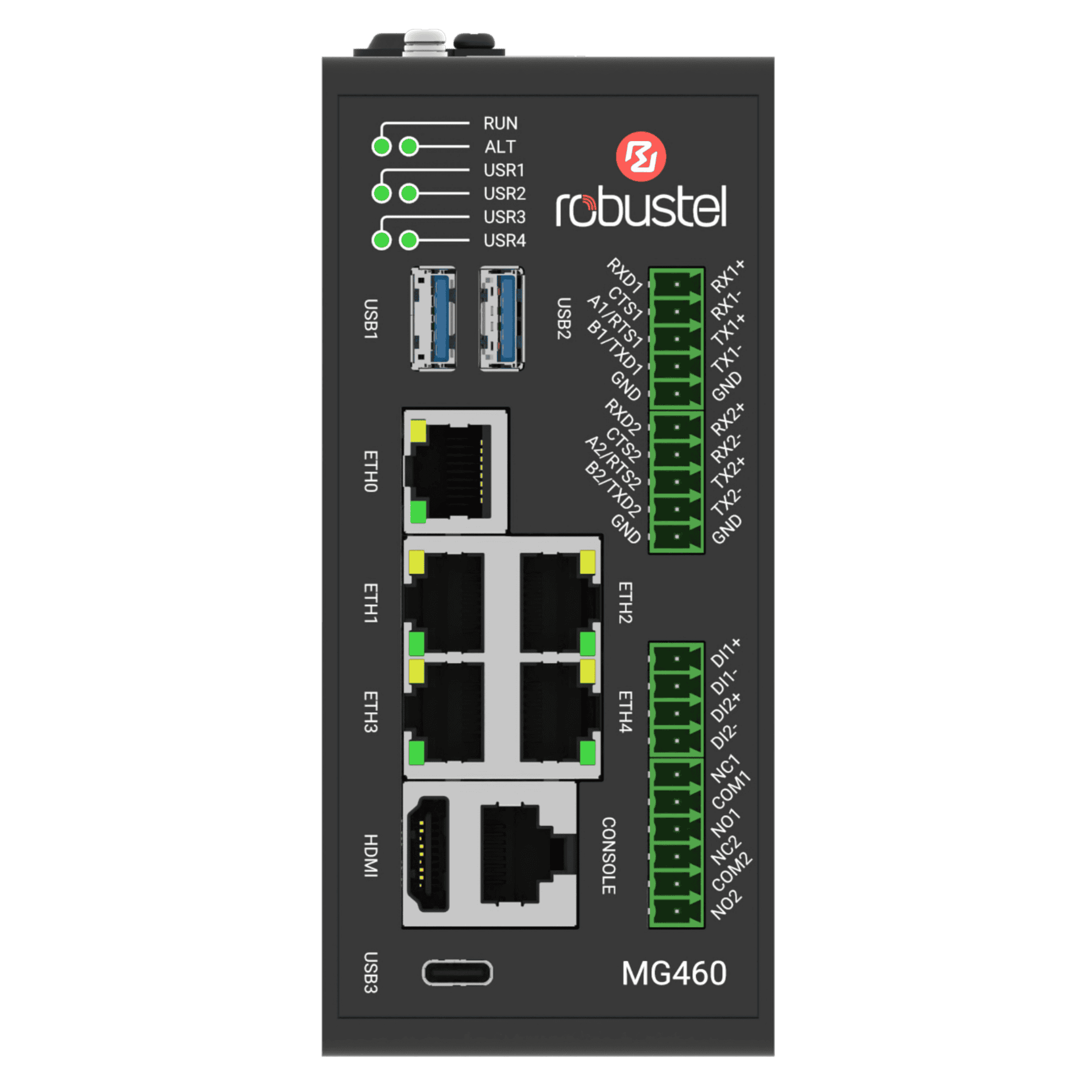
With HDMI display output, multiple Ethernet ports, and serial interfaces, the MG460 Computer is designed for practical shipboard integration across both OT and IT domains — bridging legacy serial equipment and modern IP-based networks in a single certified platform. The result is a versatile, developer-ready computer that helps you deliver compliant maritime solutions faster, with fewer compromises in integration, maintenance, or future scalability.
IEC 60945 Certified
Certified for maritime environmental and EMC requirements a compliant platform for onboard computing
CPU Performance
Quad-core 1.6 GHz CPU, 4 GB RAM, 64 GB eMMC plus a 2.3 TOPS NPU for edge workloads where needed
IACS UR E26/E27
Enables compliant vessel cyber-resilient designs by supporting controlled segmentation and DMZ application hosting.
INTERFACES
HDMI display output, 5× Gigabit Ethernet, 2× serial (RS-232/422/485), plus DI and relay for shipboard integration.
OPERATING SYSTEM
MG Core – Standard Debian 13 (Trixie) with APT package management
Example MG460 Computer Use Cases
Data Logger & Onboard CPU
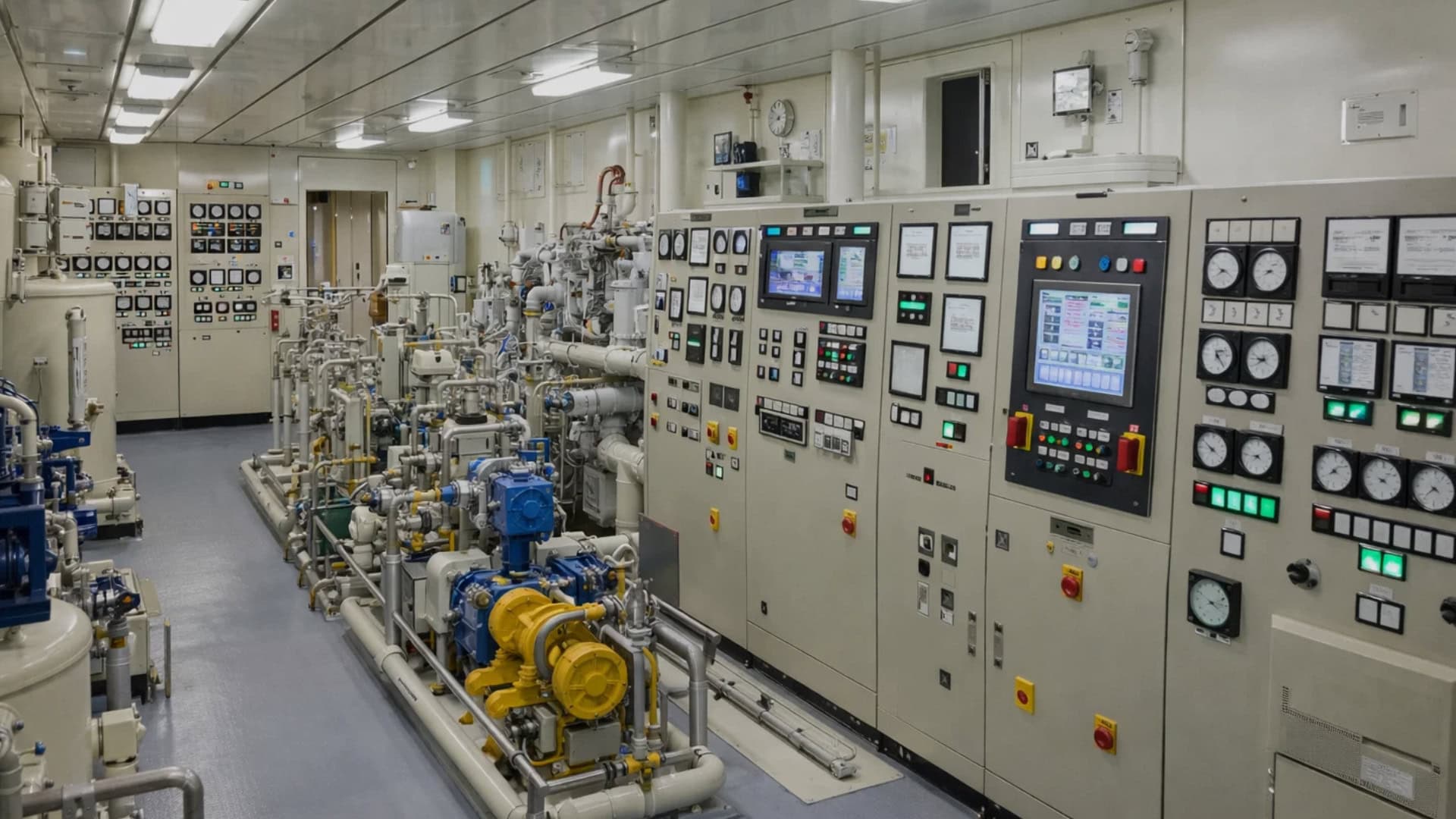
Collect, process, and store data from serial and Ethernet sources—engine sensors, controllers, gateways, and networked instruments—using a standard Debian environment. Ideal for condition monitoring, voyage/event logging, or local analytics where you need onboard compute without relying on shore connectivity.
Certified ECDIS / Chart Display

Run navigation chart and bridge display software on an IEC 60945 certified computing platform built for shipboard environments. HDMI output and Linux flexibility make it ideal for integrators delivering bridge workstations where reliability and compliance matter as much as performance.
DMZ Application Server
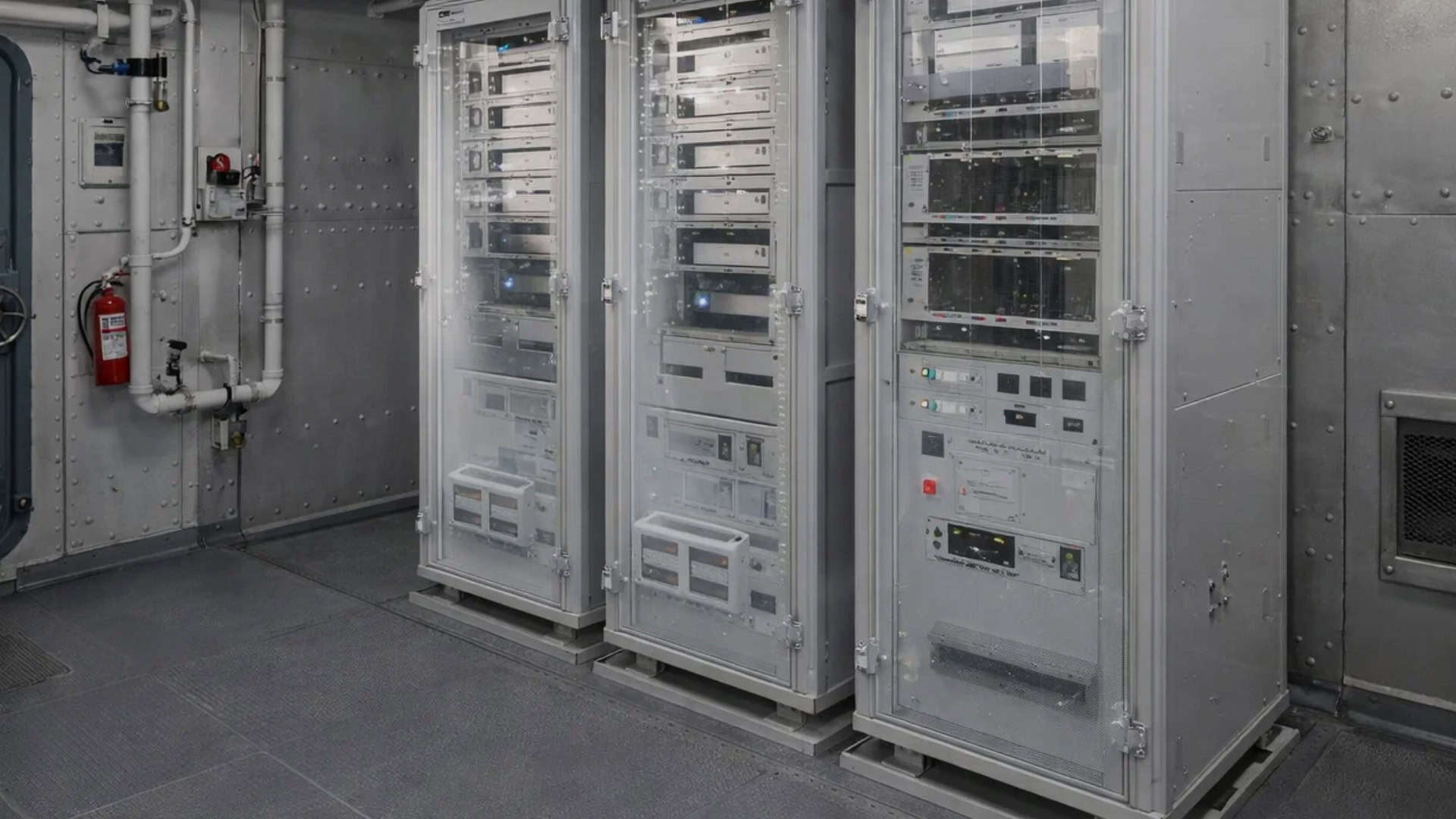
Host shipboard services inside the network DMZ—file transfer, reporting, web dashboards, or application APIs—while keeping OT and critical bridge networks segmented. A practical building block for IACS UR E26/E27-aligned architectures where controlled data flows and cyber resilience are non-negotiable.
Looking for more use cases?
With millions of Robustel devices deployed across more than 100 countries, it’s impossible to capture every use case above. Explore the links below to discover some of the exciting and innovative ways our technology is making an impact worldwide.
Close the loop: Pair with the MG460 Gateway
Complete your IEC 61162-460 architecture add the MG460 Gateway for secure, policy-controlled vessel-to-shore transfer.
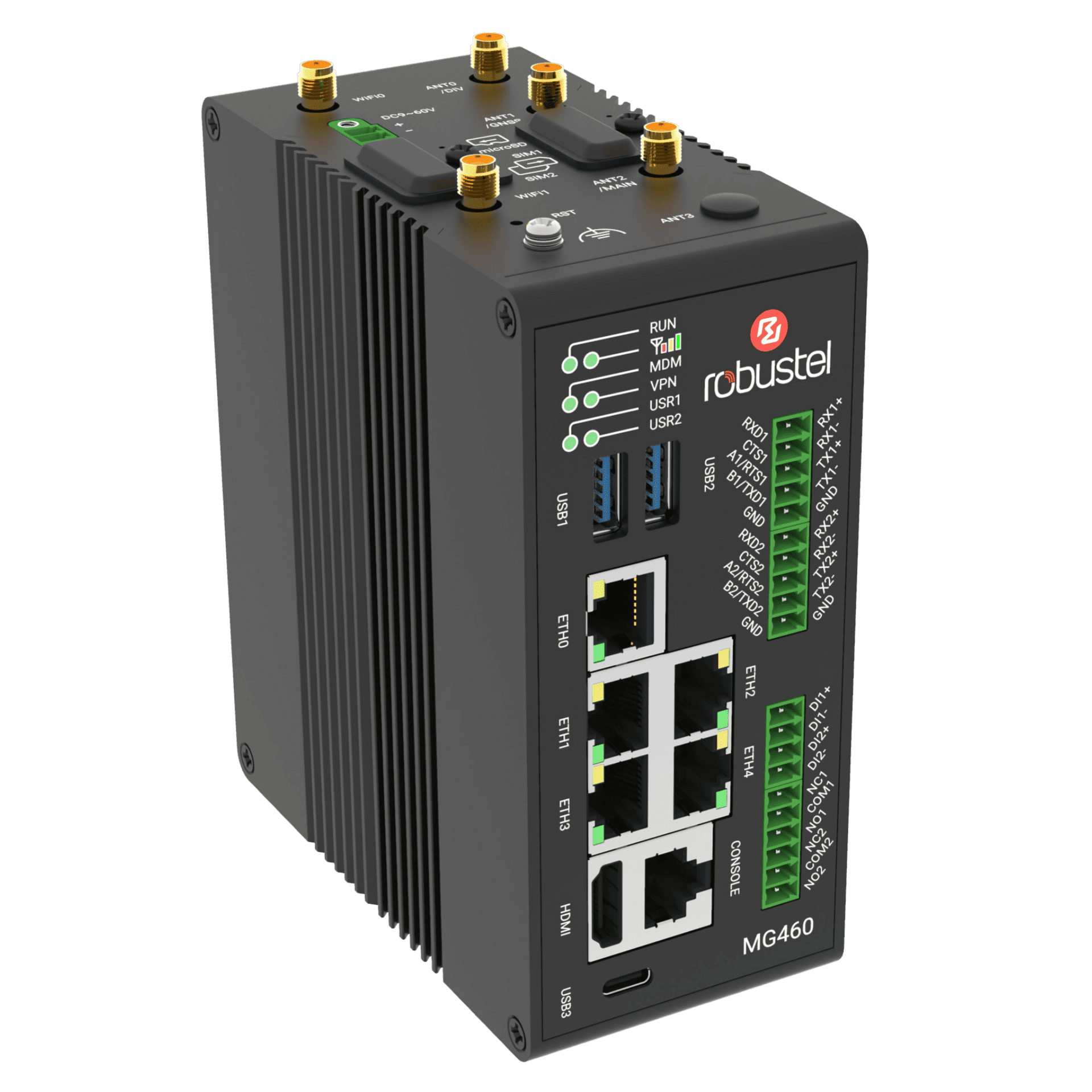
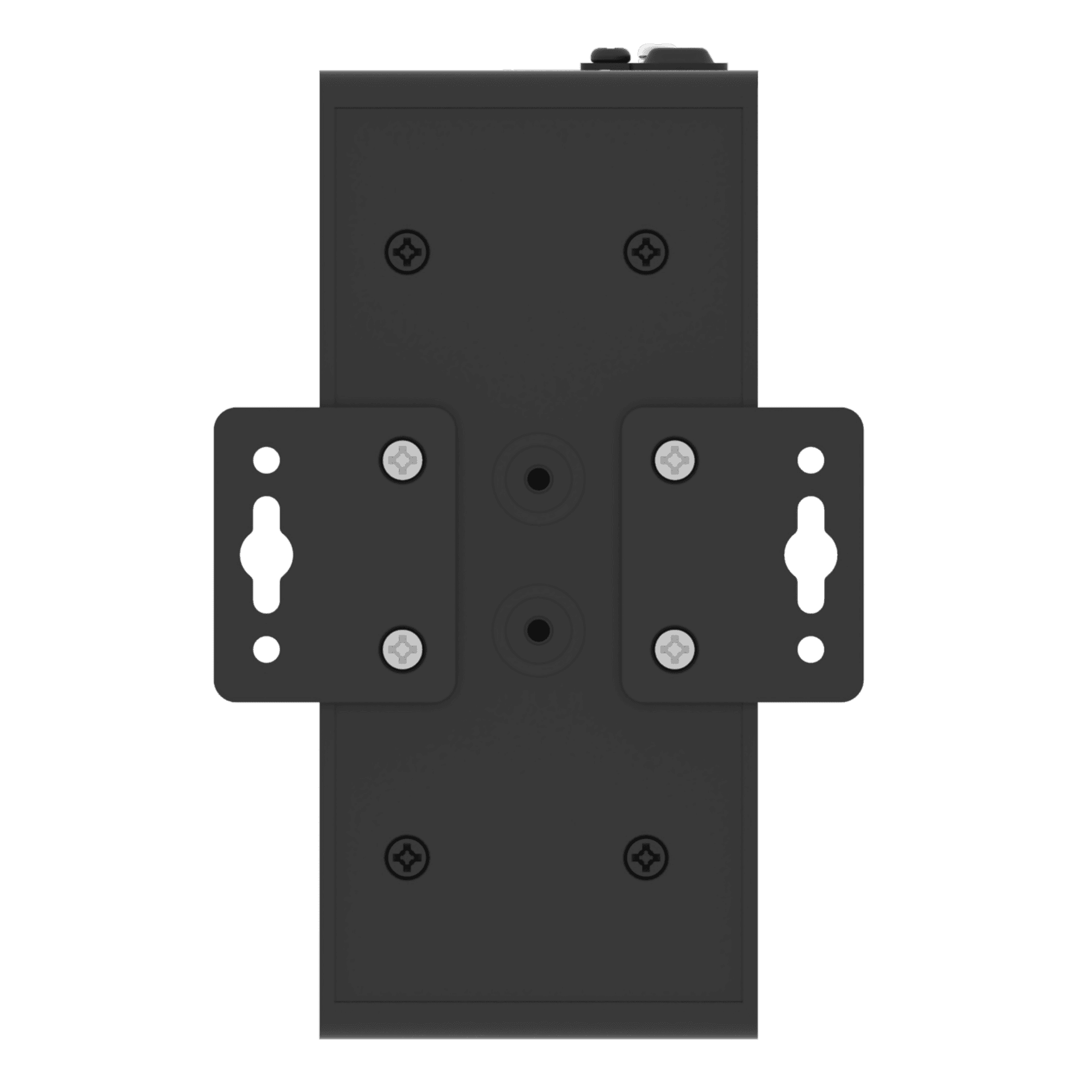
Product Mounting Options
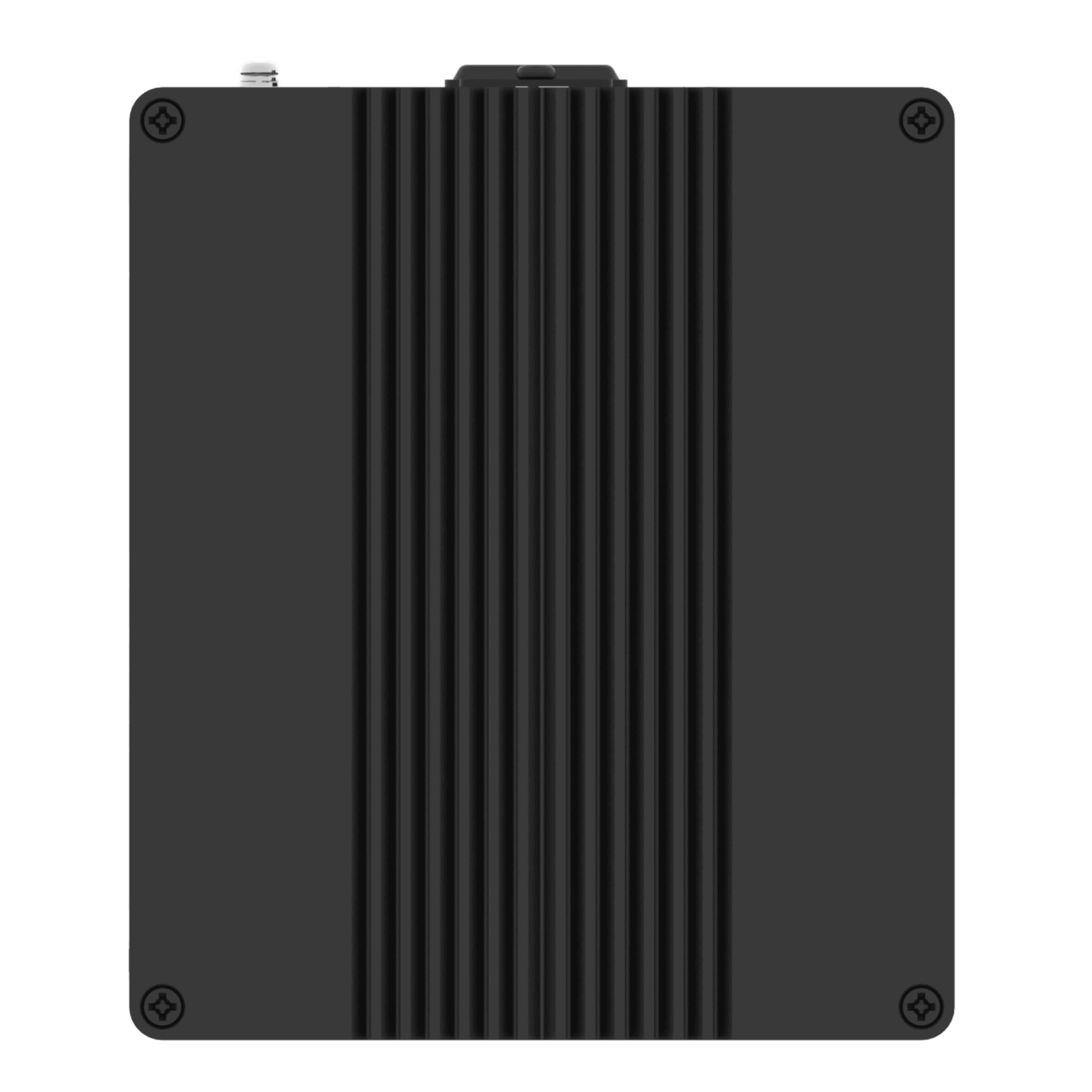
Desktop Mount
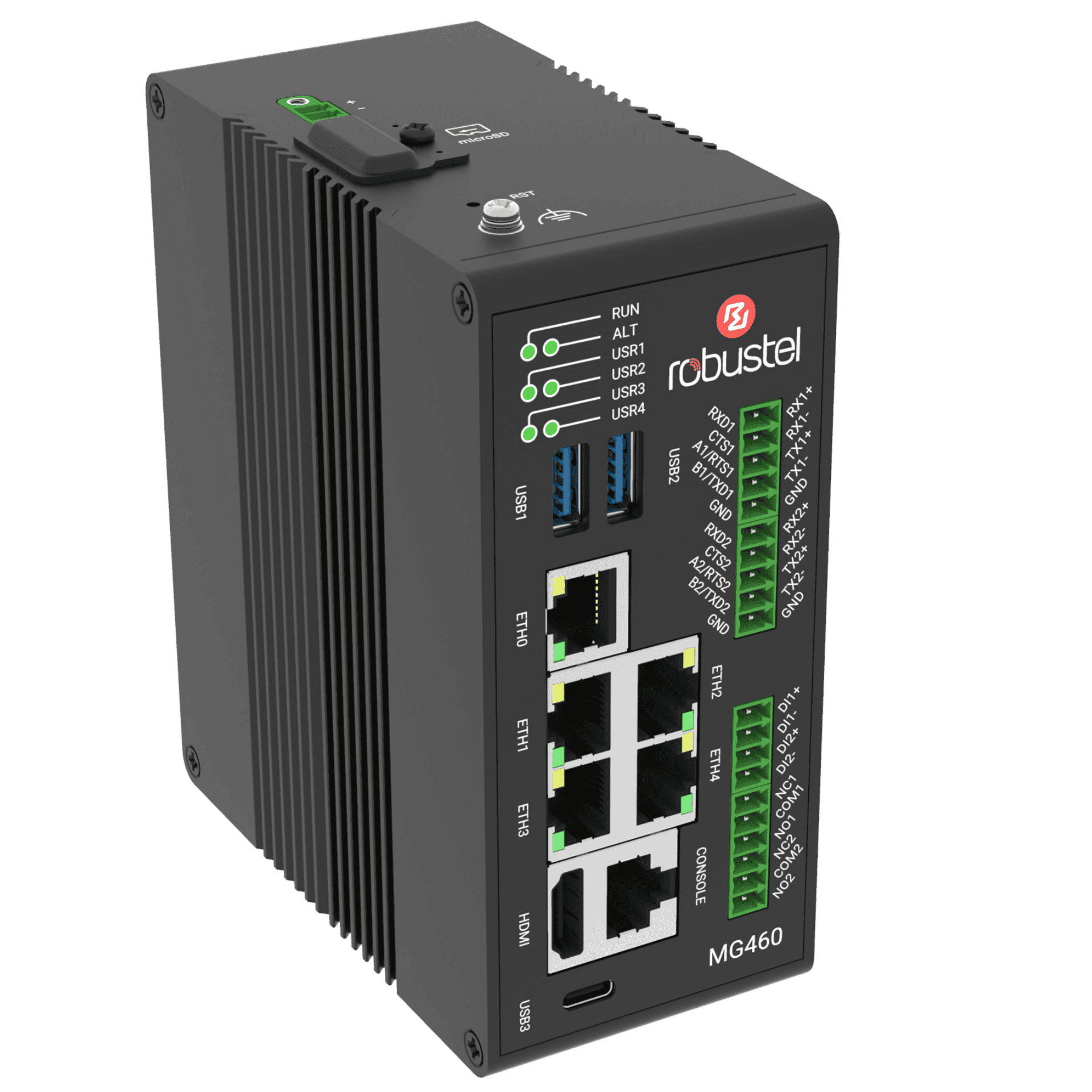
DIN Rail Mount
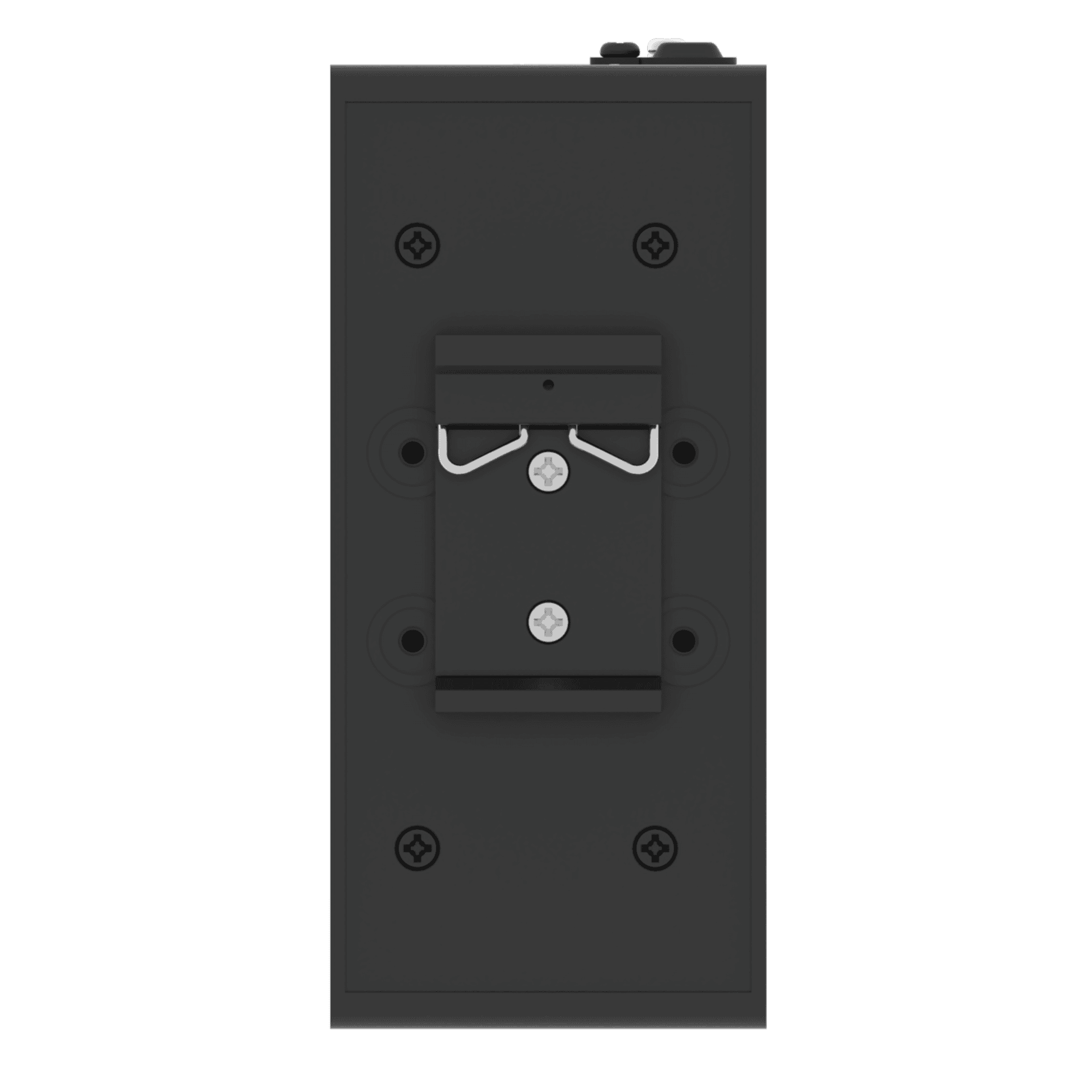
Wall Mount
System Architecture
|
Operating System |
MG Core (Debian 13 (Trixie)) |
|
CPU |
Quad core Cortex-A53, 1.6 GHz |
|
NPU |
2.3 TOPS |
|
RAM |
4 GB DDR4 |
|
Flash |
64 GB eMMC |
Ethernet
|
Ethernet Ports |
5 x RJ45, 10/100/1000 Mbps |
|
Magnet Isolation Protection |
1 KV |
Serial Port
|
Serial Ports |
2 x RS-232/RS-422/RS-485 (software configurable) |
|
Connector |
2 x 5-pin 3.5 mm terminal block |
|
ESD Protection |
8 KV air, 4 KV contact |
|
Baud Rate |
300 bps to 115200 bps |
|
Signal Definition |
RS-232: TXD, RXD, GND, CTS, RTS |
Console Port
|
Console Port |
1 x RS-232 |
|
Connector |
RJ45 |
|
Baud Rate |
115200 bps |
|
Signal Definition |
TXD, RXD, GND |
Digital Input
|
DI Ports |
2 x DI, wet contact |
|
Connector |
4-pin 3.5 mm terminal block |
|
Absolute Maximum VDC |
+30 V DC |
|
Absolute Maximum ADC |
100 mA |
|
Signal Definition |
DI1+, DI1-, DI2+, DI2- |
Relay Output
|
Relay Ports |
2 x Relay Output |
|
Connector |
6-pin 3.5 mm terminal block |
|
Absolute Maximum VDC |
+48 V DC |
|
Absolute Maximum ADC |
100 mA |
|
Signal Definition |
NC1, NO1, COM1, NC2, NO2, COM2 |
Other Interfaces
|
Reset Button |
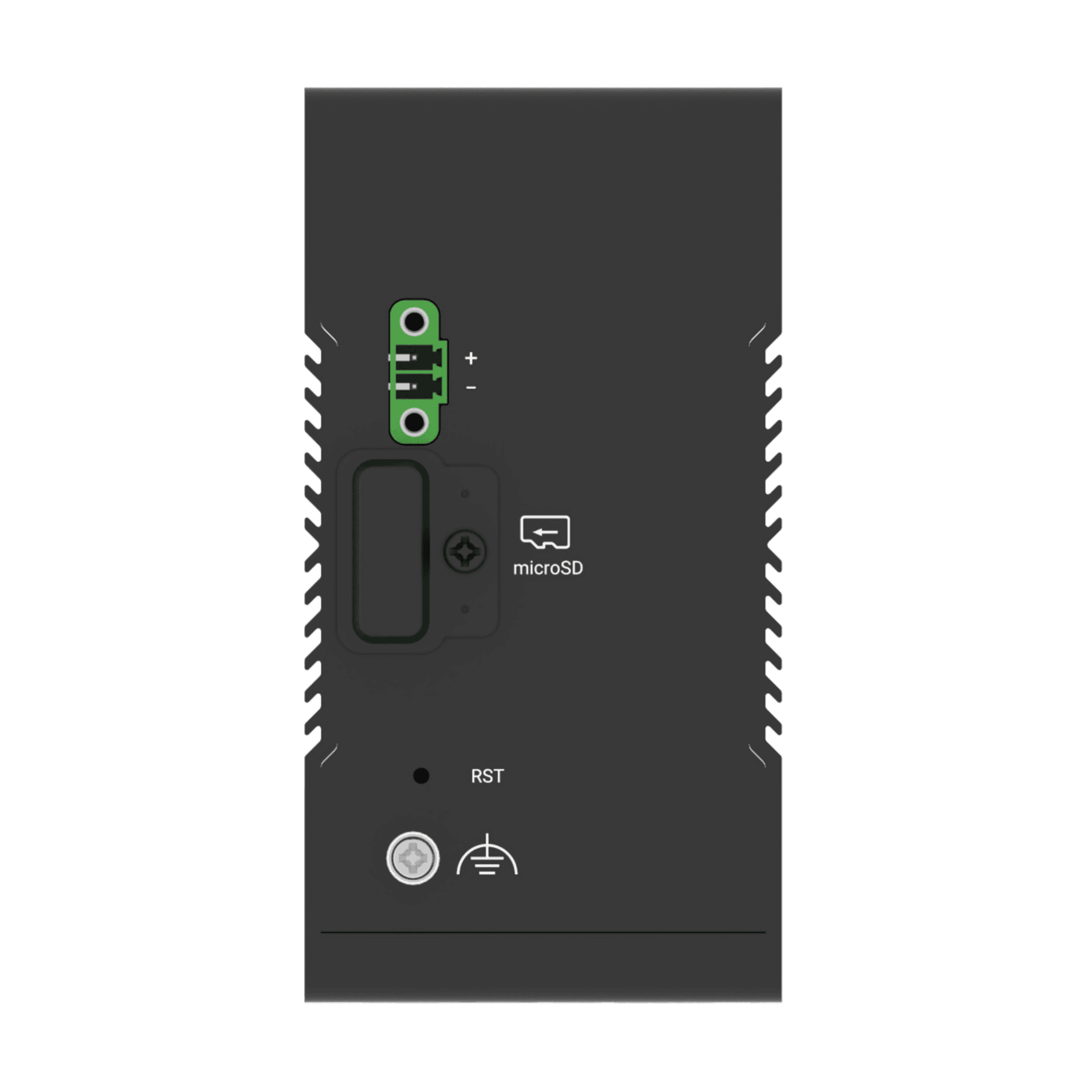
1 x RST |
|
LED Indicators |
1 x RUN, 1 x ALT, 4 x USR |
|
Watchdog |
External |
|
USB |
2 x USB 3.0 (HOST), Type A, 5 V, 900 mA 1 x USB 2.0 (OTG), Type C |
|
HDMI |
1 x HDMI 2.0 |
|
SD-Card |
1x MicroSD |
Power Supply & Consumption
|
PSU Connector |
2-pin 3.5 mm terminal block with lock |
|
Input Voltage |
9-36 V DC |
Physical Characteristics
|
Ingress Protection |
IP30 |
|
Housing & Weight |
Metal, 649 g |
|
Dimensions |
58 x 111 x 128 mm |
|
Installation Options |
Desktop, Wall Mount and 35mm DIN Rail |
|
Operating Temperature |
-30 – +70 °C |
|
Storage Temperature |
-40 – +85 °C |
|
Relative Humidity |
5 – 95% RH (non-condensing) |
Software Development Kit (SDK)
|
Supported Programming Languages |
C, C++, Python, Java, Node.js, etc. (for users to develop own applications) |
|
Flash available for SDK |
6.5GB |
|
RAM available for SDK |
2.5GB |
Regulatory and Type Approvals
|
Environmental |
RoHS 2.0 |
|
EMI |
EN 55032 Conducted Emission Class B |
|
EMS |
EN 61000-3-2 (Harmonic Current) |
Available Models
NOTE:
1. For more information about regional & carrier specific variants please contact us
2. * Denotes Certification in Progress
MG460 Computer Downloads
Please note that all product downloads are now located on the Robustel Knowledge Base (https://support.robustel.com) the buttons below will take you to the relevant sections for each product.
Product Documentation
Firmware, Software & Applications
Find More From Robustel