
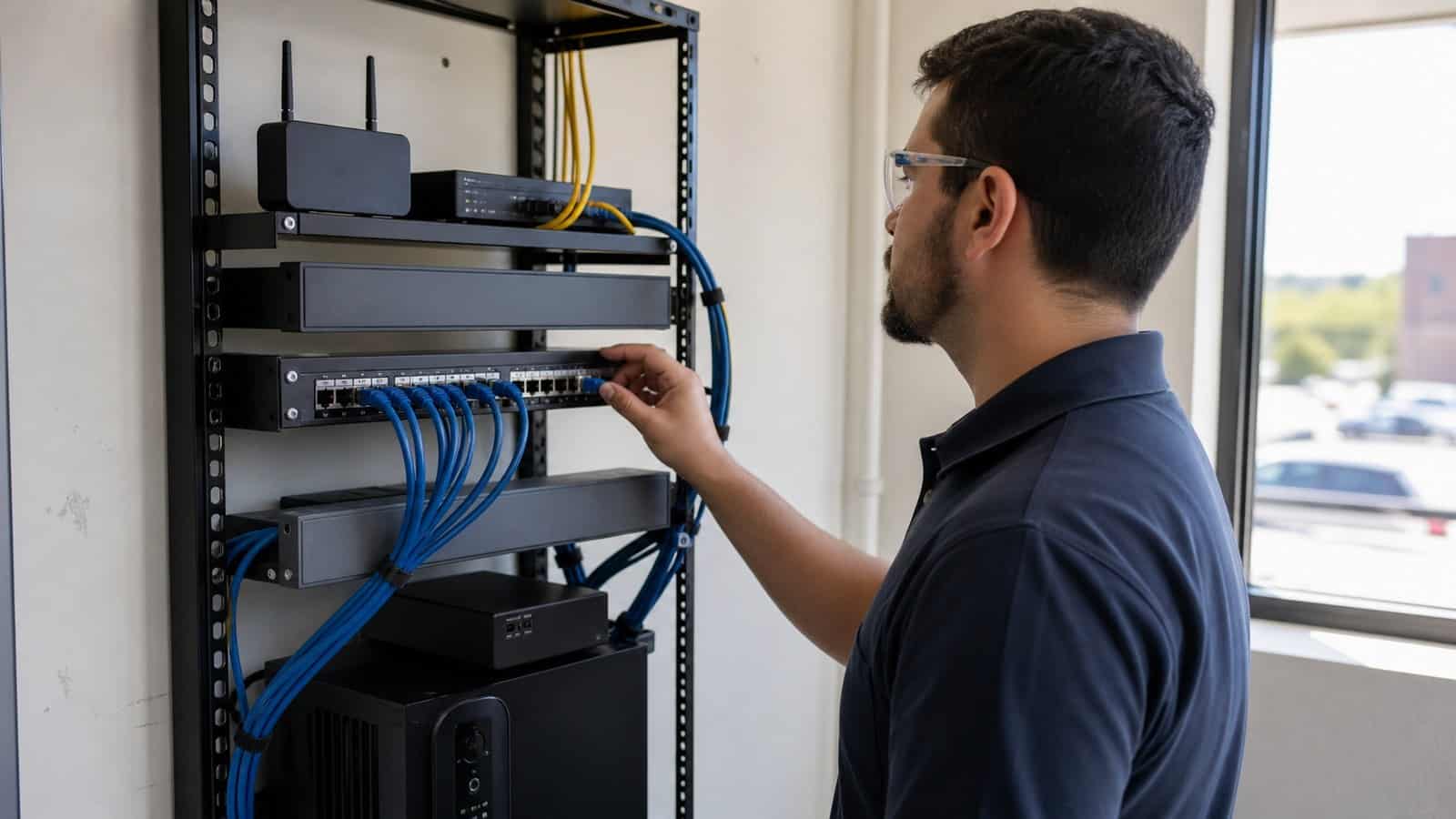
How to Choose a 5G Router for a Small Business or Branch Office
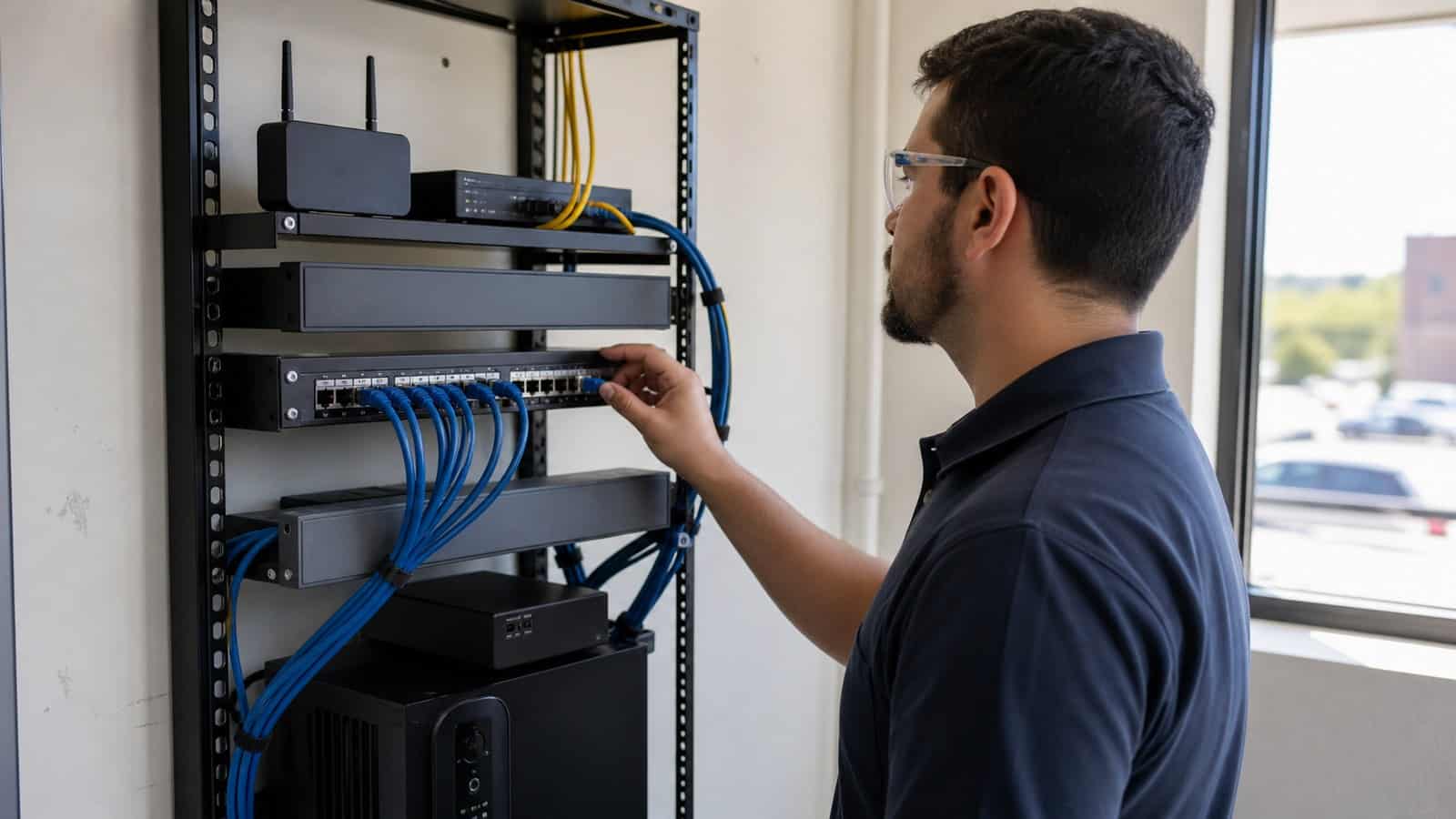
The Robustel R5010 Industrial 5G Router is a strong fit for small branches that need rapid 5G turn-up or a cost-conscious cellular path alongside an existing firewall or SD-WAN appliance. Choosing the right 5G router should follow the branch lifecycle—day-one connectivity, normal traffic, WAN failure and remote support—rather than the highest headline speed alone.
Imagine a new retail branch due to open next Monday. The payment terminals are installed. Staff systems are ready. The guest network has been configured. But the leased line will not arrive for another three weeks.
A 5G router can bring the site online immediately. Three weeks later, however, the network requirement changes. The fixed line becomes available, 5G moves into a backup role, and the router now needs to remain useful for years rather than simply get the branch through opening day. That lifecycle is the better basis for selection.
Choose for the Branch You Will Operate, Not Just the Site You Open
Small-business router decisions often begin with a specification list:
- 5G speed
- Wi-Fi
- Ethernet ports
- VPN
- dual SIM
Those specifications matter, but they do not explain what the router will actually do at the site.
A small café with five staff devices and one payment terminal has a different network requirement from a branch office with 30 employees, IP phones, security cameras and several corporate applications.
Before comparing router models, define the branch role. Is 5G expected to provide:
- The only WAN connection?
- Temporary connectivity until fibre arrives?
- Permanent backup for a fixed circuit?
- Connectivity into an existing firewall or SD-WAN appliance?
- Direct connectivity for a small local LAN?
- Remote access for IT support?
The answer changes which features matter. For example, a branch that already has a firewall, Ethernet switch and Wi-Fi access points may not need another all-in-one router with integrated wireless LAN. It may simply need a reliable 5G WAN device.
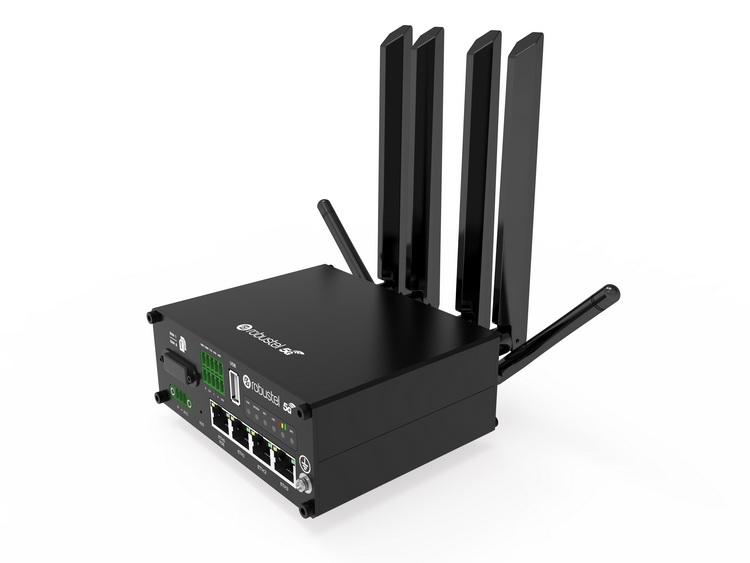
That is where the Robustel R5010 5G Router is particularly relevant. It provides 5G/4G/3G cellular connectivity, dual physical SIMs, one 2.5 GbE interface and USB modem functionality, and Robustel positions it for primary 5G connectivity and SD-WAN backup rather than as an integrated Wi-Fi access point.
This distinction prevents a common purchasing mistake: Do not pay for every branch-network function inside the 5G router if another device already performs that function well.
Day One: Bring the Site Online Before the Fixed Circuit Is Ready
A new branch has one requirement that an established branch does not: It must become operational on schedule. Fixed-line lead times may depend on carriers, landlords, civil works or site access. A router that can be staged before arrival allows the branch team to separate the opening date from the fixed-line installation date.
The initial architecture may be simple:
- 5G network
- → 5G router
- → firewall / branch LAN
- → POS, staff systems and applications
At this stage, the most important selection questions are practical.
Quetsion 1: Is usable 5G or LTE coverage available at the router location?
A high-performance router installed inside an RF-hostile plant room may perform worse than expected. Antenna positioning and installation location should therefore be part of the branch survey.
Quetsion 2: Which mobile operator works best at that site?
One carrier should not be assumed to provide the best coverage across every branch.
Quetsion 3: What data plan is required?
A temporary opening-day connection carrying payment traffic is very different from a site using 5G for staff internet, guest traffic, video and cloud applications for several weeks.
Can the router be preconfigured?
A small branch should not depend on a network engineer being physically present for every opening.
Robustel’s 5G overview video is a useful visual companion at this stage for teams deciding where 5G provides practical value compared with existing connectivity options. The important question is not whether 5G is faster in theory, but whether it removes a deployment constraint at the branch.
This day-one role is visible in a real deployment. Robustel’s Jones Technology retail resilience case study describes a UK multi-site retail environment where leased-line installation delays could interfere with store openings. Jones Technology used Robustel R5010 5G routers with site-appropriate mobile SIMs so branches could receive IP connectivity before the primary fixed circuit was ready.
The useful lesson is broader than retail: A branch router may need to solve a temporary problem first and a long-term resilience problem later. Choose for both.
Normal Operation: Size Around Real Branch Traffic and Local Network Design
Once the fixed line arrives, the site enters steady-state operation.
Now user count matters—but not as a simple formula such as:
- 20 users = Router A
- 50 users = Router B
The better question is what those users and devices actually do.
A ten-person branch running cloud applications, video meetings and large file transfers can create more WAN demand than a 30-person site running lightweight transaction systems.
Create a small traffic profile:
| Branch requirement | What to define |
|---|---|
| Staff users | Typical and peak simultaneous users |
| Critical systems | POS, ERP, VoIP, cloud apps, VPN |
| Guest access | Whether guest Wi-Fi exists and how traffic is separated |
| Cameras | Whether video leaves the site |
| Cloud backup | Frequency and data volume |
| Updates | OS/application update behaviour |
| 5G role | Primary, temporary primary or backup |
| Data plan | Monthly allowance and overage policy |
Wi-Fi needs particular attention.
The words “5G wireless router” can cause small businesses to assume that 5G WAN and local Wi-Fi are the same requirement. They are not.
The Robustel R5010 is primarily a cellular WAN device and does not provide an integrated Wi-Fi access point. A branch already using dedicated Wi-Fi access points may consider that an advantage because WAN and WLAN responsibilities remain separate. A very small office wanting one appliance to provide both 5G WAN and local Wi-Fi should evaluate a different architecture.
The same applies to Ethernet.
The R5010 provides one 2.5 GbE LAN interface, so it fits naturally upstream of an existing firewall, SD-WAN appliance or switch. A branch requiring several devices to connect directly to the router may need external switching or a router with more integrated LAN interfaces.
This is why the correct question is not: “Is this 5G router powerful enough?”
It is: “Does its role match the rest of the branch network?”
During an Outage: Decide What Must Stay Online
A backup WAN should not automatically carry everything that normally uses the fixed line.
Imagine the branch loses fibre at 14:20. The site may need to preserve:
- Payment processing
- Corporate VPN
- Ordering systems
- VoIP
- Essential cloud applications
But guest Wi-Fi, large software updates or non-critical cloud backups may not deserve the same priority during a cellular backup state.
This decision should be made before the outage. The branch should define:
- Critical traffic → stays online
- Non-critical traffic → restricted or deprioritized
This has two benefits.
- First, it protects the services that determine whether the branch can continue operating.
- Second, it makes the cellular data plan easier to control.
Dual SIM also needs careful interpretation.
The Robustel R5010 Industrial 5G Router supports two physical SIMs, which gives the project more options for carrier strategy. It does not mean the branch automatically has uninterrupted service. Both SIMs may still encounter poor signal, shared infrastructure problems or recovery delays.
The Jones Technology deployment provides a useful practical example here. Once leased lines became available, the stores used an SD-WAN architecture in which the fixed circuit served as the primary path and the R5010 provided secondary 5G WAN connectivity. The case also describes selecting mobile networks according to the signal conditions at individual sites rather than assuming one carrier was optimal everywhere.
That is a stronger design principle than simply specifying “dual SIM” in the purchase order.
How the Robustel R5010 Industrial 5G Router Fits Small Branch and SD-WAN Deployments
The Robustel R5010 Industrial 5G Router fits small and distributed branch architectures where the cellular router has a focused WAN role.
A typical arrangement is:
- 5G/LTE
- → R5010
- → firewall or SD-WAN appliance
- → switch / Wi-Fi AP
- → branch devices
In this architecture, the R5010 does not need to become the branch’s Wi-Fi controller, multi-port LAN switch and business firewall simultaneously.
Its job is clearer: provide a manageable cellular WAN path.
Relevant Robustel R5010 capabilities include dual-SIM 5G/4G/3G connectivity, a 2.5 GbE LAN interface, USB modem mode, VPN support and remote management through RCMS. Robustel specifically positions USB modem mode for integration with firewalls and SD-WAN devices where the R5010 may be mounted separately to achieve better cellular signal.
That last point matters at small sites. The best position for the firewall may be inside a communications cabinet. The best position for the 5G equipment may be closer to an exterior wall or another location with better radio conditions. The two devices do not necessarily need to occupy the same physical position. A different branch may need a more integrated edge.
Robustel’s branch-office application example with the R5020 illustrates a model where the R5020 itself provides the branch routing edge, supporting day-one 5G, later Ethernet WAN integration, network segmentation and centralized management.
The two architectures should not be treated as a product ranking. They represent different branch requirements:
R5010-style architecture: focused 5G WAN alongside existing firewall/SD-WAN infrastructure.
More integrated router architecture: one device takes on more LAN, routing and branch-edge responsibilities.
Selecting between them becomes easier once the rest of the branch network is known.
Remote Support Matters More After the Fifth Branch
One branch can often be supported informally. An engineer knows where the router is installed, which SIM it uses and which configuration was changed during commissioning.
At 20 branches, that approach begins to break down.
At 200, it becomes an operating-cost problem.
The Robustel RCMS remote device management platform provides centralized visibility and management for Robustel router fleets, including device status, cellular information, configuration and update workflows.
For a small-business owner with one site, centralized fleet management may not be the deciding factor. For an MSP or company operating many small branches, it can become one of the most important requirements.
A support engineer should ideally be able to determine remotely:
- Is the router online?
- Which mobile network is it using?
- Has signal quality changed?
- How much cellular data is being consumed?
- Is the expected configuration installed?
- Which firmware version is running?
- Is the problem isolated to one branch or shared across the fleet?
The objective is not to eliminate site visits.
It is to avoid sending someone to the branch simply because the central team lacks basic diagnostic information. This is also why remote management should be considered during router selection rather than added as an afterthought after the estate grows.
Build a Repeatable Branch Profile Before You Scale
The final selection should fit into a one-page branch profile.
For each site type, record:
| Branch decision | Requirement |
|---|---|
| Users | Typical / peak |
| Critical applications | What must remain online |
| Local Wi-Fi | Integrated or separate AP |
| Existing firewall | Yes / no |
| Primary WAN | Fixed / 5G |
| Backup WAN | Fixed / 5G / none |
| Cellular carrier | Primary and alternate strategy |
| Data plan | Expected normal and outage usage |
| Antenna location | Validated installation position |
| VPN | Required destinations and access model |
| Remote management | Who monitors and supports the router |
| Outage behaviour | Which traffic survives on backup |
| Fixed-line arrival | Does 5G change role later? |
This profile turns router selection into a repeatable site decision.
A five-person office using one WAN connection may choose a very different architecture from a five-person retail branch where card payments must continue during an ISP outage.
While the user count is the same, the business consequence is not. That is why a small-business 5G router should be sized around what the branch must keep doing, rather than how small the branch appears on an organisation chart.
よくある質問
Q1. Is a 5G router suitable as the primary internet connection for a small business?
Yes, where cellular coverage, data plans and application requirements make it practical. 5G can also be useful for temporary connectivity while a fixed circuit is being installed. The branch should still validate signal quality, data usage, public/private IP requirements and whether critical applications behave correctly over the mobile connection.
Q2. Does the Robustel R5010 Industrial 5G Router include Wi-Fi?
No. The Robustel R5010 Industrial 5G Router is focused on cellular WAN connectivity and provides Ethernet and USB data interfaces rather than an integrated Wi-Fi access point. Branches requiring local Wi-Fi can use separate access points, or evaluate a router architecture that includes the required WLAN functions.
Q3. Should a small branch use one SIM or two SIMs?
One SIM may be sufficient where the router is a non-critical secondary connection and the selected carrier has been validated. Dual SIM becomes more relevant where carrier choice, coverage variability or recovery options matter. Two SIMs should still be configured and tested rather than treated as automatic redundancy.
Q4. What size data plan does a 5G branch router need?
There is no universal allowance. Estimate usage from the traffic that will actually traverse 5G. A backup link carrying only POS and essential business traffic may use far less data than a primary 5G connection supporting staff internet, cloud applications, guest traffic, video and software updates.
Q5. When should a branch use the R5010 instead of a more integrated 5G router?
The R5010 fits particularly well when the branch already has a firewall, SD-WAN appliance, switching and Wi-Fi, and primarily needs a manageable 5G WAN connection. A more integrated router may be preferable when the cellular router itself must provide multiple LAN interfaces, Wi-Fi or broader branch-edge functions.
結論
Choosing a 5G router for a small business or branch office should follow the way the site will operate over time.
The Robustel R5010 Industrial 5G Router is particularly well suited to branches that need fast 5G turn-up, a focused cellular WAN for an existing firewall or SD-WAN environment, or a long-term backup path after the fixed circuit arrives.
Start with day one: Can the branch open without waiting for the carrier?
Then design normal operation: What traffic, Wi-Fi, firewall and LAN architecture already exists?
Then design the outage: Which applications must remain online over 5G?
Finally, design support: Can the central team diagnose and maintain the router without repeatedly visiting the site?
The best-fit branch router is not the device with the longest feature list. It is the one whose WAN role remains useful from the day the branch opens through the outages and maintenance events that follow.
Explore more articles about Robustel industrial 5G routers:

著者について
Robert Liao | Technical Support Engineer
Robert is an IoT Technical Support Engineer at Robustel, specializing in industrial networking and edge connectivity. A certified Networking Engineer, Robert focuses on the deployment and troubleshooting of large-scale IIoT infrastructures. His work centers on architecting reliable, scalable system performance for complex industrial applications, bridging the gap between field hardware and cloud-side data management.