
WiFi 6 vs WiFi 7 for Industrial 5G Routers: RF, Client Density and Lifecycle Decision Matrix
The Robustel R5030 Industrial 5G Router provides dual-band Wi-Fi 6 for industrial and vehicle connectivity, while a Wi-Fi 7 requirement should be justified by the client estate, spectrum plan and traffic rather than by the generation number alone. Robustel does not currently position R5030 as a Wi-Fi 7 router, so this comparison is about deciding whether verified Wi-Fi 6 capability fits the project or whether a separate newer access-point architecture is needed.
Begin with the Client and RF Inventory
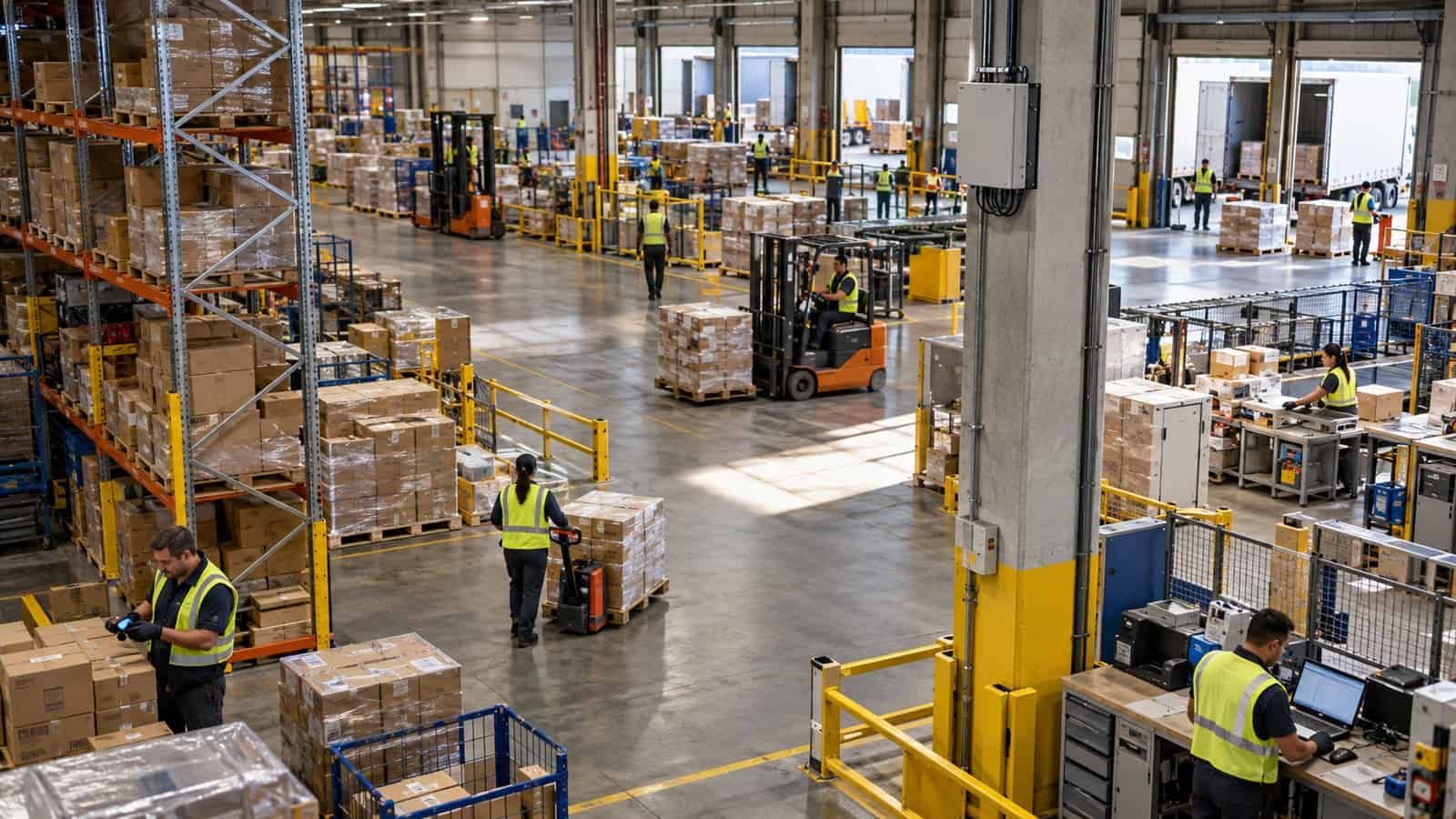
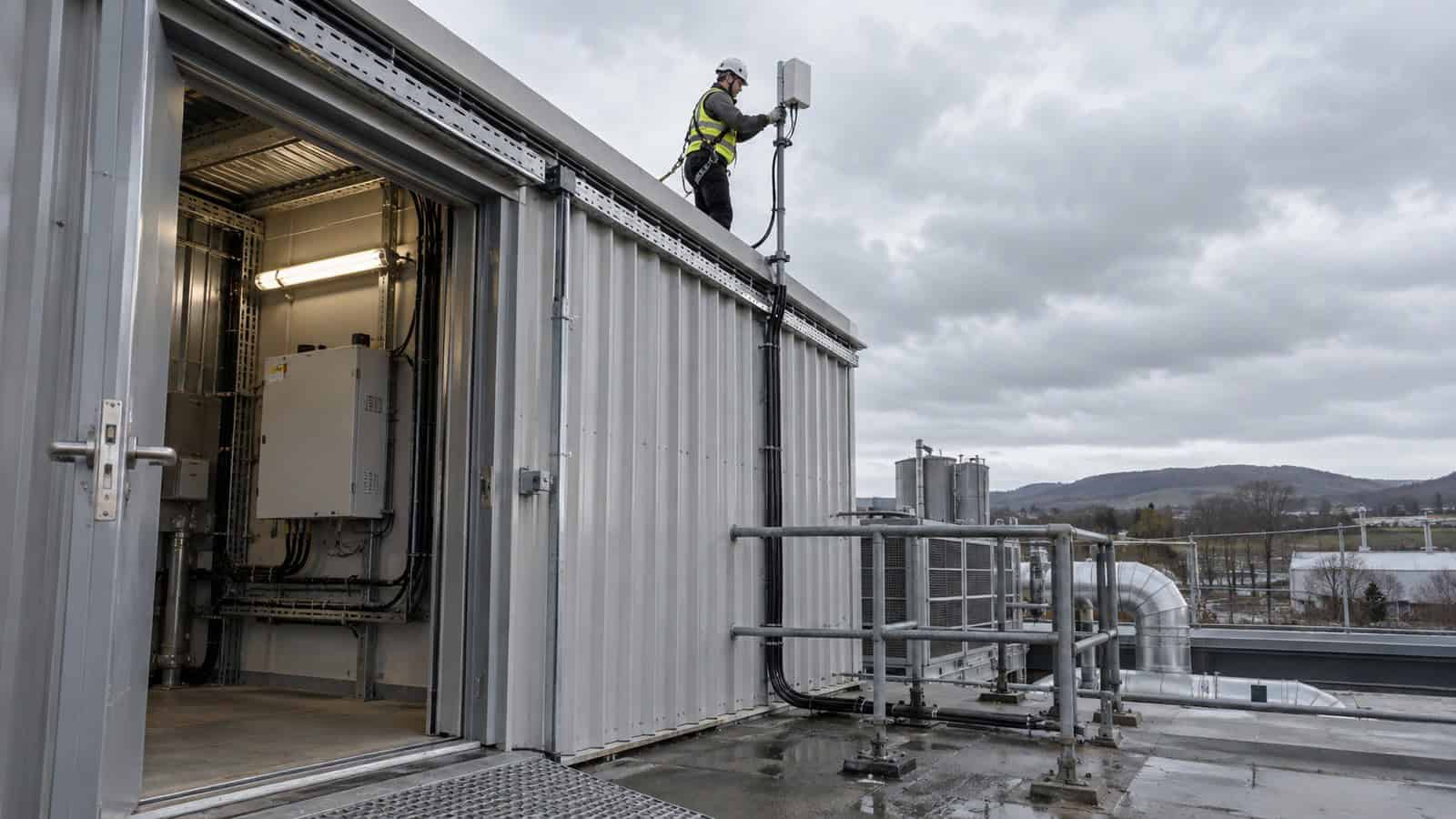
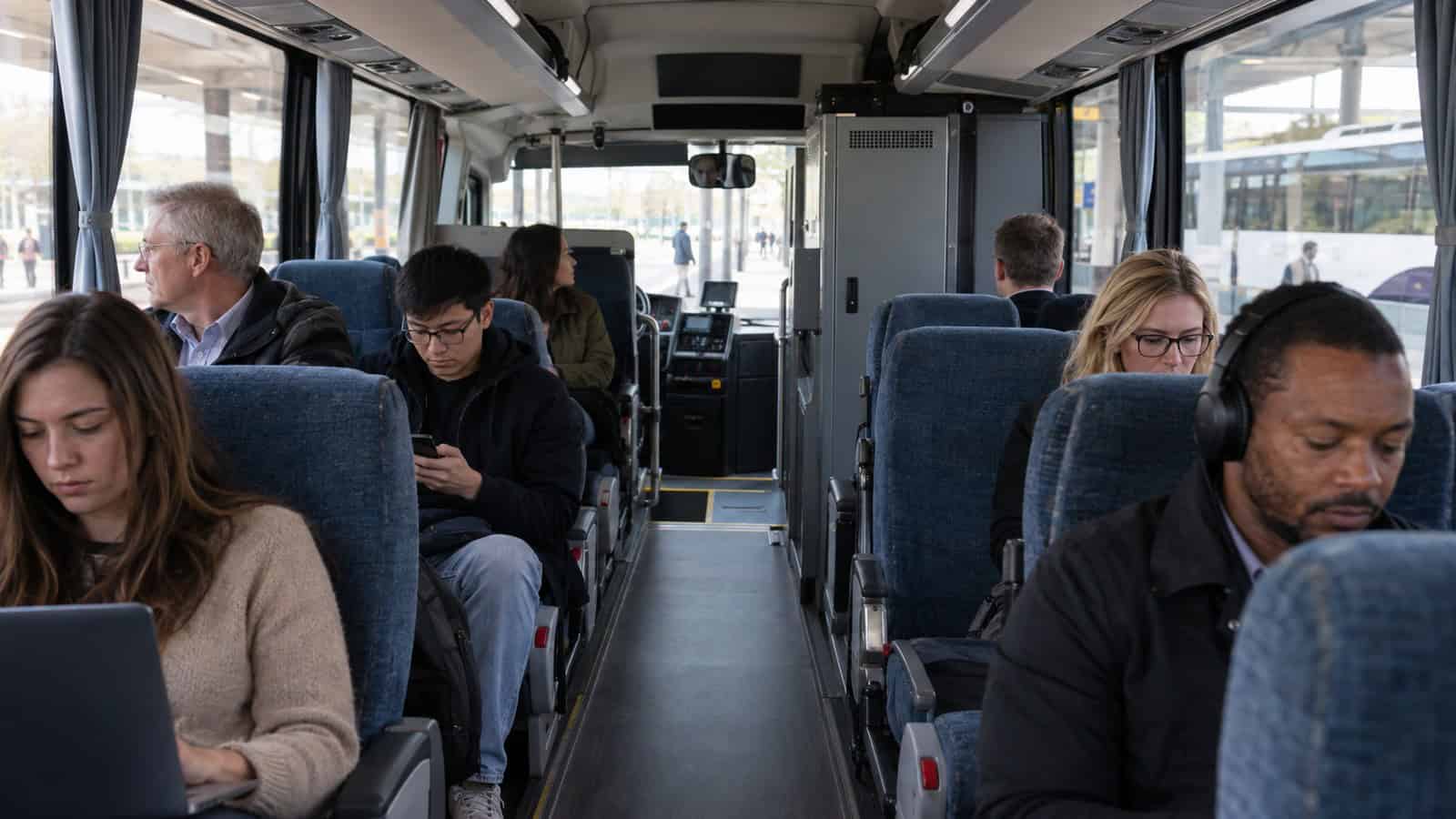
List every client by supported standard, band, antenna capability, mobility and traffic pattern. Older scanners, cameras and service laptops may remain the limiting devices even when the access point is replaced. In a metal-rich factory or vehicle, placement and channel reuse often change the outcome more than the headline PHY rate.
| Question | Wi-Fi 6 design implication | When Wi-Fi 7 may change the architecture |
|---|---|---|
| Are most clients Wi-Fi 5/6? | Wi-Fi 6 can serve them without waiting for estate renewal | only if new clients and applications can use later features |
| Is spectrum congested? | channel plan and placement remain essential | additional spectrum/features may help where permitted and supported |
| Are there many small concurrent flows? | scheduling efficiency matters more than peak rate | validate concurrency with the real client mix |
| Is mobility important? | roaming design and client behaviour need testing | a newer standard alone does not guarantee seamless roaming |
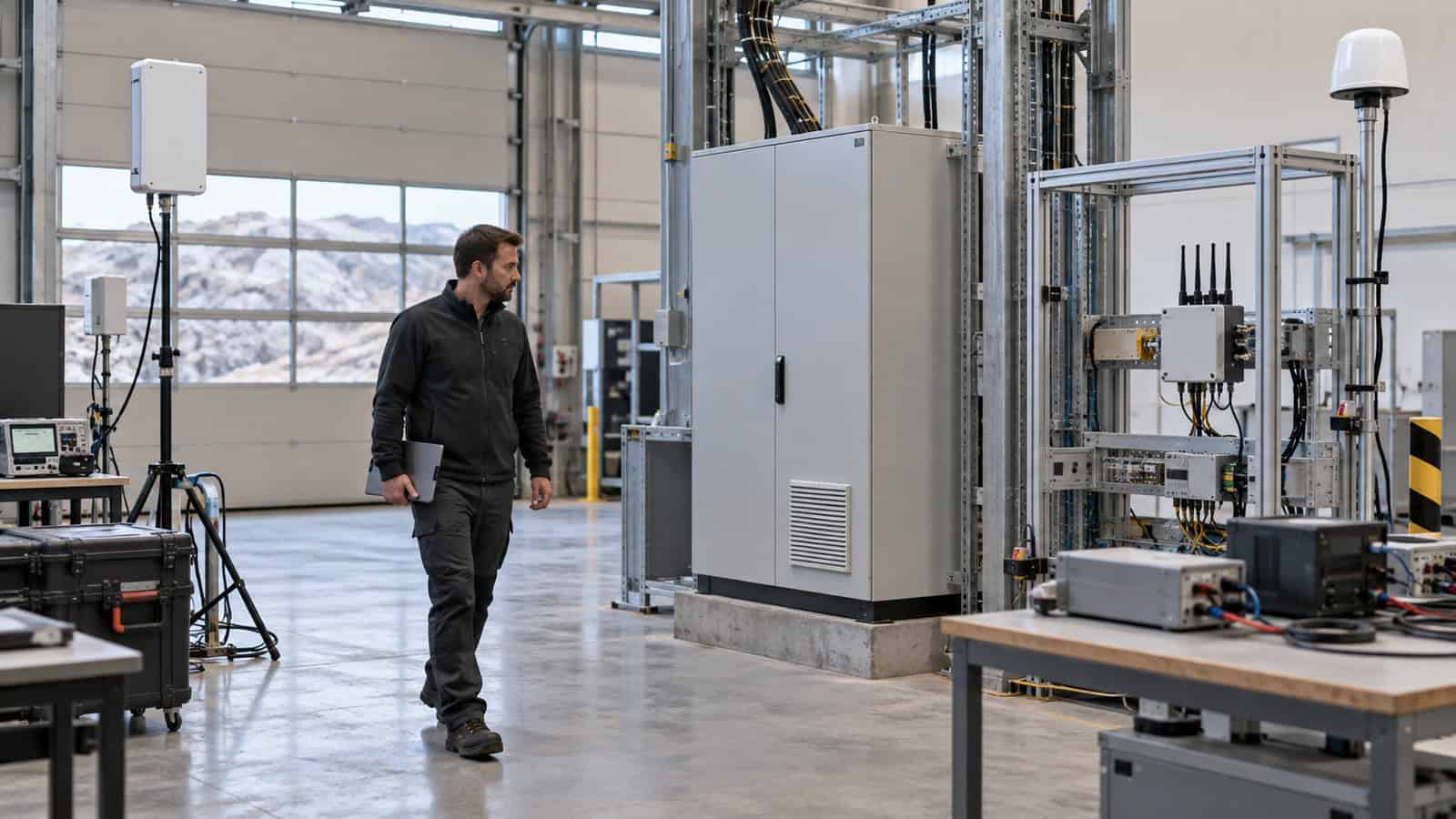
Do the survey with doors, machinery and passenger occupancy in representative states. A clean empty-depot test can hide the reflections and interference that shape production performance.
Separate Wi-Fi Access from 5G Backhaul
5G is the WAN bearer; Wi-Fi is the local radio network. A faster Wi-Fi link cannot improve a constrained or unstable mobile path, and strong 5G does not fix poor client coverage inside a vehicle or cabinet area. Measure each side independently, then test the end-to-end service under concurrent load.
The Robustel video “5G Router, 5G RedCap, or 4G: How to Choose for Industrial IoT” helps teams choose the cellular generation from the WAN workload. Use a separate RF survey and client test for the Wi-Fi decision; otherwise two different radio questions become one vague speed discussion.
Decide Whether the Router Should Be the Access Point
An integrated router/AP can reduce equipment count and simplify a compact site. It is a poor default when the access point needs a different physical position, directional coverage, many cells, specialised roaming or independent security administration. In those cases, use the router for 5G backhaul and connect a purpose-designed Wi-Fi system over Ethernet.
Robustel’s traffic-camera and road-signage application example shows the value of naming device roles and remote paths in a mixed field network. For a Wi-Fi deployment, apply the same discipline to client classes: operational devices, service access and guest traffic should not inherit one policy merely because they share a radio.
How the Robustel R5030 Industrial 5G Router Fits a Wi-Fi 6 Design
Robustel R5030 Industrial 5G Router provides Wi-Fi 6 (802.11ax), 2×2 MIMO, 2.4 GHz and 5 GHz operation, AP and client modes, five Gigabit Ethernet ports, dual SIM, GNSS and 5G/4G/3G backhaul. This makes it a practical fit for a compact industrial or vehicle site where one device can own both cellular access and a defined local Wi-Fi cell.
Use a product-specific acceptance block rather than a generic speed target:
- confirm every required client can associate with the selected security settings;
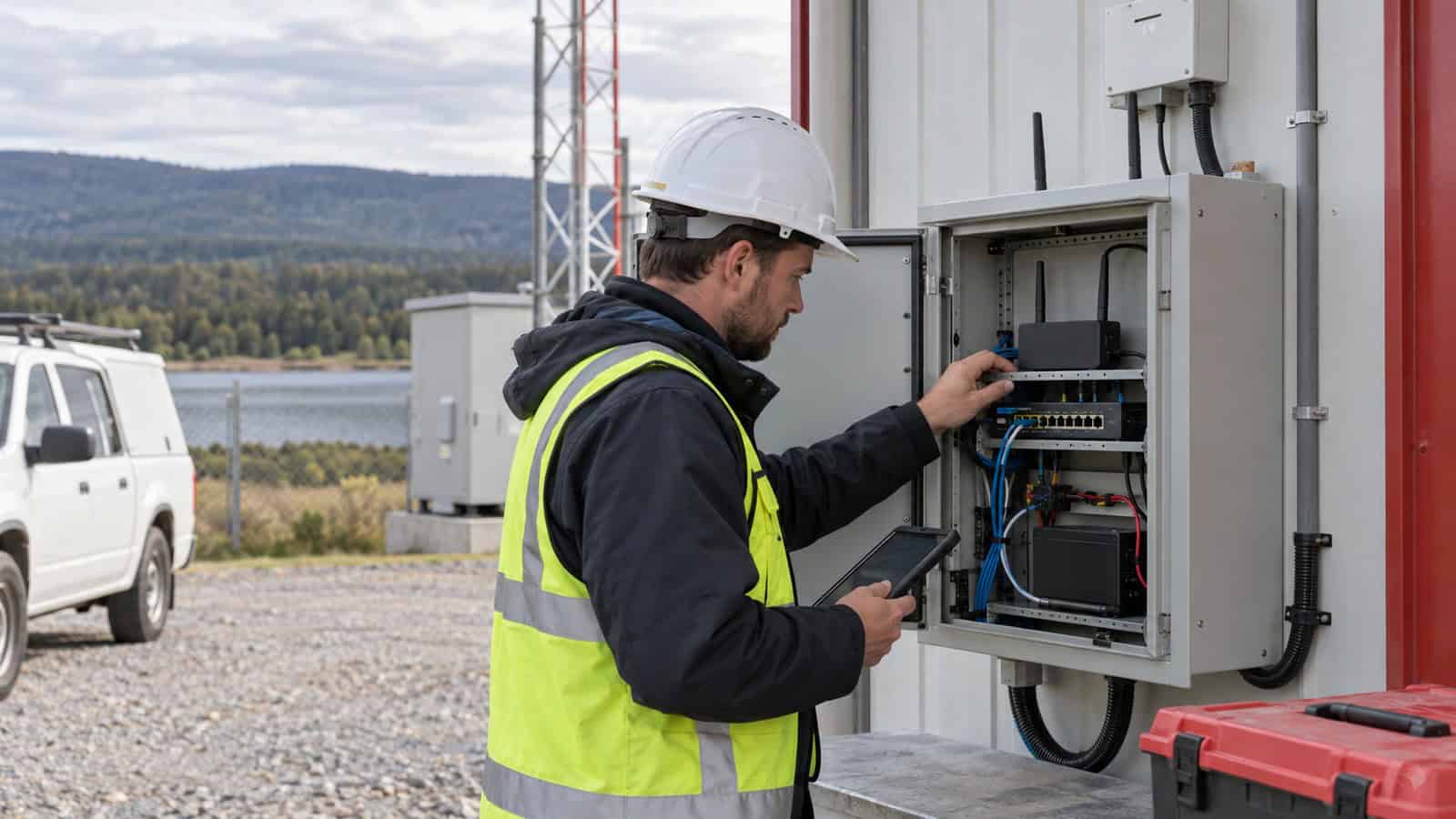
- measure coverage and interference at the final antenna location;
- run the normal concurrent client count and traffic mix;
- confirm that local Wi-Fi load does not hide WAN congestion; and
- test configuration recovery and management access after a power interruption.
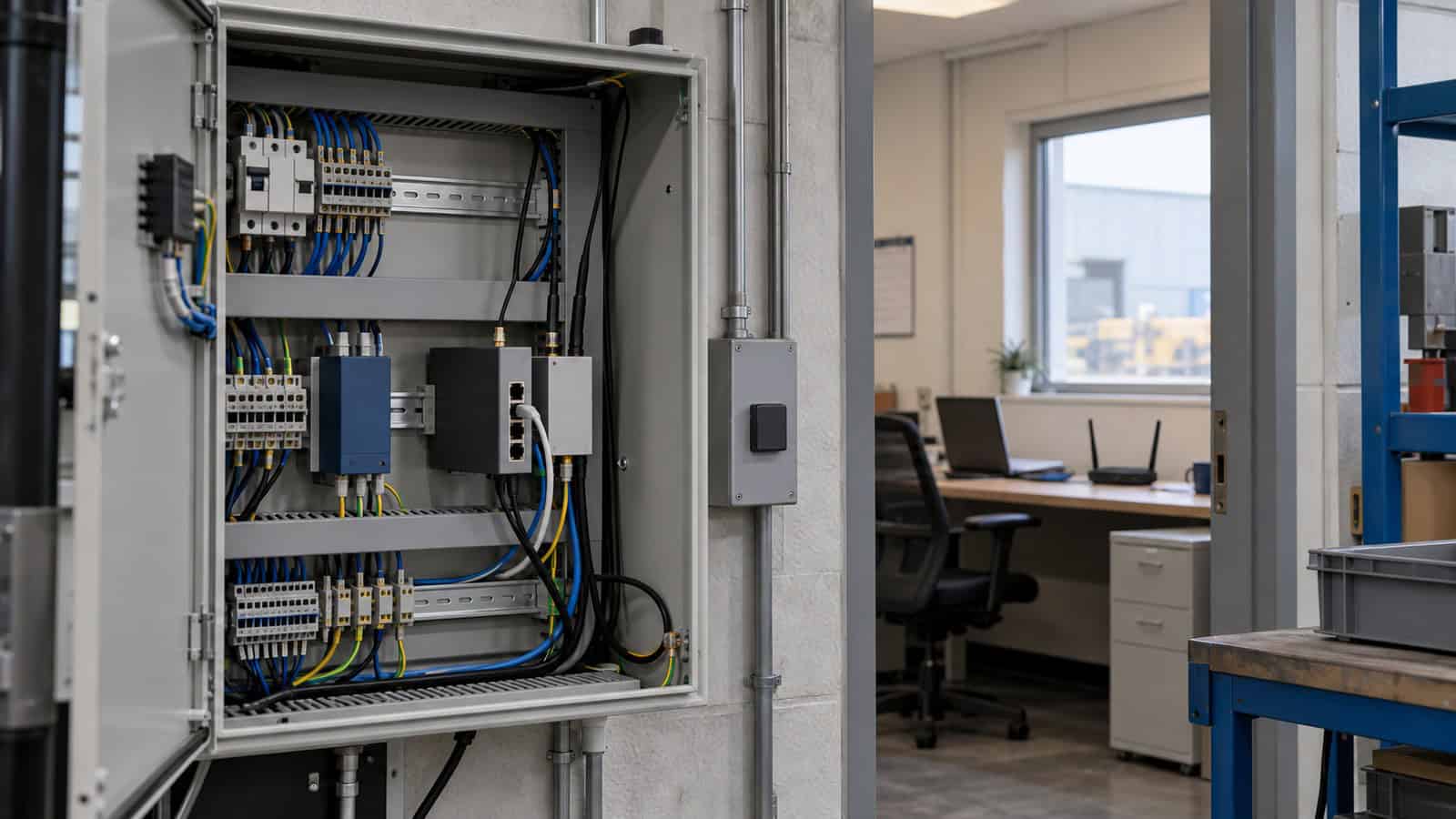
The five Ethernet ports also provide an escape route from an overextended integrated-Wi-Fi design. Cameras, controllers or a dedicated access-point system can use wired connections when the site needs clearer segmentation or better AP placement.
Compare Lifecycle Cost, Not Only Radio Features
Wi-Fi 7 can be justified where the client roadmap, spectrum availability and workload will use it within the deployment life. It also introduces qualification work: client drivers, security policy, roaming, regional spectrum rules and support ownership must be assessed. Buying a label before the client estate is ready can create cost without changing the service.
Robustel’s retail resilience case study shows why distributed connectivity must remain operable after installation. For branch or depot Wi-Fi, lifecycle questions include configuration consistency, guest-policy ownership, firmware review and how a failed access point is diagnosed without sending a specialist to every site.
Use a Decision Threshold the Team Can Revisit
Choose Robustel R5030’s integrated Wi-Fi 6 role when the surveyed cell, verified client mix, security model and traffic pass the acceptance test. Choose a separate access-point architecture when placement, density, roaming or future Wi-Fi 7 capability is a genuine design requirement. This keeps the router decision stable even if the local WLAN later evolves.
Record the threshold that would trigger a redesign—such as a second coverage cell, a new high-bandwidth client class or an independent WLAN operations team. That turns “future-proofing” into a reviewable lifecycle decision.
Foire aux questions
Q1. What is the difference between Wi-Fi 6 and Wi-Fi 7?
Wi-Fi 7 introduces newer radio capabilities and potential throughput or latency improvements over Wi-Fi 6. Real benefit depends on compatible clients, available spectrum, channel conditions and the deployed configuration.
Q2. Is Wi-Fi 7 backward compatible?
Wi-Fi generations are generally designed to support older clients, but those clients operate within their own capabilities. Confirm security modes, bands and client drivers in the target environment.
Q3. Is Wi-Fi 6 enough for business use?
It can be, when coverage, concurrent clients, traffic and security fit a well-designed Wi-Fi 6 cell. A survey and production-load test provide a better answer than the site category alone.
Q4. Is 5G faster than Wi-Fi 6?
They serve different parts of the network and neither is universally faster. Compare the 5G WAN service and local Wi-Fi cell separately, then measure the end-to-end application.
Q5. When is the Robustel R5030 Industrial 5G Router a good Wi-Fi 6 choice?
It fits compact sites and vehicles that need managed 5G backhaul, several Ethernet ports and one verified Wi-Fi 6 cell. Use a separate WLAN design when coverage, roaming or client density exceeds that integrated role.
Conclusion
The Robustel R5030 Industrial 5G Router is a credible Wi-Fi 6 and 5G platform when the local cell has a defined size, client population and operating owner. Its value comes from fitting that combined role, not from claiming that Wi-Fi 6 wins every generation comparison.
Approve the integrated design after an RF survey and a sustained test with the real client mix. If the project genuinely needs Wi-Fi 7, document the client and workload that create that need and keep the R5030 as a cellular handoff only where that architecture still fits.
Explore More Articles About Robustel 5G Routers
À propos de l'auteur
Robustel Editorial Team
The Robustel Editorial Team publishes practical articles on industrial connectivity, edge computing, LoRaWAN and device management, focusing on deployment considerations, technical limitations and long-term operation.