
Temporary 5G Router Deployment Guide: Coverage, Power and Rapid Site Setup
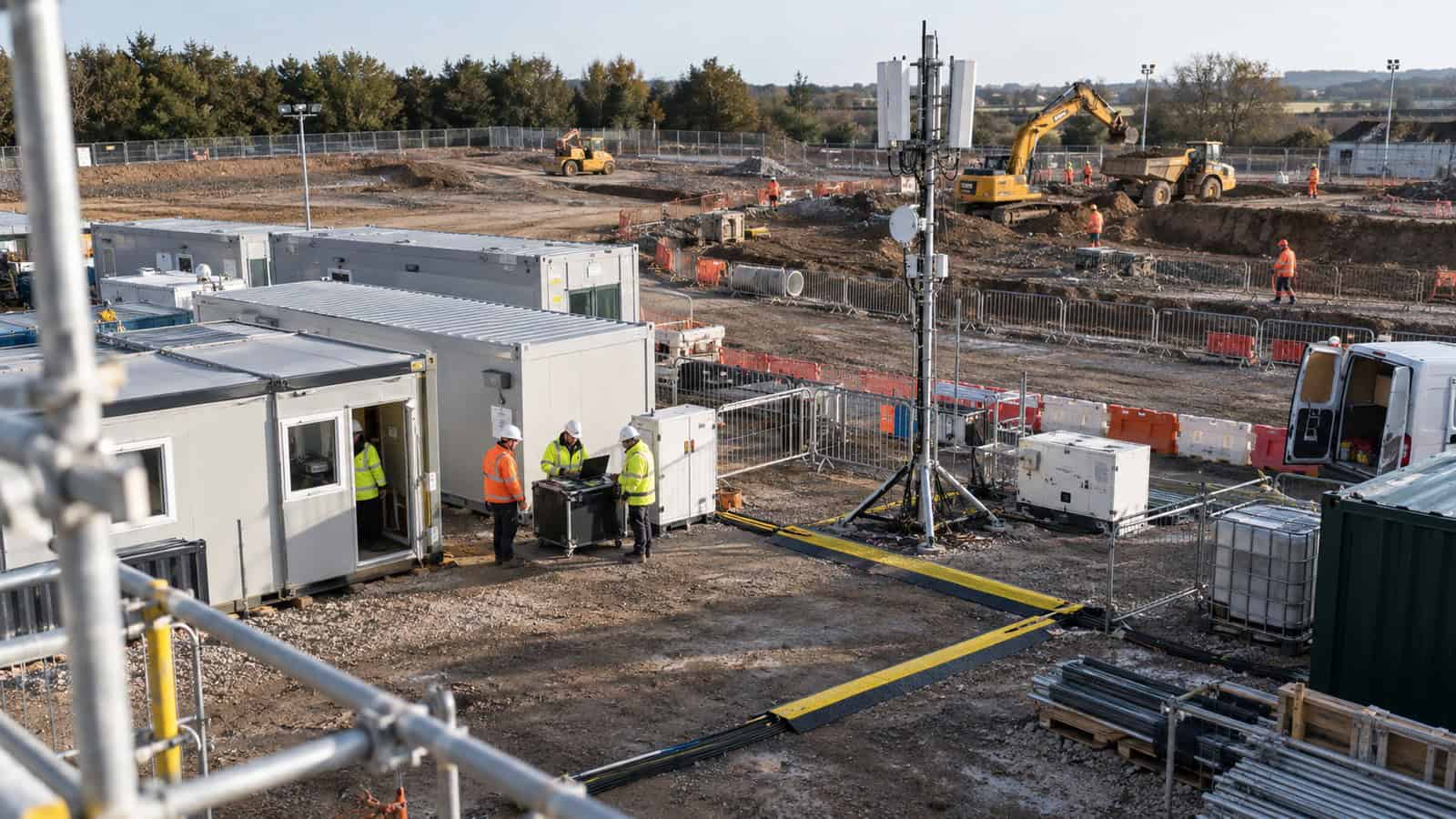
The Robustel R5010 Industrial 5G Router is well suited to temporary connectivity when a project needs a fast cellular handoff, flexible power and remote management without building a complete branch network inside the router. “Temporary” should describe how long the site exists, not the quality of its engineering. Event compounds, construction cabins, pop-up retail, incident rooms and pre-opening sites still carry production traffic and deserve a repeatable commissioning record.
I use a three-stage runbook: prove the kit before dispatch, survey before fixing anything permanently, then hand over the service with recovery instructions. This avoids the usual pattern in which a router arrives quickly but loses another day to the wrong SIM, poor placement or an unavailable power socket.
Before Dispatch: Freeze the Site Kit
Build a kit that can be issued without last-minute component hunting. It should include the exact router and approved firmware, two labelled SIMs where diversity is required, cellular antennas and mounting hardware, Ethernet leads, the chosen DC or PoE supply, surge protection appropriate to the location and an enclosure if the environment demands one.
Preconfigure management access, APN, addressing and the handoff to the firewall or local appliance. Record the order code and serial number. Confirm that each SIM can attach and pass traffic in a controlled environment, but do not treat that bench result as evidence for the destination site.
Also agree who owns the temporary link. A deployment becomes fragile when the project manager assumes IT is watching it and IT assumes the site contractor will reboot it. Put the escalation phone number, allowed traffic and expected removal date in the handover note.
Arrival Hour: Survey Before Choosing the Router Position
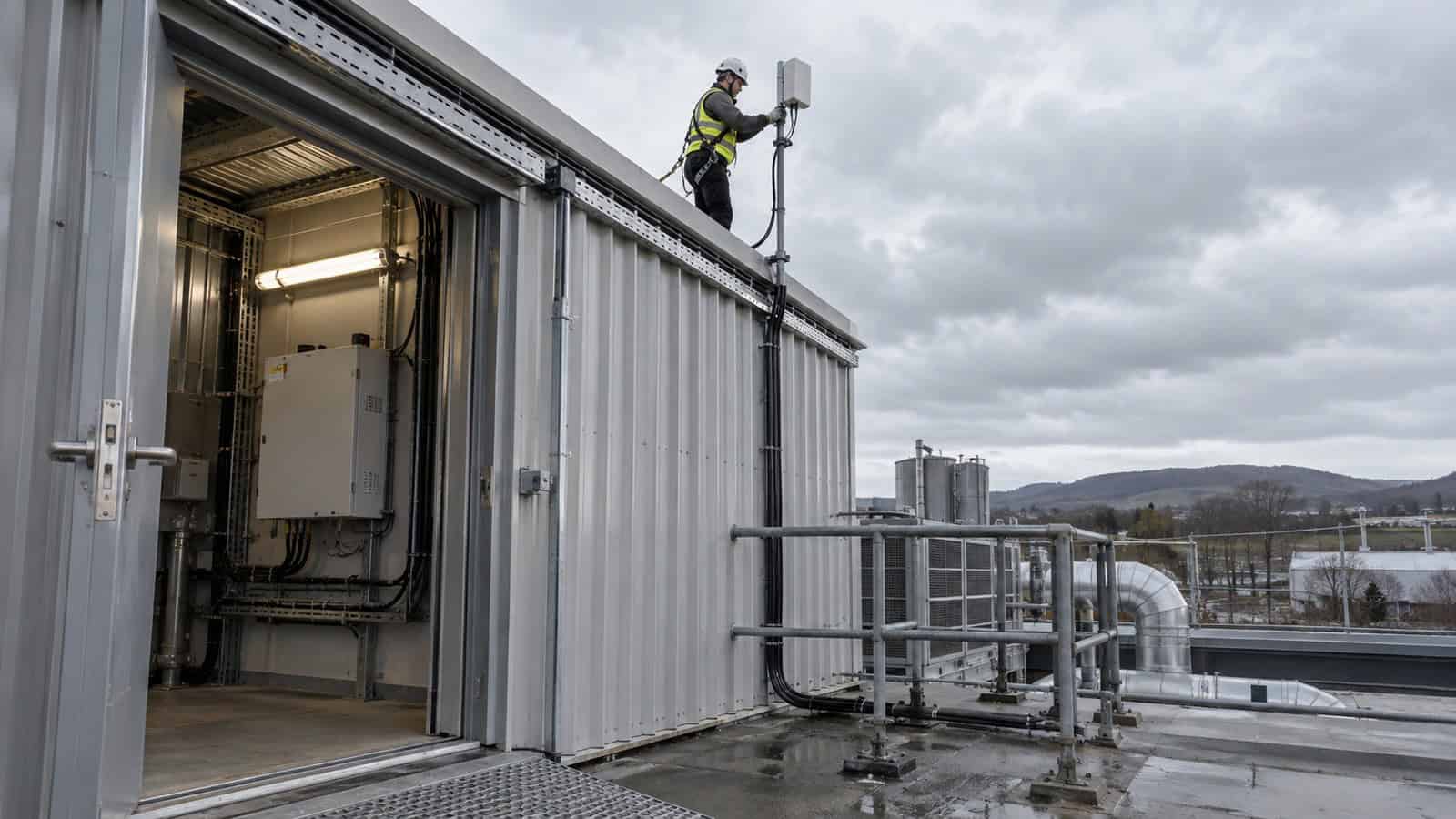
Start at several plausible mounting points and observe the available networks and bands. The position beside the user’s equipment may not be the best RF position. Metal cabins, coated glass, plant rooms and temporary fencing can all alter reception.
Where the signal is stronger at an external wall or higher mounting point, place the cellular device there and run Ethernet back to the local equipment. This is often better than using a long, lossy antenna lead. The R5010’s optional PoE-PD can simplify that layout when the upstream power source and cable route are designed for it.
Do not optimise from one speed test. Run representative upstream and downstream traffic at more than one time, watch whether the connection remains on the expected technology, and note LTE behaviour if 5G is unavailable. Temporary sites often operate during network-busy public events, so an empty-site morning test may be misleading.
First Four Hours: Establish a Safe Minimum Service
Bring up only the essential business systems first. Verify DHCP or static addressing, DNS, time synchronisation, the required VPN or SD-WAN overlay and secure management. Keep guest Wi-Fi, bulk synchronisation and software updates disabled until the basic service is stable.
If the router is feeding an existing firewall, confirm which device owns NAT and policy. Double NAT is sometimes acceptable, but it should be deliberate and tested for the applications in use. Carrier-grade NAT may also prevent inbound access, so remote support should use an approved outbound VPN or management path rather than relying on a public address.
The Robustel’s Jones Technology case study documents R5010 deployments used to avoid fixed-line delays at new sites. The useful lesson for a temporary project is the combination of external positioning, operator selection and standardised rollout. The case is deployment evidence, not a guarantee that the same setup will produce equal results elsewhere.
End of Day One: Prove Power and Recovery
Temporary power deserves special attention. Generator changes, extension leads, shared circuits and portable UPS units create faults that never appear in a permanent comms room. Record the normal input, maximum expected load and runtime of any backup supply. Make sure an installer cannot unplug the router while repurposing a general-purpose outlet.
Interrupt power and observe the whole return sequence. The router should restart, obtain service, restore the management path and hand traffic back to the local appliance. If there are two SIMs, test the preferred-SIM failure as a separate event. Two subscriptions do not protect against one lost power source.
Robustel’s Fixed-Line Backup over 5G with the R5010 application example is relevant even when no fixed line exists on day one. Its health checks, secure remote access and usage controls are the same mechanisms a temporary site will need when a permanent circuit later arrives.
Day Two: Tune Traffic and Data Consumption
Once the critical service is stable, enable additional workloads one at a time. Measure the impact of guest access, cameras, cloud backup and content downloads. A project that looks light in normal operation can create a large replay burst after an outage or consume a data allowance through unattended software updates.
Use limits and alerts as operational controls, not as after-the-fact billing reports. Decide which services should be paused when usage is high. If the temporary site has two SIMs, understand whether failover changes the tariff or roaming conditions as well as the network.
How the Robustel R5010 Industrial 5G Router Speeds Temporary Site Deployment
The Robustel R5010 Industrial 5G Router offers a 2.5GbE handoff, optional 802.3at PoE-PD, USB modem mode, dual physical SIMs and RCMS support in a compact metal platform. It can accept a wide DC input range or USB-C power according to the current product documentation. These options make it easier to fit the radio around the site rather than force the site around the radio.
The product is most convincing when another device already owns the local network. If the temporary deployment must directly connect several Ethernet devices, provide local Wi-Fi or interface to industrial serial equipment, specify that need before choosing the model. The R5020 family or R5030 may provide a more suitable local role, but they should not be added merely because they have more ports.
Register the router in Robustel RCMS platform before dispatch so operations can confirm it is the expected unit and manage it under an approved template. Central management reduces avoidable visits, although it cannot fix a disconnected power lead or an antenna mounted inside a steel box.
Handover: Leave Evidence Someone Else Can Use
The final pack should contain the mounting location, antenna photographs, power source, SIM ownership, observed bands, representative traffic results, local addressing, support contacts and the agreed removal or transition plan. Record what the site should do if connectivity is lost and which actions it must not take.
If the link will later become backup to a fixed circuit, schedule that conversion as a controlled change. Re-test path preference, failover, data policy and remote access. A temporary primary connection does not automatically become a good standby simply because the cable has arrived.
The Robustel R5010 Quick Pitch video can help the field team recognise the platform and its intended role. Use the selected model’s current documentation and the site record for the actual build.
Foire aux questions
Q1. Is it possible to get temporary Wi-Fi?
Yes. A cellular router can supply internet to a separate access point or, on a model with Wi-Fi, provide local wireless directly. For a production site, define coverage, user separation, data limits and support ownership instead of treating the service as an informal hotspot.
Q2. Is 5G fully deployed?
No. Availability, bands and capacity vary by operator and location, and indoor reception can differ from outdoor coverage. A temporary deployment should be tested at its final position and should have an agreed response if it falls back to LTE.
Q3. Is there a 5G portable router?
Portable consumer products exist, but industrial temporary sites may need wider power options, external antennas, secure management and a mounting method that survives the project environment. Portability does not remove the need for engineering.
Q4. What are the disadvantages of 5G routers?
The usable service varies with radio conditions and congestion, data costs can rise with heavy workloads, and remote access may be affected by carrier NAT. A disciplined survey and traffic policy can manage these limits but cannot make them disappear.
Q5. Why use the Robustel R5010 Industrial 5G Router for a temporary site?
It is a good fit when the project needs a compact, managed 5G handoff that can be positioned flexibly and powered through an approved DC, USB-C or optional PoE-PD design. Confirm the exact variant and prove the destination operator and workload before handover.
Conclusion
The Robustel R5010 Industrial 5G Router can shorten temporary-site mobilisation when its focused handoff, power choices and remote management match the surrounding network. The router is only one line in the runbook; antenna position, SIM readiness and service ownership decide whether the first day is productive.
A good temporary deployment leaves permanent-quality evidence. If the team can reproduce the kit, understand its data cost, observe it remotely and recover it without improvisation, the link can support the project confidently—and later transition to backup or be removed without leaving an undocumented network behind.
Explore More Articles About Robustel 5G Routers
À propos de l'auteur
Robert Liao | Technical Support Engineer
Robert is an IoT Technical Support Engineer at Robustel, specializing in industrial networking and edge connectivity. A certified Networking Engineer, Robert focuses on the deployment and troubleshooting of large-scale IIoT infrastructures. His work centers on architecting reliable, scalable system performance for complex industrial applications, bridging the gap between field hardware and cloud-side data management.