
How to Choose an Industrial Edge Gateway for Remote Monitoring: A Selection Framework for Real Sites
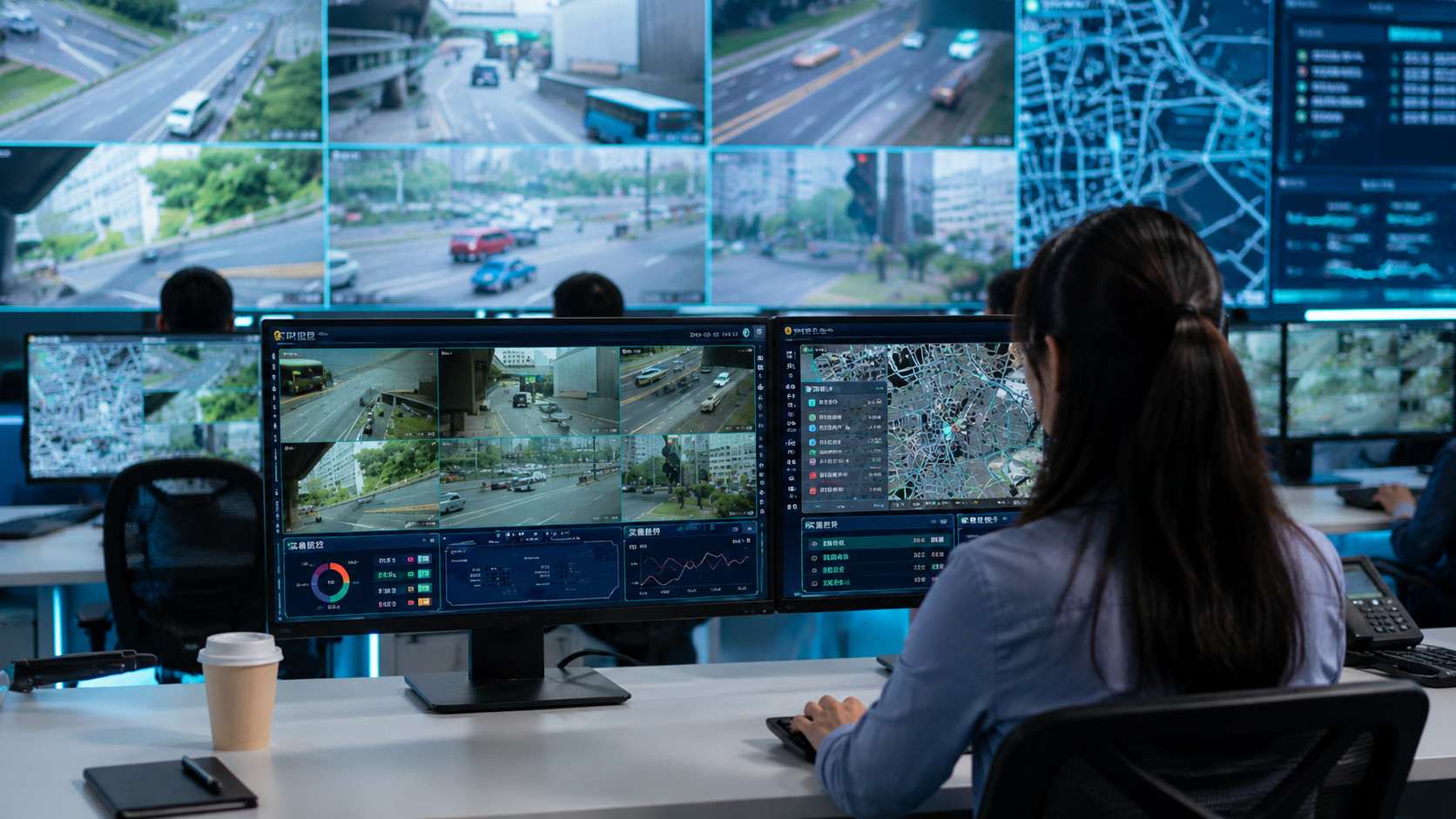
Choosing an industrial edge gateway is often harder than comparing datasheets.
A project team may know that it needs remote monitoring, cellular connectivity, industrial data access, and cloud forwarding. But those requirements are still too broad for a reliable gateway decision. A simple utility cabinet, a factory PLC data collection project, a BESS site, and an EV charging location may all require an industrial edge gateway, but they rarely need the same interface mix, local workload, network design, or management process.
A good gateway selection process should therefore begin before the product shortlist. It should start with a clear description of the site, the data sources, the upstream system, the local workload, and the support model after installation.
This guide explains how to choose an industrial edge gateway for remote monitoring projects. It uses Robustel EG5100, EG5120, EG5200, and RCMS as practical references for different levels of industrial IoT gateway selection, while keeping the final decision tied to real deployment requirements.
Start with a Gateway Selection Brief
Before comparing gateway models, project teams should prepare a simple selection brief. This brief does not need to be long, but it should answer the questions that determine whether a gateway is under-specified, over-specified, or suitable for the project.
A useful gateway selection brief should include:
| Selection area | What to define before choosing a gateway |
| Site type | Factory cabinet, utility site, BESS container, EV charging location, roadside cabinet, outdoor machine, or distributed asset |
| Field equipment | PLCs, meters, sensors, BMS, PCS, EMS, chargers, inverters, cameras, controllers, or local network devices |
| Required interfaces | Ethernet, serial, RS-232, RS-485, DI/DO, relay, USB, HDMI, or other local connections |
| Protocol needs | Modbus TCP/RTU, MQTT, OPC UA, vendor APIs, OCPP-related systems, or software-specific drivers |
| Connectivity path | Ethernet, 4G, 5G, dual-SIM cellular, link backup, VPN, or private network requirements |
| Edge workload | Forwarding only, filtering, buffering, protocol conversion, Docker applications, Node-RED, Ignition Edge, analytics, or AI inference |
| Security policy | Firewall, VPN, user access, credentials, segmentation, remote access rules, and update policy |
| Management model | One site, a small fleet, or a distributed deployment that needs monitoring, configuration, firmware updates, and troubleshooting |
| Environment | Temperature, power, cabinet space, antenna location, enclosure, vibration, site access, and maintenance constraints |
| Ownership | Who maintains gateway configuration, data mapping, firmware, applications, credentials, and support workflows |
This brief helps prevent a common mistake: asking “Which gateway should we use?” before defining what the gateway must actually do.
The right gateway is not the model with the longest feature list. It is the model that fits the real site conditions and can still be supported after installation.
Decide the Monitoring Job First
Remote monitoring projects can look similar from the outside. In practice, the monitoring job can be very different.
Some projects only need basic telemetry and gateway health visibility. Some need PLC or meter data collection. Some need local preprocessing before data is sent to a cloud platform. Some need Docker-based applications or edge software. Some need a gateway that can support many sites with remote configuration and fleet management.
Project teams should define the monitoring job in plain terms:
- What equipment needs to be monitored?
- What data should be collected?
- How often should the data be sent?
- What should happen during network interruption?
- Does the gateway need to process data locally?
- Does the site need remote access for troubleshooting?
- Who will receive alarms, dashboards, or reports?
- Who will support the gateway after commissioning?
This step matters because gateway requirements come from the monitoring workflow. A gateway used for periodic meter readings may not need the same processing capability as a gateway running edge applications. A BESS monitoring project may require clearer system boundaries than a simple pump station. A distributed asset fleet may need stronger remote management than a single factory cabinet.
Match Gateway Capability to Project Complexity
A practical way to avoid over-selection and under-selection is to classify the project by complexity.
| Project type | Typical requirement | Selection priority | Gateway risk if chosen poorly |
| Basic remote telemetry | Periodic data, simple status, limited field devices | Stable connectivity, basic protocol support, secure forwarding | Overpaying for unused edge computing capability |
| PLC or meter data collection | Selected equipment data from factory or cabinet systems | Industrial interfaces, protocol handling, tag mapping, buffering | Missing interface or protocol support |
| Remote asset monitoring | Distributed sites with limited physical access | Cellular reliability, antenna planning, dual-SIM/link backup, remote management | High site visit cost and poor troubleshooting visibility |
| Energy or infrastructure site | BESS, EV charging, renewable energy, or multi-system site | System boundaries, data aggregation, security, local network design | Confusing gateway role with BMS, PCS, EMS, charger, or platform functions |
| Edge application project | Local processing, Docker applications, Node-RED, Ignition Edge, analytics, or AI inference | CPU, memory, storage, OS/application support, lifecycle ownership | Selecting a gateway that cannot maintain the workload over time |
| Fleet deployment | Many sites across regions or customers | Configuration management, firmware updates, remote access policy, device health monitoring | Manual support becomes expensive and inconsistent |
This classification is more useful than starting with a feature checklist. It helps teams see what kind of gateway problem they are solving.
For example, if the project only needs periodic status data over 4G, the selection priority may be cellular reliability, secure forwarding, and simple management. If the project needs local applications, protocol workflows, and distributed site support, then edge computing capability and remote management become more important.
Field Interfaces: Confirm What the Site Can Actually Expose
The first hard requirement is usually physical access to data.
A gateway cannot monitor equipment if the required data is not available through a supported interface or protocol. Project teams should confirm what the site can actually expose, not only what the equipment brochure says.
For industrial remote monitoring, data may come from:
- PLCs;
- meters;
- sensors;
- BMS equipment;
- PCS equipment;
- EMS platforms;
- EV chargers;
- inverters;
- cameras;
- local controllers;
- serial devices;
- Ethernet-connected systems;
- DI/DO or relay signals.
The team should check whether the data is available through Ethernet, RS-485, RS-232, Modbus TCP/RTU, MQTT, OPC UA, local APIs, vendor-specific drivers, or other project-defined paths.
This is where many selection mistakes happen. A gateway may have strong computing capability but still be a poor fit if it lacks the required interface. Another gateway may be technically suitable but difficult to use if the site does not provide the register map, protocol documentation, network access, or vendor approval needed for integration.
Before choosing a model, confirm the data path.
Connectivity: Choose Based on Site Reality, Not Only Network Generation
Remote monitoring depends on the upstream path. For some sites, wired Ethernet is available and stable. For many industrial sites, cellular connectivity is more practical because wired access is unavailable, expensive, or difficult to maintain.
The decision between 4G and 5G should be based on the application, not only on the idea that newer is better.
4G may be sufficient when the project involves periodic telemetry, alarms, equipment status, meter readings, or moderate data reporting. 5G becomes more relevant when the project needs higher bandwidth, lower latency, future application expansion, richer edge-to-cloud workflows, or more demanding data movement.
Project teams should also check:
- real site coverage;
- antenna location;
- cabinet material and signal attenuation;
- carrier availability;
- SIM or dual-SIM strategy;
- link backup requirements;
- data plan cost;
- VPN or private network requirements;
- what happens when connectivity drops.
A strong gateway cannot compensate for a weak antenna plan or unrealistic network assumption. In remote monitoring projects, connectivity design is part of gateway selection.
Edge Workload: Do Not Buy Too Little or Too Much
Not every remote monitoring project needs a powerful edge computing gateway. At the same time, some projects become difficult to support when the gateway is selected only for basic forwarding.
Project teams should define the expected edge workload early.
A lighter project may only need to collect data, apply basic preprocessing, buffer selected values, and forward information upstream. A more demanding project may need Docker-based applications, protocol bridges, Node-RED flows, Ignition Edge, local analytics, or selected AI inference.
The selection question is not simply “Does the gateway support edge computing?” A better question is:
What workload will actually run on the gateway, and who will maintain it?
If the gateway only forwards a few values every few minutes, heavy computing resources may not add value. If the gateway needs to run local applications, maintain multiple data flows, or support future edge software, then CPU, memory, storage, OS environment, container support, and update process become much more important.
Over-specifying increases cost. Under-specifying creates support problems. The right choice depends on the actual workload.
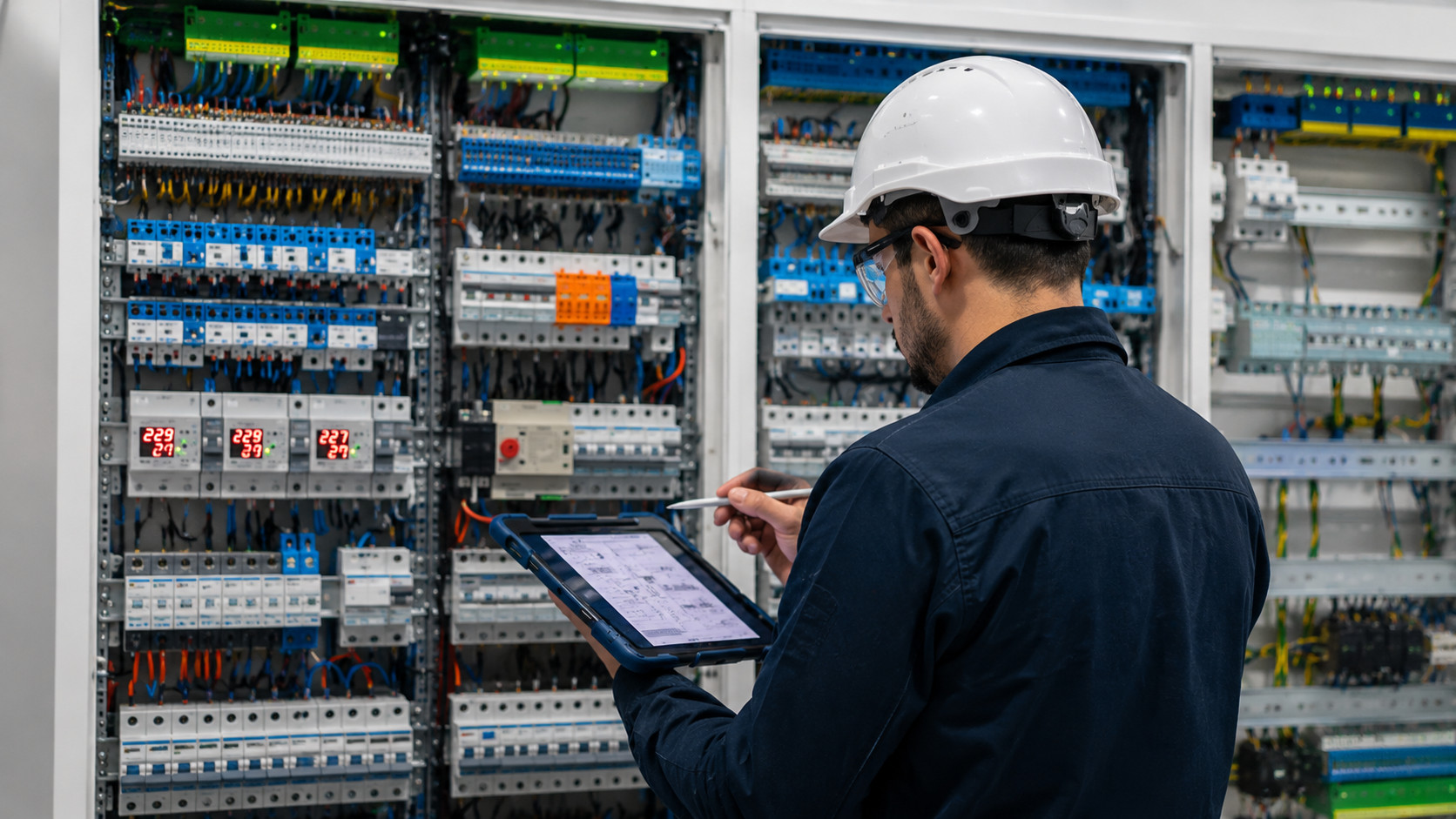
Remote Management: Selection Does Not End at Installation
Remote monitoring projects often fail operationally after the first successful installation. The gateway works, the data flows, and the dashboard looks acceptable. Then the project expands.
More sites are added. Firmware needs to be updated. A cellular connection becomes unstable. A configuration needs to change. A customer asks for remote access. A data mapping needs adjustment. A gateway needs troubleshooting in a locked cabinet or remote location.
This is why remote management should be part of gateway selection, not an afterthought.
Project teams should ask:
- Can the gateway fleet be monitored remotely?
- Can configuration changes be managed without site visits?
- Can firmware updates be planned and applied?
- Can connection status, signal strength, and device health be checked?
- Can remote access be controlled securely?
- Can support teams troubleshoot without exposing the OT network unnecessarily?
For distributed deployments, a platform such as RCMS can become important because it supports visibility and management for Robustel gateway deployments. This does not replace engineering design, but it helps make gateway fleets more supportable after installation.
Security and Access Control Should Be Selection Criteria
Remote monitoring creates a connection between field equipment and remote systems. That connection needs clear access rules.
Gateway selection should include cybersecurity and access control questions from the beginning:
- Does the project require VPN access?
- Who can remotely access the gateway?
- Are user roles and permissions defined?
- How are credentials managed?
- Are firewall and segmentation requirements clear?
- Can firmware updates be controlled?
- Are logs or access records required?
- Which OT devices should never be directly exposed?
- What is the policy for third-party integrator access?
A gateway that is easy to connect but difficult to secure may create long-term risk. Remote access is useful only when it is controlled.
For industrial projects, the gateway should support the communication and monitoring layer without creating unnecessary exposure to PLCs, controllers, safety systems, BMS, PCS, EMS, chargers, or other site-critical systems.
Where EG5100, EG5120, and EG5200 May Fit
Robustel’s EG series can be understood as different options for different levels of remote monitoring complexity. The final choice should still depend on the site brief, interface requirements, local workload, connectivity needs, and support model.
| Gateway option | May fit when… | Selection caution |
| Robustel EG5100 | The project is a lighter 4G remote monitoring deployment with basic protocol bridging, buffering, local preprocessing, and secure data forwarding | Avoid using it where heavier edge applications, more complex local integration, or 5G requirements are expected |
| Robustel EG5120 | The project needs a balanced industrial edge gateway with cellular connectivity, field data access, local processing, Docker-based application support, and RCMS-based remote management | Still verify interfaces, protocols, workload, data volume, site conditions, and application requirements before selection |
| Robustel EG5200 | The project involves larger or more complex sites with more local integration needs, more Ethernet-connected equipment, or a stronger cabinet-level edge gateway role | Do not select it only because it is more capable; justify it through real site complexity and lifecycle requirements |
EG5100 may be practical for simpler remote assets where the monitoring workflow is focused and cost sensitivity matters. EG5120 can serve as a balanced reference for projects that need both industrial data access and edge computing capability. EG5200 may fit larger sites where local network complexity or integration capacity is higher.
The point is not to rank the models from weak to strong. The point is to match each model to the project’s actual complexity.
Gateway Selection Matrix
The following matrix can help project teams narrow the selection before final technical validation.
| Requirement pattern | Gateway selection direction |
| Simple telemetry over cellular, limited data points, no heavy local applications | Consider a lighter gateway option if interfaces, protocols, and management needs are covered |
| PLC or meter data collection with protocol handling, buffering, and cloud forwarding | Choose a gateway that supports the required industrial interfaces, data workflows, and secure upstream path |
| Remote site with high site-visit cost | Prioritize cellular reliability, antenna planning, dual-SIM/link resilience, remote diagnostics, and fleet visibility |
| Factory or cabinet project with local software | Check OS environment, Docker/application support, CPU, memory, storage, and application maintenance process |
| BESS or EV charging site with multiple local systems | Prioritize data boundaries, network segmentation, cybersecurity, and clear responsibility between gateway and control/platform systems |
| Fleet rollout across many sites | Prioritize RCMS-style management, configuration consistency, firmware updates, remote access policy, and device health visibility |
| Possible future AI or analytics workload | Confirm whether the gateway platform, hardware resources, data source, model/application requirements, and maintenance process are suitable |
This matrix is not meant to replace a datasheet review. It helps the team decide which datasheet items actually matter.
Common Gateway Selection Mistakes
Several mistakes appear repeatedly in remote monitoring projects.
Choosing by CPU or network generation first
A powerful CPU or 5G module does not automatically make the gateway suitable. If the project only needs low-frequency telemetry, those features may be unnecessary. If the project lacks protocol access or remote management, raw performance will not solve the problem.
Ignoring antenna and installation conditions
Cellular performance depends heavily on antenna placement, enclosure design, cable routing, interference, carrier coverage, and cabinet location. A gateway selected without installation planning may underperform in the field.
Treating remote access as unrestricted access
Remote access should be defined carefully. The gateway should support troubleshooting without exposing the entire OT network. VPN policy, user permissions, logging, and segmentation should be agreed before deployment.
Forgetting application maintenance
If the gateway runs Node-RED, Ignition Edge, Docker applications, local analytics, or protocol bridges, someone must maintain those workloads. Application updates, backup, rollback, and troubleshooting should be part of the support plan.
Selecting for one pilot site without thinking about scale
A gateway that is manageable at one site may become difficult across dozens or hundreds of sites. Fleet visibility, configuration management, firmware updates, and support workflows should be considered before rollout.
Assuming the gateway replaces existing systems
An edge gateway should not replace PLC control, BMS logic, PCS control, EMS coordination, charger management, safety systems, SCADA, MES, or cloud analytics. It should support the data access, communication, local processing, and remote management layers around those systems.
Information to Collect Before Asking for a Gateway Recommendation
Before asking a vendor, distributor, or internal engineering team for a gateway recommendation, collect the following information:
| Information needed | Example details |
| Site description | Factory cabinet, remote utility site, BESS container, EV charging site, outdoor cabinet, or mobile asset |
| Equipment list | PLC model, meter type, BMS/PCS/EMS systems, chargers, sensors, cameras, or local controllers |
| Interface list | Ethernet ports, RS-485, RS-232, DI/DO, relay, USB, or other connections |
| Protocol list | Modbus TCP/RTU, MQTT, OPC UA, OCPP-related data path, vendor API, or other protocol requirements |
| Data requirements | Data points, sampling frequency, alarm rules, buffering needs, and cloud destination |
| Connectivity plan | Ethernet, 4G, 5G, dual SIM, carrier options, VPN, antenna location, and site coverage |
| Edge software needs | Docker, Node-RED, Ignition Edge, local scripts, protocol bridge, analytics, or AI inference |
| Security requirements | VPN, firewall, user roles, access boundaries, credential policy, firmware policy |
| Deployment scale | Single site, pilot, regional rollout, global rollout, or distributor-managed fleet |
| Maintenance ownership | Who manages configuration, updates, troubleshooting, data mapping, and remote access |
This information makes recommendations more accurate. It also helps prevent selecting a gateway based on assumptions that later turn out to be wrong.
Implementation References:
- How to Connect Your Device to RCMS: explore.
- How to Remotely Access a PLC/Camera via Robustel RCMS using RobustVPN: explore.
- How to Deploy Ignition Edge on Robustel EG5120: explore.
Selection Takeaway
Choosing an industrial edge gateway for remote monitoring should be treated as an engineering and procurement decision, not only a product comparison.
The project team should first define the site, equipment, interfaces, protocols, connectivity path, edge workload, cybersecurity requirements, management model, and maintenance ownership. Only then does it make sense to compare gateway models.
Robustel EG5100 may fit lighter 4G remote monitoring projects with simpler data forwarding and preprocessing needs. Robustel EG5120 can serve as a balanced industrial edge gateway reference for projects requiring cellular connectivity, field data access, local processing, Docker-based edge applications, and RCMS-based remote management. Robustel EG5200 may fit larger or more complex sites where local integration capacity and cabinet-level edge gateway requirements are higher.
The best gateway is not the most powerful one on paper. It is the one that fits the real deployment, can be secured properly, and remains maintainable after the project moves from pilot to operation.
Foire aux questions
Q1. How do I choose an industrial edge gateway for remote monitoring?
Start by defining the site requirements before comparing product models. Check the field equipment, required interfaces, protocols, data points, connectivity path, edge workload, cybersecurity policy, remote management needs, environmental conditions, and maintenance ownership. Robustel EG5120 can be used as a balanced reference for many industrial edge gateway selection discussions where local processing, cellular connectivity, and RCMS-based management are required.
Q2. What information should I collect before asking for a gateway recommendation?
Collect the site type, equipment list, interface requirements, protocol requirements, data points, sampling frequency, alarm needs, cloud destination, network plan, antenna conditions, security requirements, edge software needs, deployment scale, and support ownership. This information helps avoid both under-specifying and over-specifying the gateway.
Q3. Is 5G always required for remote monitoring projects?
No. Many remote monitoring projects work well over 4G when data volume, latency expectations, and coverage conditions are realistic. 5G becomes more relevant when higher bandwidth, lower latency, future application expansion, or more demanding edge-to-cloud workflows are required. The decision should be based on the site and application, not only on the availability of a 5G gateway.
Q4. When should a project choose a gateway with local processing?
A gateway with local processing is useful when the project requires filtering, buffering, protocol conversion, edge applications, Node-RED, Ignition Edge, analytics, or selected AI inference near the equipment. If the project only needs simple periodic telemetry, a lighter gateway may be enough.
Q5. What is the difference between Robustel EG5100, EG5120, and EG5200 for remote monitoring?
EG5100 may fit lighter 4G remote monitoring projects with basic protocol bridging, buffering, local preprocessing, and secure forwarding needs. EG5120 is a balanced industrial edge gateway reference for projects requiring cellular connectivity, industrial data access, local processing, Docker-based application support, and RCMS-based management. EG5200 may fit larger or more complex sites with more local integration needs or stronger cabinet-level edge gateway requirements.
Related Reading on Edge Gateway Applications:

À propos de l'auteur
Robert Liao | Technical Support Engineer
Robert is an IoT Technical Support Engineer at Robustel, specializing in industrial networking and edge connectivity. A certified Networking Engineer, Robert focuses on the deployment and troubleshooting of large-scale IIoT infrastructures. His work centers on architecting reliable, scalable system performance for complex industrial applications, bridging the gap between field hardware and cloud-side data management.