
DIN Rail 5G Router Selection Guide: Power, Mounting and Thermal Requirements
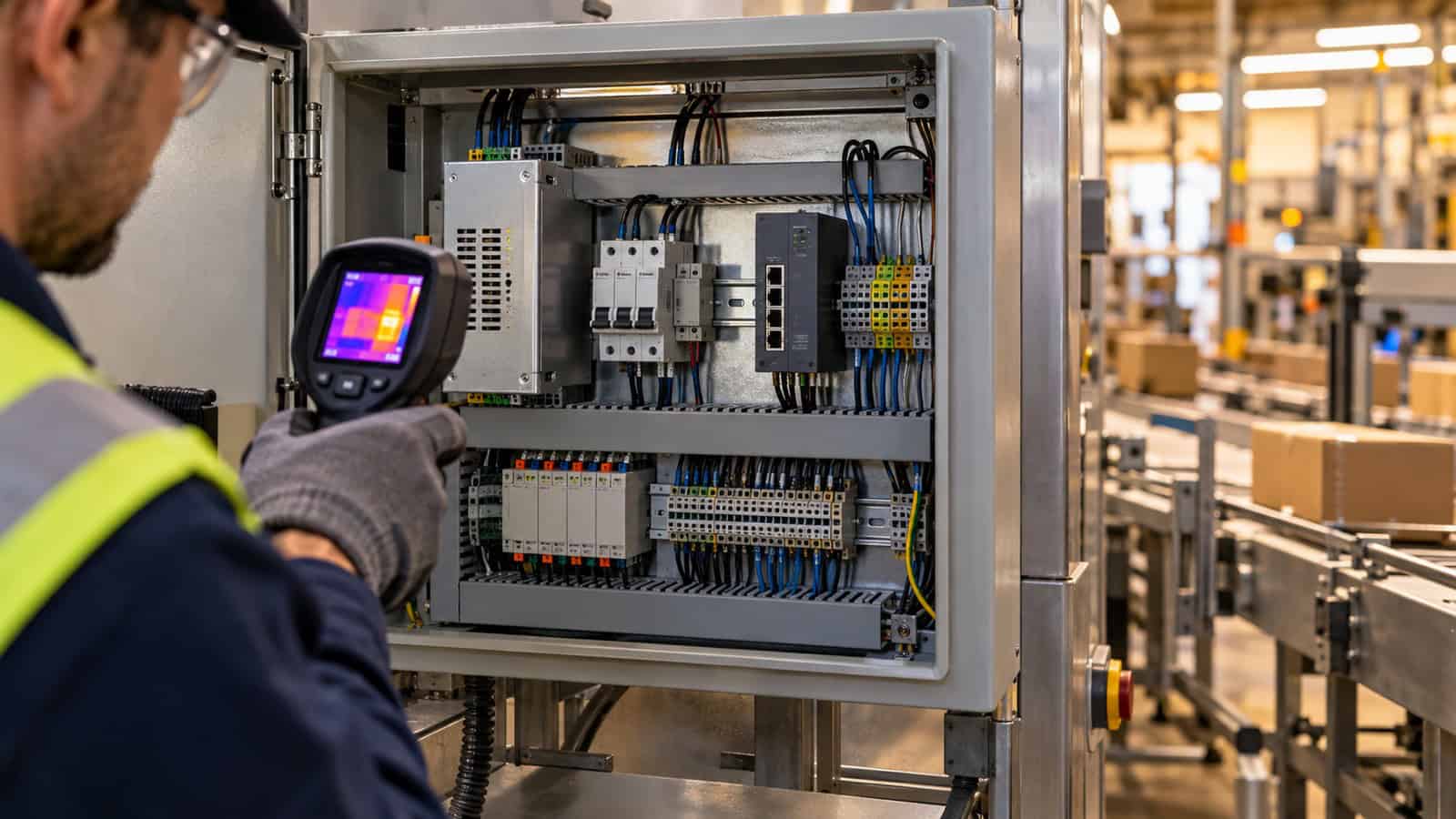
The Robustel R5010 Industrial 5G Router is a compact DIN-rail option for cabinets that need 5G, one 2.5GbE handoff and a wide 9–60 VDC input, but its -40 to +70 °C rating is not a substitute for checking the temperature, airflow and power quality inside the finished enclosure. Installation quality decides whether a capable router remains serviceable after the panel door closes.
Survey the Cabinet as an Environment
Record minimum and maximum internal temperature, expected solar gain, nearby drives or power supplies, dust, condensation risk and available airflow. A cabinet can exceed room temperature by a wide margin after several hours of production. Measure at the intended router position, not at the door or the building thermostat.
The R5010 has an IP30 aluminium enclosure. The surrounding cabinet must provide the protection required for the site. Leave clearance for convection, cable bend radius, antenna connectors and removal from the 35 mm rail. A drawing that fits components edge-to-edge is not a maintainable layout.
The Robustel’s Jones Technology case study records R5010 deployments where placing the cellular hardware in usable RF conditions is part of the operating design. For a DIN-rail panel, bring that same placement discipline into the cabinet survey and record the final antenna route, service clearance and closed-door signal result before the layout is frozen.
Design the DC Path Before Terminating Wires
The router accepts 9–60 VDC through its Micro-Fit connection and can also be powered by 5 V/3 A over USB Type-C or, on the relevant configuration, by 44–57 VDC 802.3at PoE-PD through Ethernet. Select one normal power architecture and document any alternative; do not leave multiple supplies connected without an approved design.
Check source tolerance, conductor size, fuse or protective device, polarity, surge environment and voltage at the router during startup. The R5010 datasheet lists 1.5 W idle and 15 W maximum at 12 V. Size wiring and protection to the credible maximum, not the attractive idle value.
Field check: disturb the supply on purpose
During commissioning, start adjacent loads, remove and restore upstream power, and observe router reboot, modem registration and application recovery. A brief dip that never trips a bench supply may reset equipment in the production cabinet. Capture the input voltage and event timing so the power owner has evidence rather than a generic “network dropped” ticket.
Mounting Must Support RF and Service Access
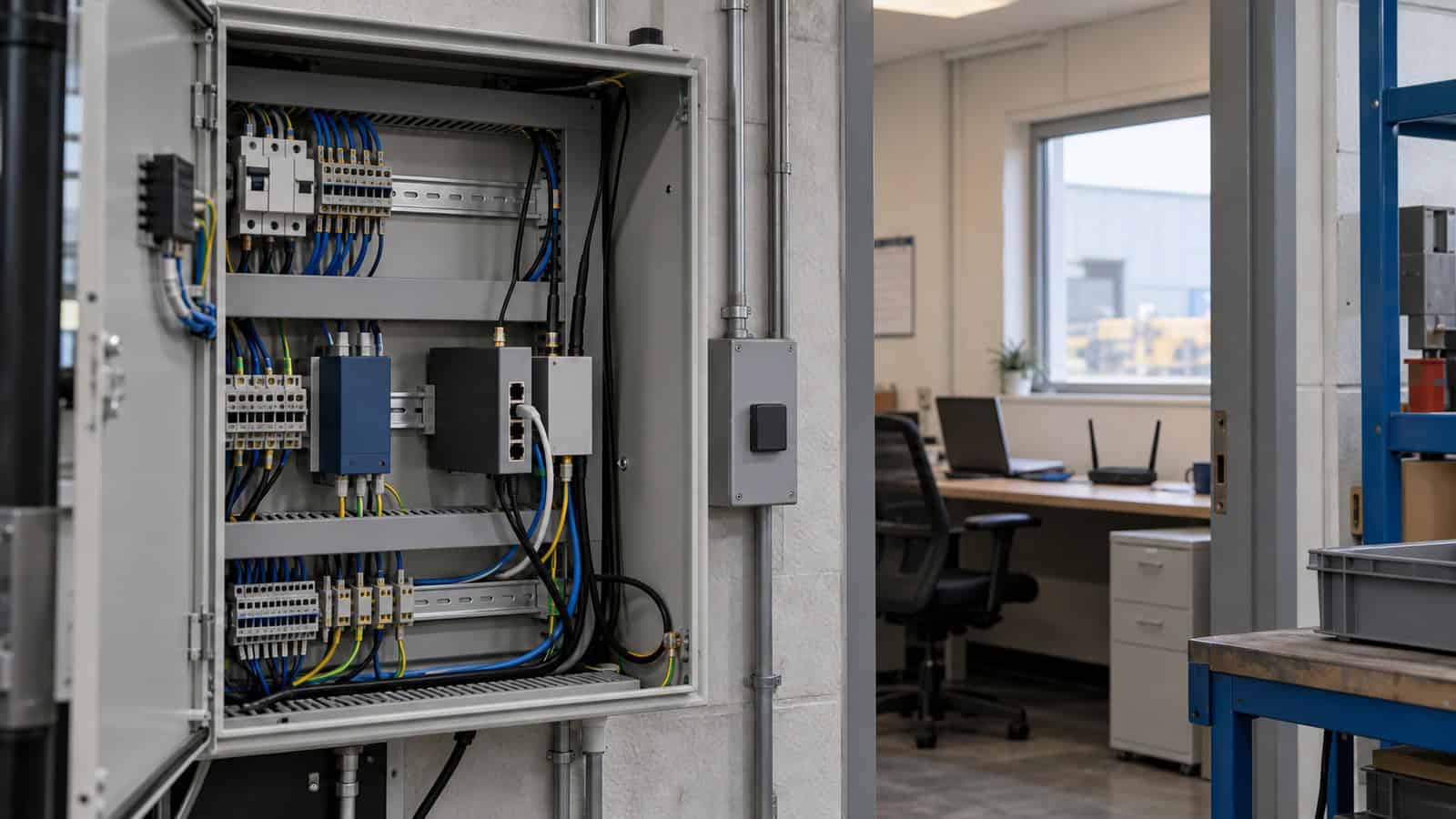
DIN rail secures the chassis; it does not solve antenna placement. Metal enclosures attenuate cellular signals, and short antenna leads can force a poor location. Plan bulkhead connectors or an approved external antenna arrangement, maintain separation from noisy conductors and provide strain relief.
Mount the router so an engineer can see indicators, release the rail clip and identify every cable without removing live components. Another Robustel’s application example, the fixed-line backup application example using the R5010 illustrates why the cellular device may be positioned away from the main security appliance. It is an architecture example; the final antenna and cabinet design remain project work.
| Installation item | Record at handover | Reject when |
|---|---|---|
| Rail and clearance | Drawing and photograph | Router cannot be removed safely |
| DC supply | Source, fuse, conductor, measured minimum | Voltage falls outside input range |
| Thermal condition | Sustained internal temperature | Test ends before cabinet heat-soak |
| Antenna | Type, cable, position, survey result | Only door-open signal is recorded |
| Ethernet | Negotiated rate and role | Unnamed temporary patch remains |
How the Robustel R5010 Industrial 5G Router Fits Compact DIN-Rail Panels
At 30 × 94 × 100 mm and 276 g, the Robustel R5010 industrial 5G router brings dual SIM, four cellular antenna connections, one 2.5GbE port, USB and a documented industrial temperature range to a small rail footprint. Its single Ethernet handoff is well suited to a nearby firewall, controller or switch that owns the local network.
Use Robustel RCMS platform for supported monitoring, configuration and update workflows, while keeping cabinet temperature, DC quality and downstream application health in the site’s own evidence system. A management platform can show that the router is online; it cannot prove that a loose terminal will remain sound or that the enclosure has adequate heat rejection.
The Robustel R5010 Quick Pitch video below is useful for installer orientation. The hardware manual, selected order code and panel test should be present at sign-off.
Heat-Soak the Finished Build
Run the production traffic, VPN and mobile connection for the longest credible busy period with neighbouring devices energised and the cabinet in its normal state. Track internal temperature, router reachability, cellular registration and application latency. Then repeat a power interruption while the enclosure is warm.
This test often reveals problems a desk demonstration misses: voltage drop after conductors warm, an antenna lead pinched by the door, or a cable route blocking convection. Fixing those details before handover costs far less than diagnosing intermittent resets at a remote site.
Foire aux questions
Q1. What is a DIN rail used for?
It provides a standard mounting system for electrical and control equipment inside panels. It simplifies installation and replacement, but the enclosure still has to provide protection, spacing and thermal management.
Q2. Can a router be installed inside a metal cabinet?
Yes, provided temperature, power and ingress conditions are suitable. Cellular antennas usually need a planned position outside or at the boundary of the metal enclosure because the cabinet can heavily attenuate RF.
Q3. How hot can an industrial cabinet get?
It depends on ambient temperature, solar load, internal losses, enclosure size and ventilation. Measure the finished cabinet under sustained production load rather than estimating from room temperature.
Q4. Why does an industrial router keep rebooting?
Common causes include DC dips, inadequate supply capacity, loose wiring, overheating and watchdog recovery after a software or network fault. Correlate voltage, temperature and system logs before replacing hardware.
Q5. When is the Robustel R5010 Industrial 5G Router a suitable DIN-rail choice?
It fits compact panels needing a wide DC input, industrial temperature range, dual-SIM 5G and one 2.5GbE handoff. Projects needing several local Ethernet ports should add a deliberate switch architecture or select another model.
Conclusion
The Robustel R5010 Industrial 5G Router offers a useful combination of compact DIN-rail mounting, flexible power and a fast Ethernet handoff, provided the enclosure gives it clean power, workable RF and a verified thermal environment. The rail clip is the easy part of the installation.
Approve the panel only after a warm full-load run, a power-recovery test and an as-built record. Those three items address the faults that are hardest to reproduce after the cabinet has left the workshop.
Explore More Articles About Robustel 5G Routers


À propos de l'auteur
Robustel Editorial Team
The Robustel Editorial Team publishes practical articles on industrial connectivity, edge computing, LoRaWAN and device management, focusing on deployment considerations, technical limitations and long-term operation.