
Discrete Input Edge Gateway: Event Monitoring Selection Guide
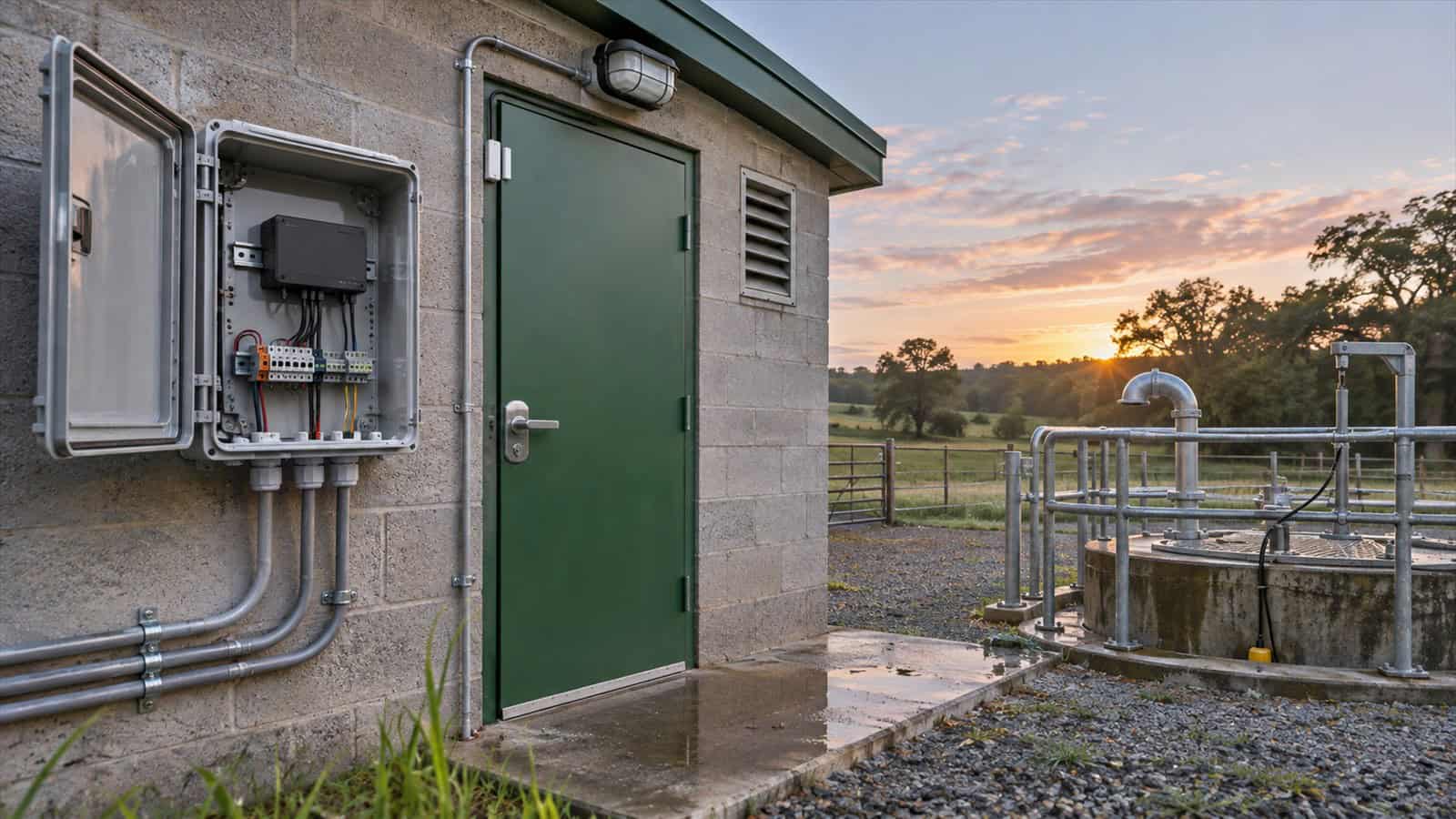
The Robustel EG3120e Edge Computing Gateway provides digital inputs and local processing for monitoring simple field states such as door contacts, equipment alarms or run/stop signals. A reliable discrete-input design, however, starts with the electrical signal itself: teams need to confirm wet or dry contact, normal state, voltage and current limits, common reference, and any isolation requirements before turning a state change into an event.
For buyers and system integrators, the selection question is therefore not simply how many digital inputs a gateway provides. The design should also define debounce, event timing, alarm meaning and how normal, alarm or broken-wire conditions are distinguished where the circuit makes those states observable. This guide uses the Robustel EG3120e to show how to qualify the field signal, turn state changes into useful monitoring events, and commission the path without treating general-purpose digital inputs as a safety function.
Qualify the Electrical Signal
Determine wet or dry contact, normal state, voltage, current, common reference and isolation. Measure the installed circuit rather than relying on the label used in a drawing.
A normally closed loop can reveal a broken wire; a normally open contact cannot do so without additional supervision. Choose the state model with the failure consequence in mind.
| Question | Evidence | Risk |
|---|---|---|
| voltage | measured min/max | damaged input |
| normal state | field observation | inverted alarm |
| bounce | transition capture | alarm storm |
| safety role | risk assessment | unsafe substitution |
Turn State Changes into Usable Events
Define debounce, event timestamp, persistence and clear conditions. A short pulse may need local capture even when the WAN is down; a noisy contact may require hardware correction rather than a longer software delay.
Give each event asset identity and severity. Test power restoration so the system can distinguish a real transition from startup state discovery.
- active and normal state
- debounce/persistence
- source timestamp
- alarm acknowledgement owner
How the Robustel EG3120e Edge Computing Gateway Supports Discrete Monitoring
| Event pain | Verified Robustel EG3120e capability | Monitoring mechanism | Acceptance evidence |
|---|---|---|---|
| multiple dry/wet state sources | four documented digital inputs with defined voltage/current limits | acquire named equipment states without deploying a PLC solely for monitoring | test normal, alarm and broken-circuit conditions |
| contact bounce or short pulses | local Debian compute | apply versioned debounce/persistence and timestamp events near the source | inject pulses around the threshold and inspect event count/time |
| inconsistent alarm routing | compatible Robustel E2C Factory alarms/forwarding | join hardware states to an owned notification workflow | lose WAN, restore it and verify alarm order/acknowledgement |
Robustel EG3120e Edge Computing Gateway provides four documented digital inputs alongside analog, serial, CAN and Ethernet interfaces. Local compute can combine state with equipment context before forwarding selected events.
On compatible EG3120e, Robustel E2C Factory can provide a managed collection, alarm and forwarding workflow, making event definitions visible to operations.
Do not use general-purpose gateway inputs as a safety function or assume an unknown contact voltage is compatible. Keep authorized protection and control separate.
Commission Normal, Alarm and Broken-Wire States
Operate the actual contact through normal and alarm states, interrupt its circuit where supervision is expected, and remove the WAN. Confirm event order, local retention and later delivery.
Ask the response owner to acknowledge the alarm and close it using the real procedure; a correct input with no action path is not an accepted monitoring system.
Evidence from Related Deployments
Robustel’s machine-builder connectivity application example shows why governed field interfaces and a repeatable support path matter after equipment leaves the factory.
Robustel’s solar monitoring application example adds the remote-site lesson: timestamps, buffering and clear data ownership are as important as collecting a register.
The Robustel video “How to Collect PLC Data for SCADA, MES & Cloud with an Edge Gateway” is useful before acceptance because it follows the data path rather than treating connectivity as the outcome.
FAQs
Q1. What is a discrete input?
It represents a finite electrical state such as open/closed or on/off within specified limits.
Q2. What is input debounce?
A filter that prevents rapid contact bounce from creating multiple events.
Q3. What is the difference between wet and dry contact?
A wet contact presents voltage; a dry contact is an isolated switch and needs an external sensing circuit.
Q4. Can digital inputs be used for safety?
Only in a designed and certified safety system; general gateway I/O should not replace one.
Q5. How many digital inputs does the Robustel EG3120e Edge Computing Gateway have?
Current documentation lists four digital inputs; verify wiring and electrical limits for the exact deployment.
Conclusion
The Robustel EG3120e Edge Computing Gateway provides the physical interfaces and local compute for this architecture, while acceptance depends on traceable data, bounded permissions and a recovery test.
Release the design only when a second engineer can follow one signal from the field source to its consumer and explain what happens when that path becomes stale, invalid or unavailable.
Explore More Articles About Robustel Edge Computing Gateways





About the Author
Robustel Editorial Team
The Robustel Editorial Team publishes practical articles on industrial connectivity, edge computing, LoRaWAN and device management, focusing on deployment considerations, technical limitations and long-term operation.