
Troubleshooting LoRaWAN OTAA Join Failures from the Gateway Side
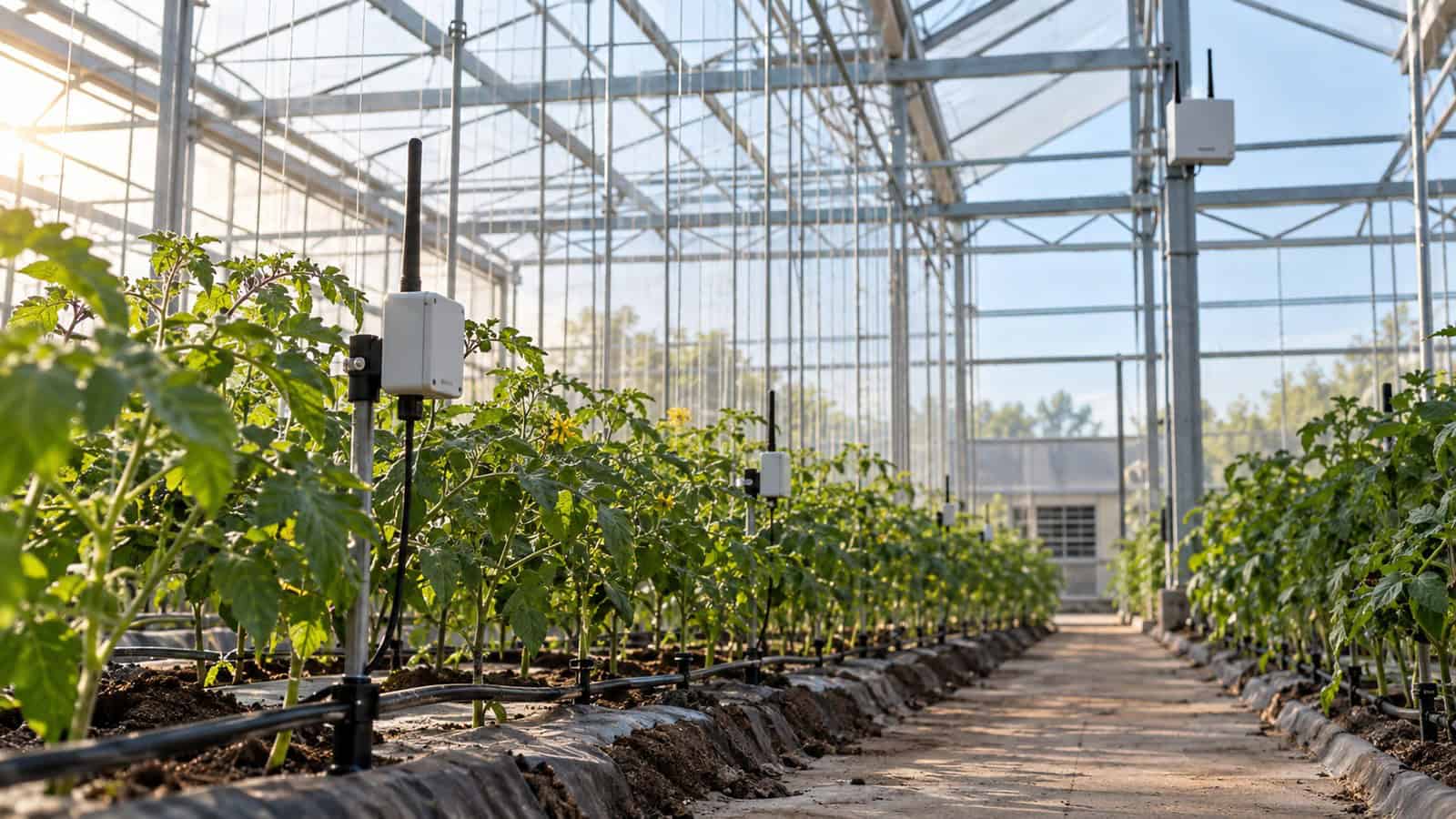
The Robustel R1520LG LoRaWAN Gateway gives engineers several observable boundaries for an OTAA join investigation: LoRa radio reception, the selected forwarding or embedded LNS path, IP backhaul and downlink transmission. Troubleshooting should follow the Join-request to the server and the Join-accept back to the device instead of changing keys, antennas and frequency settings at once.
Follow the Join Until the First Missing Event
Join failures reward discipline. I would use one known device at close range, capture the uplink at the gateway, confirm forwarding at the LNS boundary and then trace the Join-accept back towards the radio. Changing keys, antennas and regional settings together may appear faster, but it destroys the sequence that tells the support team which layer actually failed.
| Checkpoint | Evidence | If absent |
|---|---|---|
| Device transmits Join-request | Device log or controlled test | Check device power, activation mode and transmit configuration |
| Gateway receives it | Gateway packet/radio evidence | Check region, channel plan, antenna and RF path |
| LNS receives it | Server event with gateway identity | Check forwarding session, endpoint and backhaul |
| LNS accepts it | Join validation result | Check identifiers, keys, nonce policy and device record |
| Gateway transmits Join-accept | Downlink scheduling evidence | Check timing, gateway selection and regional constraints |
| Device accepts response | Device session and uplink | Check receive windows, clock and device configuration |
Stop at the first missing transition. Later symptoms cannot be fixed until that boundary is working.
The Robustel’s R1520LG setup video is useful before the first investigation because it helps the team recognise the gateway configuration context. Use current manuals and the selected LNS for exact fields.
Rule Out the Regional Plan Before Rotating Keys
A gateway can be online and still fail to hear a device using the wrong regional parameters. Verify the ordered gateway variant, LNS region, device region and channel plan. Check that the antenna system is suitable and installed, then test close enough to remove marginal coverage from the first join attempt.
Do not use a close-range success as the site survey. It proves the configuration path, after which difficult locations can be evaluated separately.
Robustel’s Private LoRaWAN for Smart Farm Sensors with the R1520LG Application Example illustrates the sensor–gateway–LNS–application chain. It is a useful ownership map for join troubleshooting, not proof of range or compatibility for an arbitrary sensor.
A Heard Join-request Can Still Fail Upstream
If the gateway receives the Join-request but the LNS does not, inspect gateway identity, endpoint, DNS, time, credentials and the IP route. If the LNS receives and rejects it, work with the device record: JoinEUI/AppEUI naming, DevEUI, AppKey or NwkKey according to the LoRaWAN version, and nonce history.
Avoid copying keys into tickets or screenshots. Confirm them through secure provisioning controls and use masked identifiers in general support records.
Diagnosing OTAA from the Robustel R1520LG LoRaWAN Gateway Boundary
Robustel R1520LG LoRaWAN gateway supports LoRaWAN V1.0.4 Class A and Class C, cellular, Ethernet and Wi-Fi backhaul, UDP, LoRa Basics Station and LORIOT external connectivity, plus an embedded ChirpStack option. RCMS supports fleet management and gateway diagnostics.
The multiple architecture choices help isolate the failing boundary, but they also require an exact configuration record. The team must know whether the gateway forwards to an external LNS or hosts the selected local function, which backhaul is active and where credentials are owned.
Use a gateway-side release checklist:
- ordered frequency variant and active regional plan match the device estate;
- antenna, connector and installation are inspected;
- gateway time and backhaul are stable;
- forwarding session or embedded LNS service is healthy;
- one representative device completes join, uplink and downlink after restart; and
- logs from device, gateway and LNS use aligned timestamps.
The Join-accept Must Survive the Return Path
A visible Join-request does not mean the device received a Join-accept. Downlink timing, gateway choice, duty-cycle constraints, RF asymmetry and device receive-window settings can interrupt the return path. Capture server scheduling and gateway transmission evidence before repeating joins indefinitely.
Robustel’s KoolZone LoRaWAN monitoring case study provides deployment evidence from demanding facilities. Its relevance is operational: critical monitoring needs an end-to-end record, so radio reception alone cannot close a join incident. The case does not provide settings for another device estate.
Foire aux questions
Q1. Why is my LoRaWAN device not joining?
Common causes include mismatched regional settings, an unheard Join-request, broken forwarding, incorrect identifiers or keys, nonce rejection and a missed Join-accept. Trace the exchange in order to find the first failed boundary.
Q2. What is OTAA in LoRaWAN?
Over-the-Air Activation is the join process through which a device and network establish session context and keys. It depends on correctly provisioned identities, root keys and a successful bidirectional exchange.
Q3. How long does a LoRaWAN join take?
The initial exchange can complete quickly on a healthy network, but device retry behaviour varies. Repeated rapid attempts are not a substitute for checking server rejection, timing and regional constraints.
Q4. Can a gateway see a Join-request with the wrong key?
Yes. The gateway can receive and forward the radio packet without validating the device’s root key. Key validation occurs in the network-server join process, so server events are needed to diagnose rejection.
Q5. Why is the Robustel R1520LG LoRaWAN Gateway useful for OTAA troubleshooting?
It exposes the radio, backhaul and LNS architecture choices needed to trace a join, with external forwarding and embedded ChirpStack options. The team still needs aligned device, gateway and server logs for the exact configuration.
Conclusion
The Robustel R1520LG LoRaWAN Gateway provides a clear gateway-side boundary for OTAA diagnosis when regional configuration, forwarding and backhaul ownership are recorded. It is most useful as one observed stage in the join sequence, not as a reason to assume every missing join began at the gateway.
Use one representative device and stop at the first absent event. Only after the Join-request and Join-accept have been followed in both directions should the investigation expand to wider RF conditions.
Explore More Articles About Robustel LoRaWAN Gateways


À propos de l'auteur
Robert Liao | Technical Support Engineer
Robert is an IoT Technical Support Engineer at Robustel, specializing in industrial networking and edge connectivity. A certified Networking Engineer, Robert focuses on the deployment and troubleshooting of large-scale IIoT infrastructures. His work centers on architecting reliable, scalable system performance for complex industrial applications, bridging the gap between field hardware and cloud-side data management.