
How Edge Gateways Collect PLC Data and Send It to the Cloud
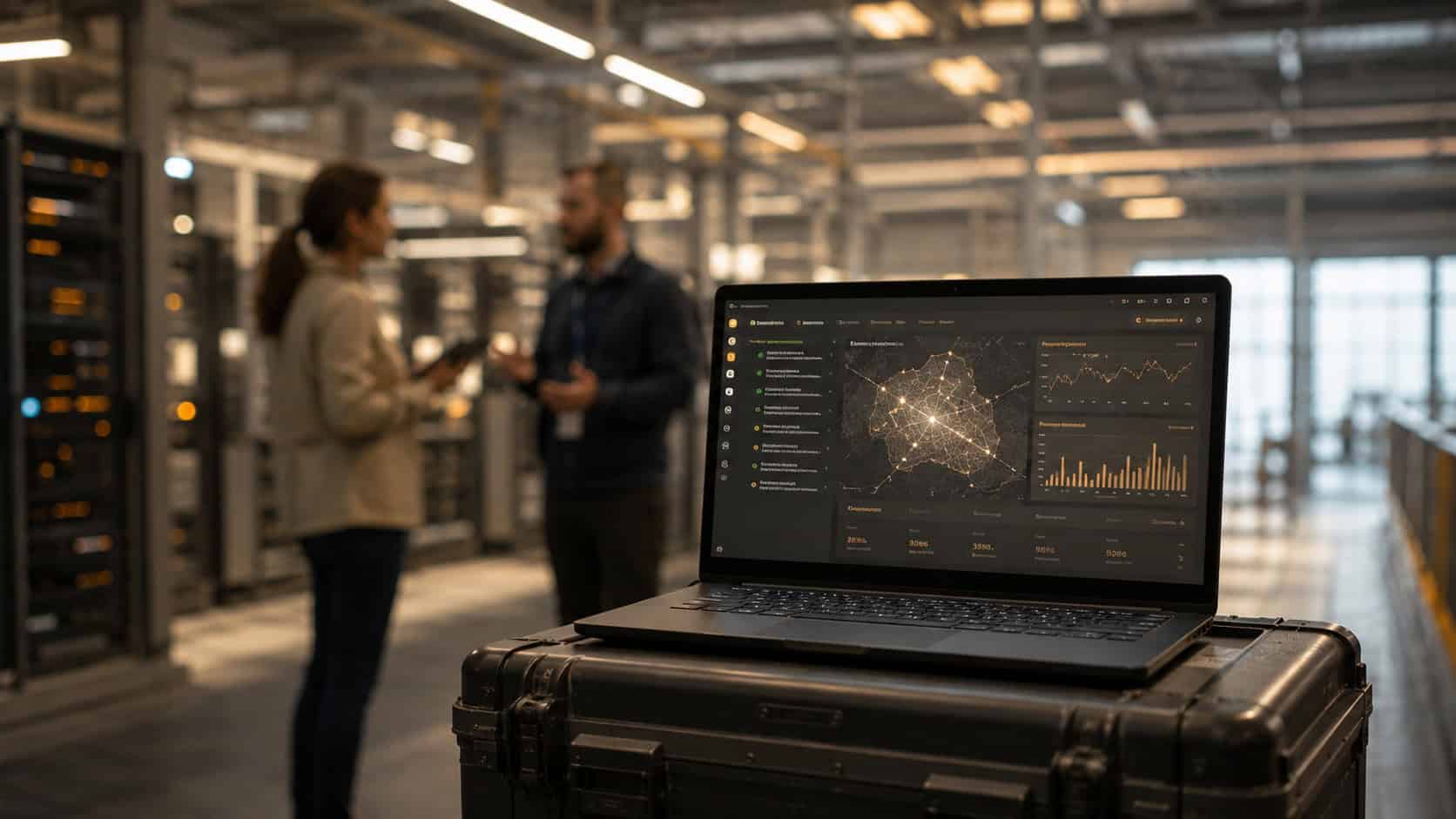
Sending PLC data to the cloud is often discussed as if it were a simple connectivity task. In real industrial environments, the process usually requires more careful planning.
PLCs are typically responsible for local machine control, process logic, safety-related coordination, and interaction with field devices. Cloud platforms, on the other hand, are more commonly used for remote monitoring, reporting, trend analysis, maintenance planning, and cross-site visibility. These two layers serve different roles, and they should not be treated as if they operate in the same way.
This is why many PLC-to-cloud architectures use an edge gateway between the factory floor and upper-layer systems. The gateway does not replace the PLC. It does not make the cloud responsible for real-time control. Instead, it provides a controlled infrastructure layer for collecting selected PLC-side data, preparing that data locally where appropriate, and forwarding it to cloud or remote monitoring systems through a secure network path.
For teams evaluating a PLC data to cloud gateway, the practical question is not only “Can this device connect to a PLC?” A better question is: “How should PLC-side data be collected, protected, organized, and delivered to the systems that need it?” A product such as Robustel EG5120 can be used as a practical reference for this gateway layer, especially where industrial teams need PLC data acquisition, local data handling, secure forwarding, and remote gateway management in one site-side device.
Why PLC Data Usually Needs a Gateway Layer Before Reaching the Cloud
A PLC is normally designed to control machines and industrial processes close to the equipment. It may exchange signals with sensors, drives, actuators, meters, HMIs, or other automation systems. In many facilities, the PLC is part of an OT network that is separated from enterprise IT systems for security, reliability, and operational continuity reasons.
Because of this, connecting PLCs directly to cloud systems is not usually the most practical starting point.
There are several reasons.
First, PLC data often needs context before it becomes useful outside the control environment. A raw register value or status bit may mean very little to a cloud dashboard unless it is mapped to a machine state, alarm condition, production counter, or maintenance indicator.
Second, not every PLC signal needs to move upstream. Some values support local control logic and should remain close to the automation system. Other values, such as selected status changes, alarms, operating hours, production counts, or energy readings, may be useful for remote monitoring or analysis.
Third, security matters. Industrial teams generally need a controlled way to move selected data out of the OT environment without exposing control systems unnecessarily. A gateway layer can help separate data forwarding from control logic, while also supporting network security measures such as VPN connectivity, firewall rules, and access control.
For these reasons, a PLC data acquisition gateway is often used not simply to “connect PLCs to the cloud,” but to create a more manageable data path between local automation systems and higher-level applications.
What PLC Data Is Commonly Collected for Remote Monitoring
Before designing a PLC-to-cloud integration workflow, it is useful to define what data should actually be collected. PLC data can support different operational goals, and each type of data may need to be handled differently.
| PLC Data Type | Common Use | Value for Cloud or Remote Monitoring |
| Machine status | Running, stopped, idle, fault | Production visibility and downtime tracking |
| Alarm signals | Faults, warnings, abnormal states | Maintenance response and historical review |
| Process values | Temperature, pressure, flow, speed | Trend analysis and operational monitoring |
| Cycle or production data | Counts, runtime, cycle status | Throughput and performance reporting |
| Energy or utility signals | Power use, meter readings, utility status | Energy monitoring and efficiency analysis |
| Maintenance indicators | Operating hours, condition flags, service-related events | Maintenance planning and asset visibility |
This distinction is important because PLC data should not be treated as one continuous stream moving in one direction.
A machine fault may need to be forwarded quickly to a remote monitoring platform. A production counter may be useful when reported periodically. A process value may be useful for long-term trend analysis but may not need to be transmitted at every scan cycle. Control-related values may remain within the local automation environment.
A practical architecture starts by identifying which PLC-side data supports monitoring, reporting, maintenance, or operational visibility, rather than assuming all PLC data should be sent to the cloud.
How an Edge Gateway Collects PLC-Side Data
An edge gateway collects PLC-side data through the interfaces and protocols supported by the deployment. The exact method depends on the PLC, the available communication interface, the protocol configuration, and the broader network design.
In some environments, PLC-side data may be available through serial communication. This is common in legacy systems or Modbus RTU environments. In other environments, data may be available through Ethernet-based communication, depending on the controller and supported protocol. In simpler monitoring scenarios, digital input signals may also be used to capture selected status changes or discrete events.
The key point is that physical connectivity and data usability are not the same thing.
A gateway may be physically connected to a PLC-side system, but the data still needs to be collected through a supported protocol or application workflow. For example, Modbus RTU data may need to be converted or bridged into an IP-based environment before it can be used by upper-layer systems. In other cases, a local application may be needed to read, parse, map, or reformat the data before it is forwarded upstream.
This is why phrases like “connect PLC data to the cloud” can oversimplify the real engineering work. A gateway does not automatically read every PLC tag from every controller. It must be matched to the interfaces, protocols, software stack, and data requirements of the specific project.
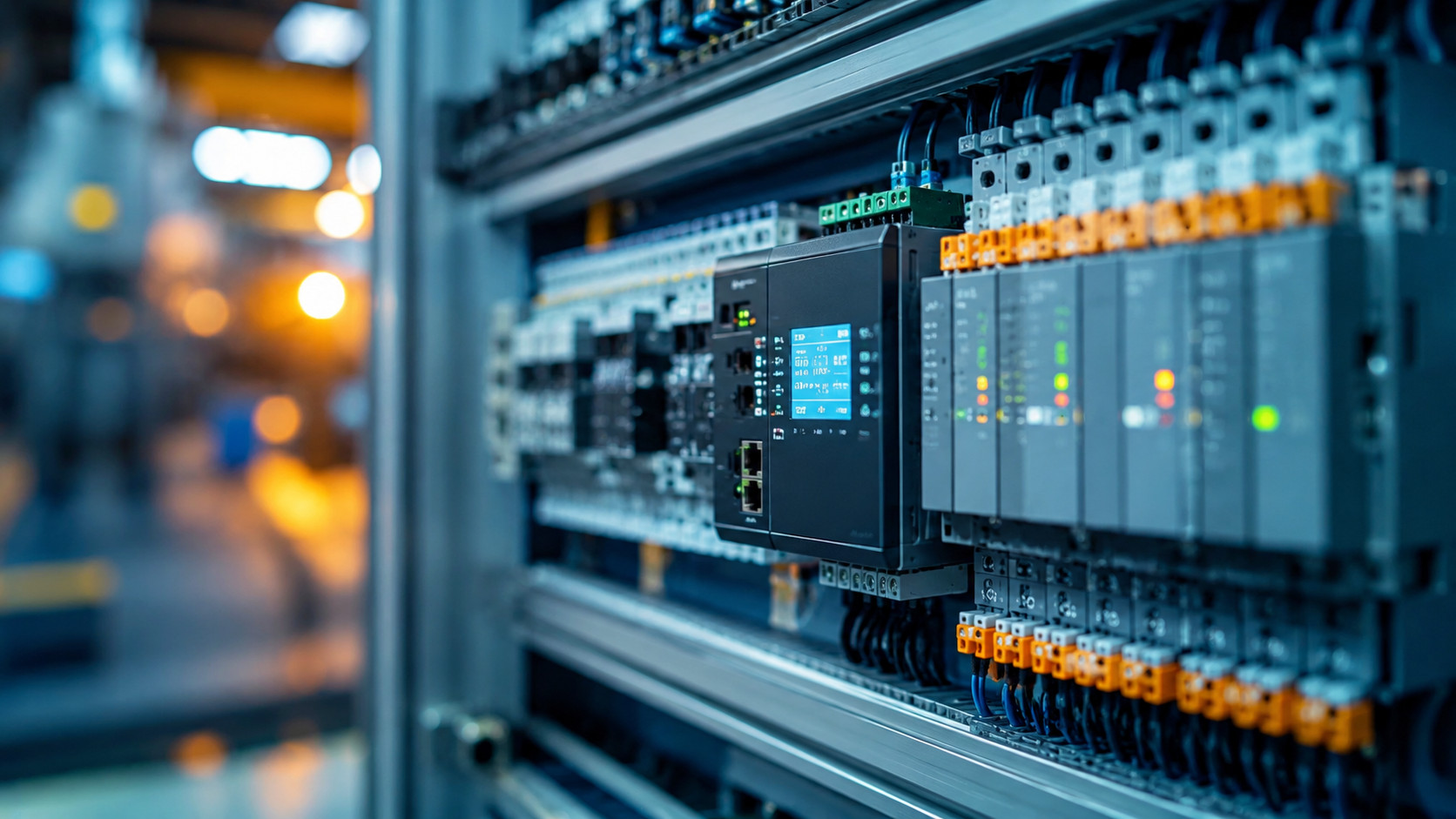
A Practical PLC-to-Cloud Data Flow
A typical PLC-to-cloud workflow can be understood as a sequence of steps. The details may vary by PLC, gateway configuration, protocol, and cloud platform, but the general data path often follows a similar pattern.
| Step | What Happens | Why It Matters |
| 1. Data is generated | The PLC or connected automation system produces status, alarm, process, or production data | Defines what information is actually available |
| 2. Data is collected | The gateway collects supported PLC-side data through serial, Ethernet, I/O, or an application layer | Creates a controlled bridge between OT systems and upper-layer systems |
| 3. Data is prepared locally | Data may be mapped, filtered, buffered, converted, or formatted | Helps reduce noise and make data usable for monitoring systems |
| 4. Data is transmitted securely | Selected data is forwarded through a wired or cellular network path | Supports remote access or cloud connectivity while keeping security controls in place |
| 5. Data is used upstream | Cloud or remote monitoring systems use the data for dashboards, reports, alerts, analytics, or maintenance planning | Turns PLC-side signals into operational visibility |
In practice, this workflow may look like this:
PLC or Modbus-enabled device → supported serial or Ethernet interface → gateway-side collection or application layer → local parsing, filtering, or buffering → secure forwarding path → cloud, enterprise, or remote monitoring system
This flow shows why the gateway is not just a network pass-through device. It often becomes part of the data handling layer. Its role may include interface bridging, local data preparation, secure communication, and remote device management.
For remote monitoring projects, this can be especially useful when teams need selected machine or process information without changing the PLC control logic or exposing the PLC directly to external networks.
What Should Be Sent to the Cloud and What Should Stay Local?
A reliable PLC-to-cloud architecture does not require every signal to be sent upstream.
Some data is better kept close to the PLC or local automation system. This usually includes control logic, fast machine interlocks, and values that support immediate machine operation. These workloads are closely tied to the physical process and are not usually suitable for cloud-based decision-making.
Other data may be more useful when shared with cloud or remote monitoring systems. This can include alarms, operating status, production counters, energy readings, operating hours, maintenance indicators, and selected process values. These data points help maintenance teams, plant managers, or remote service teams understand equipment behavior without needing direct access to the control layer.
A practical data selection process may look at several questions:
- Does this signal support local control, remote monitoring, or both?
- Does the data change frequently, or only when an event occurs?
- Is every value useful, or are exceptions and summaries more valuable?
- Does the data need to be stored for long-term analysis?
- Would transmitting this data continuously create unnecessary bandwidth or storage load?
- Does this data contain sensitive operational information that requires additional protection?
This trade-off is central to PLC data collection. Cloud systems can be valuable for visibility and analysis, but they do not need to receive every PLC-side signal continuously. In many deployments, selected and well-structured data is more useful than a large volume of raw values without context.
Security Considerations When Sending PLC Data to the Cloud
Security is one of the most important considerations in PLC-to-cloud integration.
In many industrial environments, PLCs should not be exposed directly to the public internet. They are part of the control environment, and their primary role is to operate machines or processes safely and reliably. Remote monitoring should be designed in a way that respects this boundary.
An edge gateway can help create a controlled separation between PLC-side systems and external or upper-layer systems. Instead of allowing cloud platforms to interact directly with PLCs, the gateway can collect selected data and forward it through a managed communication path.
Several security considerations are usually important:
- Keep PLC control logic separated from remote monitoring workflows
- Use VPN or secure network paths where remote connectivity is required
- Apply firewall rules and access control to limit unnecessary exposure
- Avoid sending more PLC data than the monitoring use case requires
- Define who can access gateway configuration and remote management tools
- Maintain gateway firmware, applications, credentials, and user permissions over time
- Consider OT network segmentation when designing the data path
Security is not created by the gateway alone. It depends on configuration, network architecture, access policies, and ongoing maintenance. However, a gateway layer can make it easier to design a controlled data path than connecting control devices directly to external systems.
Where Robustel EG5120 Fits in PLC Data Collection Workflows
In PLC data collection workflows, an industrial edge gateway such as the Robustel EG5120 can serve as a field-side infrastructure layer for supported serial and Ethernet equipment, secure data forwarding, local applications, and remote management.
The EG5120 is not a universal PLC connector, and the correct integration method depends on the PLC, protocol, software stack, and project design. However, several EG5120 capabilities are relevant when teams need to collect PLC-side or Modbus device data and move selected information toward cloud or remote monitoring systems.
| PLC Data Collection Requirement | Relevant EG5120 Capability |
| Connecting serial-connected PLC-side equipment or Modbus devices | 2 x RS-232/RS-485 software-configurable serial ports |
| Moving Modbus serial data into IP-based environments | Modbus RTU to TCP support |
| Connecting to factory Ethernet networks | 2 x RJ45 10/100/1000 Mbps Ethernet ports, configurable as LAN or WAN |
| Monitoring selected discrete signals | 2 x DI and 2 x DO wet contact interfaces |
| Supporting cellular remote access or backup connectivity | 5G, 4G/LTE, 3G, and 2G cellular support with dual Mini SIM |
| Securing remote communication | VPN tunnel options, firewall functions, access control, and port mapping |
| Managing gateway deployments | RCMS, Web, CLI, and SMS remote management |
| Supporting local applications | RobustOS Pro, Debian-based environment, and SDK support for C, C++, Python, Java, Node.js, and related application development |
| Deploying in industrial environments | Metal housing, 9–60 VDC input, DIN rail, wall, or desktop installation, and -40 to +70°C operating temperature |
In application-specific deployments, the EG5120 may also support different software-based workflows. For example, some projects may use local applications to collect Modbus data, parse it, and forward selected values through MQTT-based workflows. Other projects may use edge software such as Ignition Edge or AWS IoT SiteWise Edge, depending on the integration requirements and software configuration.
These examples should be understood as implementation patterns, not automatic default behavior. The final architecture depends on the PLC environment, cloud system, network design, security requirements, and software stack selected for the project.
For readers who want a quick product-level overview of Robustel’s EG Series and how this type of industrial edge gateway is positioned for edge connectivity, local applications, and remote management, this short quick pitch video below can provide additional context.
Closing Perspective
Edge gateways play an important role in PLC-to-cloud integration because PLC data does not usually become cloud-ready by itself.
In real industrial automation environments, PLC-side data must be collected through supported interfaces, interpreted through the right protocol or application layer, prepared for use, and forwarded through a secure communication path. At the same time, control logic and time-sensitive automation tasks usually remain close to the PLC and local equipment.
The value of an edge gateway is therefore not that it makes every PLC directly cloud-connected. Its value lies in helping create a controlled and maintainable data path between the factory floor and the systems that need selected operational information.
For PLC remote monitoring and industrial IoT data flow, the most practical architecture is often one that respects both sides of the system: local automation remains protected and operational, while selected PLC-side data becomes available for monitoring, reporting, maintenance planning, and broader operational visibility.
In this context, a gateway such as Robustel EG5120 can support the site-side PLC-to-cloud data path by helping collect selected PLC-side values, prepare data locally where configured, and forward useful information toward cloud or remote monitoring systems. It should still be deployed within a clear architecture that protects PLC control functions, OT network boundaries, access permissions, and long-term device management.
Foire aux questions
Q1: How can PLC data be sent to the cloud securely?
PLC data is usually sent to the cloud through a controlled gateway layer rather than by exposing the PLC directly to the internet. The gateway collects selected PLC-side data, applies local handling where needed, and forwards it through a secured network path. A gateway such as Robustel EG5120 can support this PLC-to-cloud data path where the project requires industrial connectivity, secure forwarding, and remote gateway management. VPNs, firewalls, access control, user permissions, and OT network segmentation should all be considered as part of the architecture.
Q2: Should a PLC connect directly to the cloud?
In most industrial environments, direct PLC-to-cloud exposure is not the preferred approach. PLCs normally support local control tasks and should remain protected within the OT environment. A gateway or integration layer can collect selected monitoring data and forward it upstream while keeping control logic closer to the machine, process, or automation system.
Q3: How does an edge gateway collect PLC data?
An edge gateway collects PLC-side data through supported interfaces and protocols, such as serial, Ethernet, digital I/O, or configured application workflows. The exact method depends on the PLC, available communication interface, protocol support, and project design. In some cases, data may need to be mapped, filtered, converted, buffered, or formatted before it can be used by cloud or remote monitoring systems.
Q4: What PLC data is useful for remote monitoring?
Useful PLC data often includes machine status, alarms, process values, production counts, runtime, energy readings, and maintenance-related indicators. Not every PLC signal needs to be sent upstream. Many remote monitoring projects focus on data that helps identify downtime, abnormal conditions, equipment usage, maintenance needs, or production trends without interfering with local control logic.
Q5: What should teams consider when choosing a PLC data acquisition gateway?
Teams should review available PLC interfaces, supported protocols, security requirements, network conditions, local processing needs, cloud integration method, and long-term device management. It is also important to confirm whether the gateway supports the specific PLC-side data workflow required by the project. A product such as Robustel EG5120 can be considered where teams need an industrial edge gateway for PLC data acquisition, local preparation, secure cloud forwarding, and remote management. The gateway should fit the actual automation environment, not just the desired cloud platform.
À propos de l'auteur
Robert Liao | Technical Support Engineer
Robert is an IoT Technical Support Engineer at Robustel, specializing in industrial networking and edge connectivity. A certified Networking Engineer, Robert focuses on the deployment and troubleshooting of large-scale IIoT infrastructures. His work centers on architecting reliable, scalable system performance for complex industrial applications, bridging the gap between field hardware and cloud-side data management.